When programmer is ready and connected to the interface you can start the software.
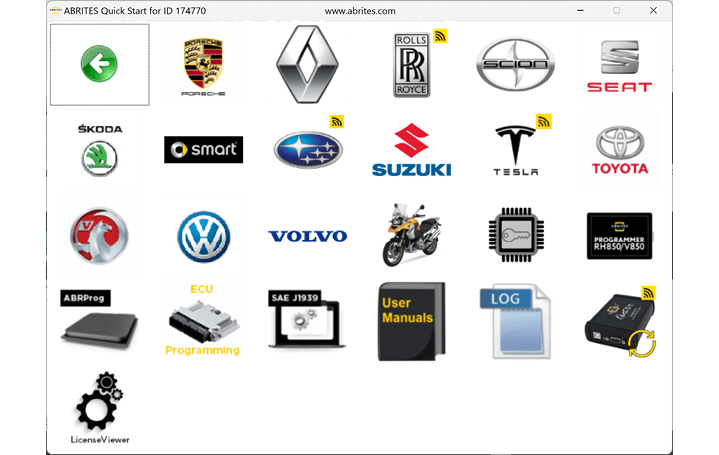
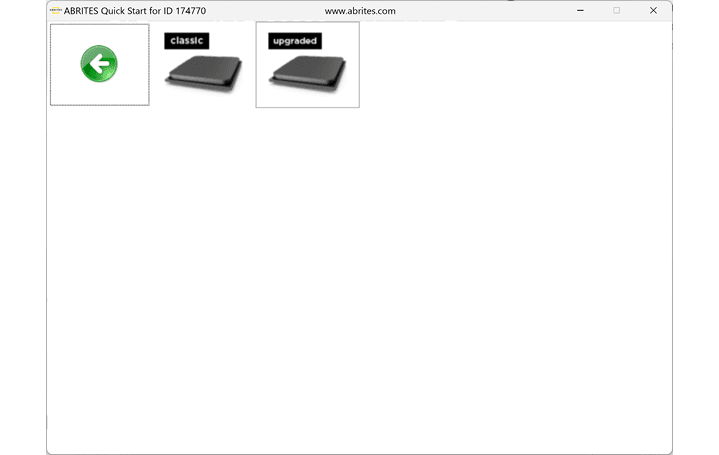
When the programmer (ZN130) is connected to the AVDI you can start the software by selecting ABProg > Upgraded
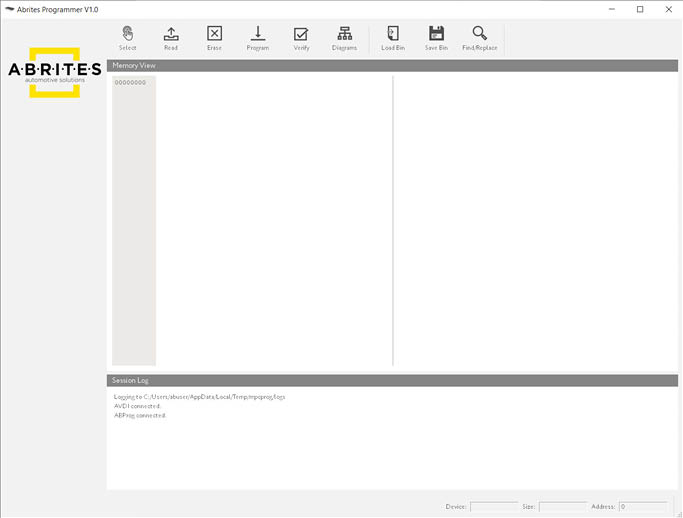
This is the main screen of the software
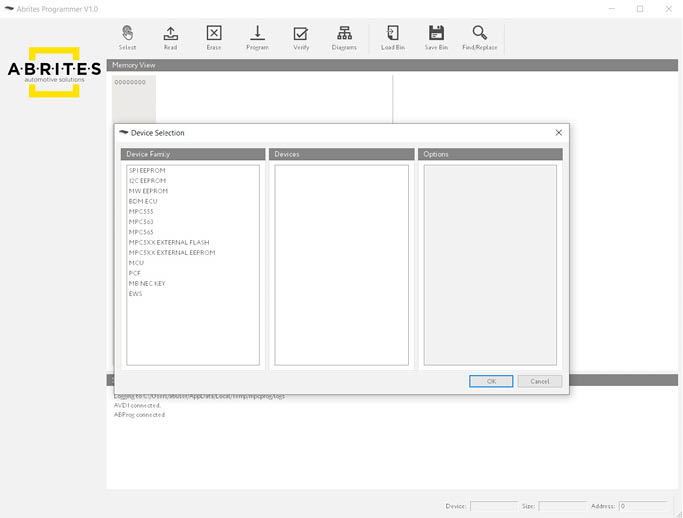
The “Select” option will open the list with all supported devices:
The “Read” option will read the memory of the selected device.
The “Erase” option will erase the memory of the selected device.
The “Program” option will program the selected device using the data from the hex editor.
The “Verify” option will compare the memory of the selected device with the contents of the hex editor.
The “Diagrams” option will show a wiring connection diagram(if available) for the selected device.
The “Load” option allows the user to load a binary file in the hex editor.
The “Save” option allows the user to save to contents of the hex editor to a binary file.
The “Find/Replace” option will search for hex/UTF-8 pattern in the contents of the hex editor.