Our new development lets you exchange MD/MG Electronic Control Units in BMW G-series vehicles. To be able to do that, you need to have the configuration data (DFlash) of both the original and the replacement unit.
Note: You are able to read the configuration data (DFlash) of MD/MG units with the Engine Control Unit Programming software and the EP003 license, and with the dedicated cable set for working on bench - CB023 – BMW MD/MG ECU Connection Cable, and the ZN151 DS Box.
Once the configuration data (DFlash) is available on your computer and the replacement unit is installed in the vehicle, you can start the procedure in the BMW Online software > Keys and Start synchronization menu > EWS Parts Adaptation > DME Exchange. The procedure is guided, there are on-screen messages which give you all the details, you just need to follow the software guidelines.
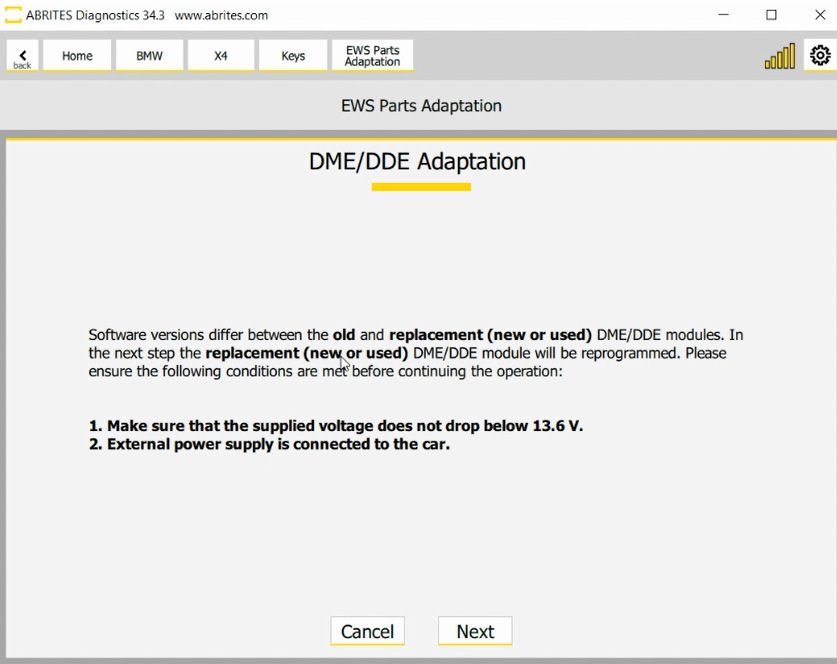
It is recommended that you provide 13.6 V power supply to the vehicle while the procedure is being executed.
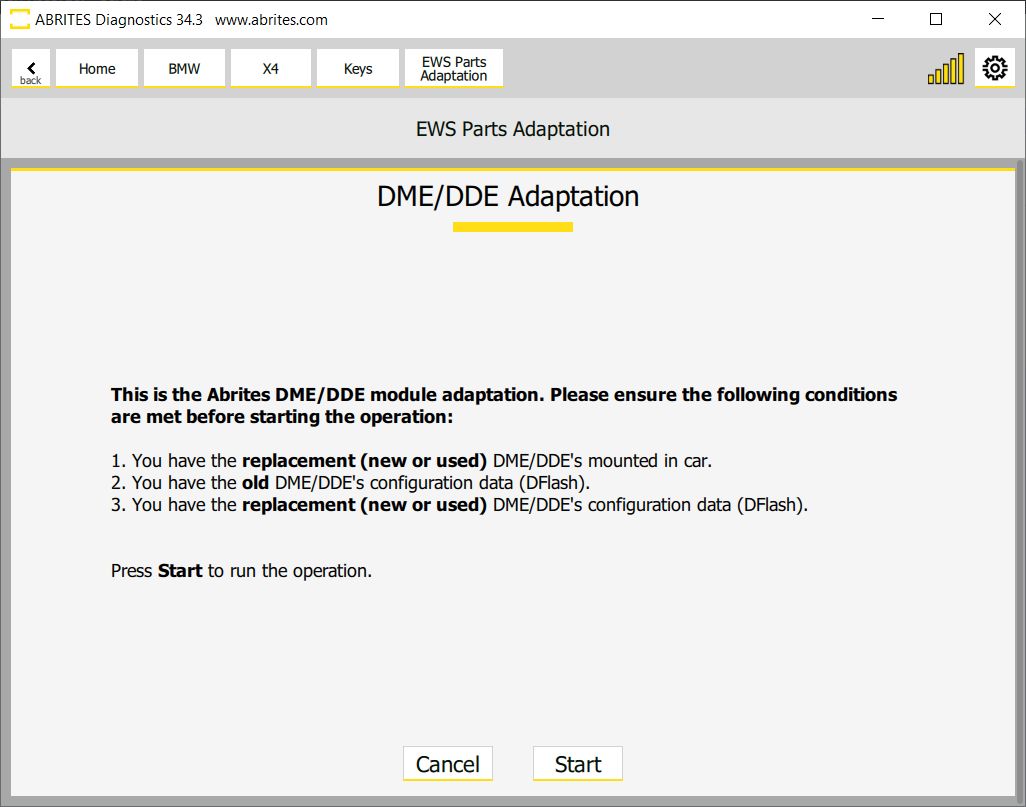
Here are the steps how the procedure is executed:
- You need to have the configuration data (DFlash) of the original and the replacement ECU
- Install the replacement ECU in the vehicle Open the BMW Online software > Keys & Start synchronization > DME Exchange
- Start the procedure and follow the on-screen messages, which ask you to provide the DFlash of the original (old) unit first, and than the DFlash of the replacement (new or used) unit
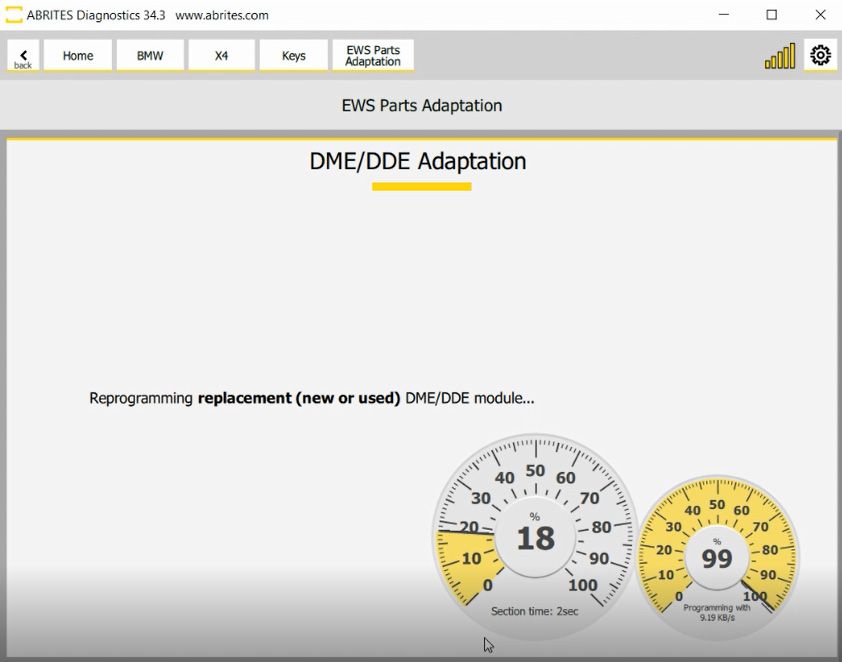
- The procedure will continue, asking you to make sure the power supply of the vehicle does not drop below 13.6V , and when you click next the procedure will take around 5 minutes to complete.
Important notes
-
Follow the on-screen messages rather than this page. The procedure is guided and the software gives you all the detail as it goes.
-
The order matters: old unit's DFlash first, replacement second.