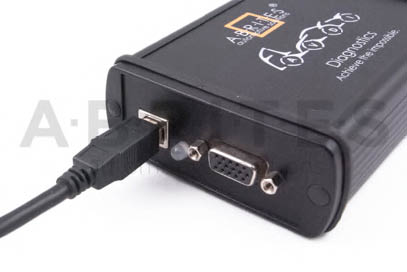
Connect the USB cable from the AVDI package to the interface.
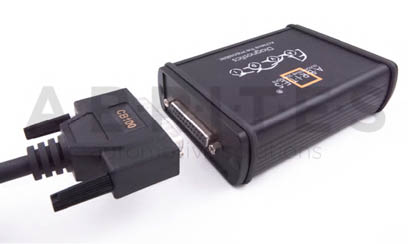
Connect one of your diagnostic cables (OBDII, Deutsch etc.) to the interface
Connect the main USB connector(CB104) to your PC
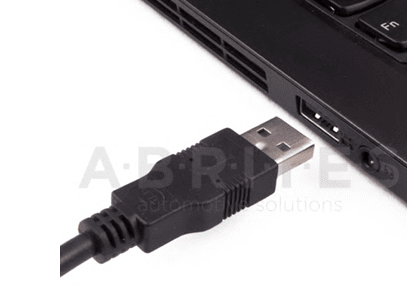
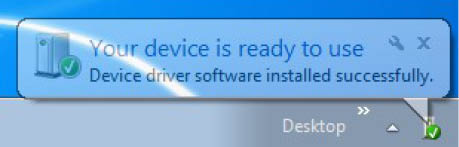
If you are connecting the interface to your USB port for the first time wait until Windows notifies you that the drivers are installed successfully. Please, take into account that if you reconnect the interface to another USB port of your PC for the first time you might need to wait again until Windows confirms your successful installation.
You are ready to run some of the diagnostics.
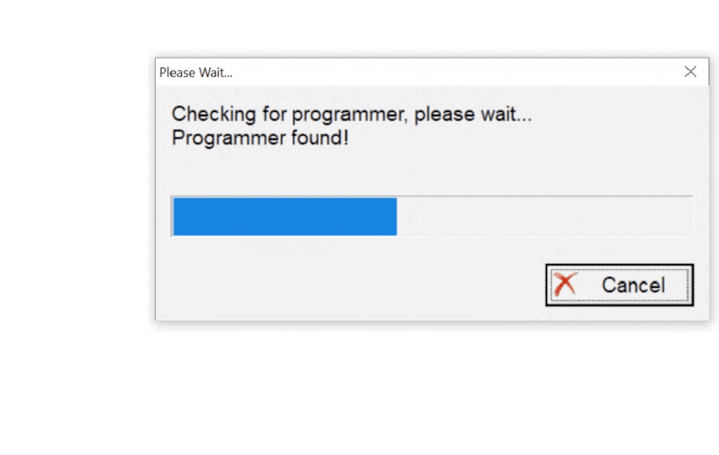
When you start a diagnostics you should see this:
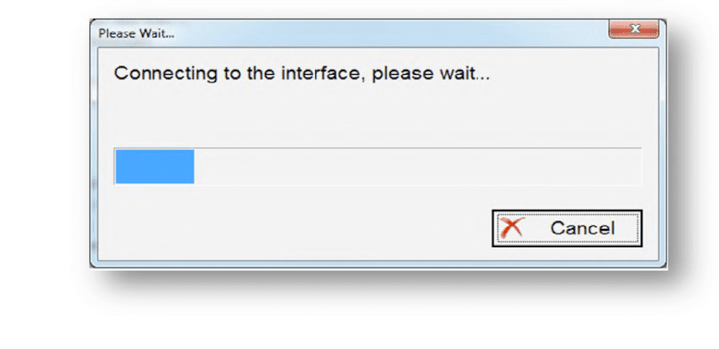
This means that the connection to the interface is OK:
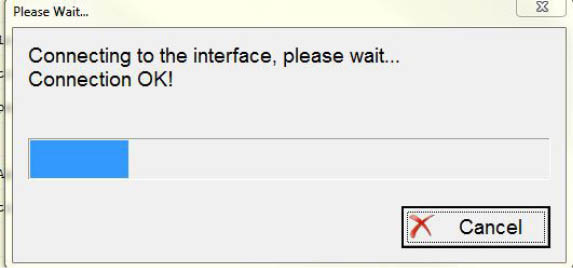
The software checks for connected
PROTAG programmer
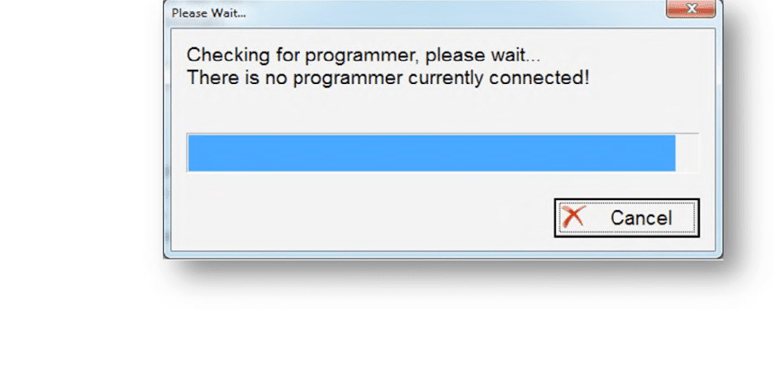
If you HAVE connected the PROTAG programmer you should see this message that the PROTAG programmer is successfully recognized and you can start working: