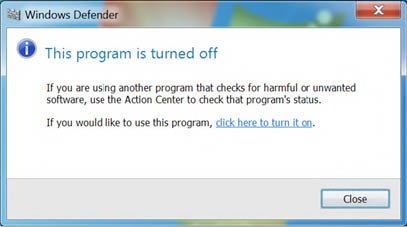
HOW TO DISABLE WINDOWS DEFENDER IN WINDOWS 10
If ever during installation you come across any issues with Windows defender and Smart screen we advise you to start the Windows Defender:
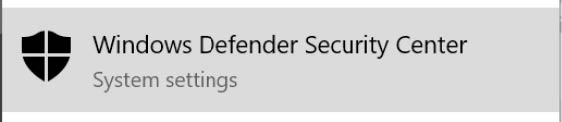
Go to the Smart screen options(type “app & browser control” in the search menu) and disable the blocking:
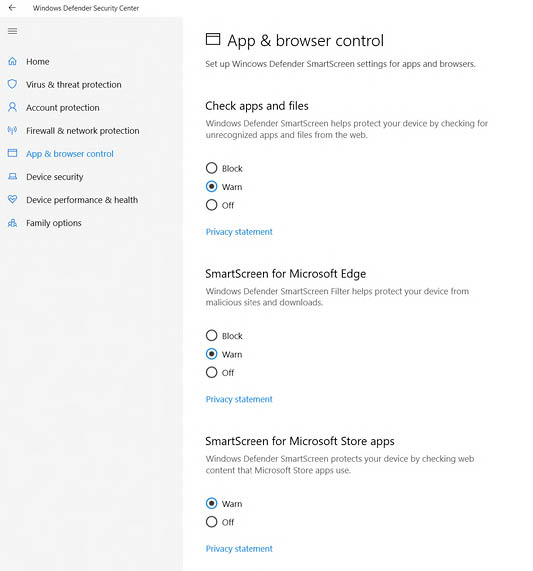
After reinstalling make sure to turn it back on in case real harm occurs.
Read more here
HOW TO DISABLE WINDOWS DEFENDER IN Windows 7
Type “Windows defender” in the search menu
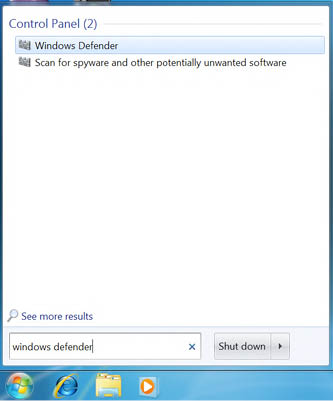
Select “Tools” followed by “Options”
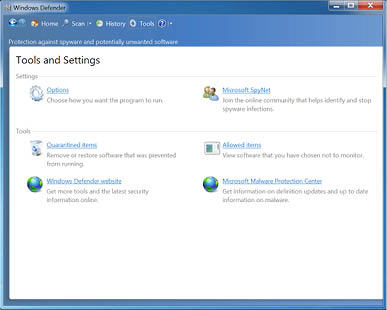
After reinstalling make sure to turn it back on in case real harm occurs
Select “Administrator and uncheck “Use this program” followed by “Save”
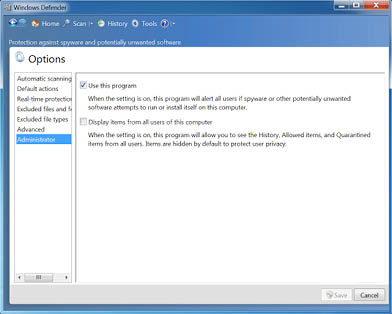
After reinstalling make sure to turn it back on in case real harm occurs. Please type once again
“Windows defender” in the search menu and click “click here to turn it on”