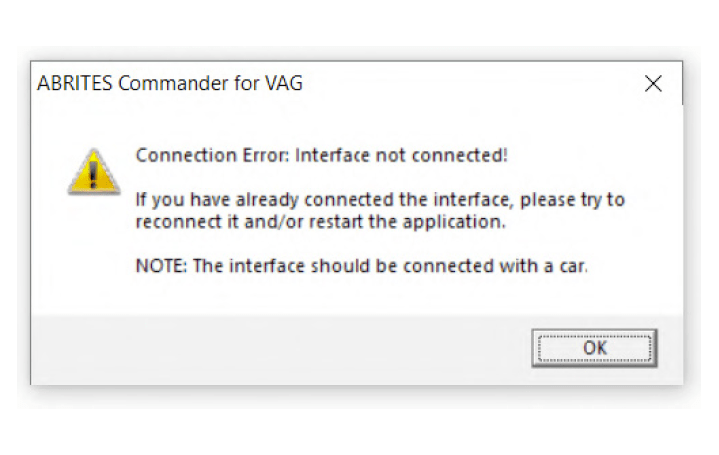
This error means that your Interface is not recognized. You will need to perform some troubleshooting steps before sending the Interface for repair:
-
Make sure the software is properly installed and LED light of your Interface lights up.
-
Remove all Abrites software and reinstall it from the latest links.
-
Install the latest FTDI drivers: http://www.ftdichip.com/Drivers/VCP.htm
Next to “Windows*” you will find a setup executable which should be downloaded and then installed on your PC.
-
Disable all anti-virus programs.
-
Try with another USB cable provided by Abrites if available(your PROTAG uses the same USB cable as your AVDI Interface).
-
Try on a different PC.
If that does not resolve the issue your Interface has to be repaired. Please contact us at the following e-mail address: support@abrites.com