Starting the software, and what key learning covers
Starting it
- It is installed together with the rest of the Abrites diagnostic software applications, as part of the Abrites diagnostic suite provided to the user via e-mail.
- There is no separate installer for it.
- Start it by clicking its icon in the Abrites "Quick start" menu.
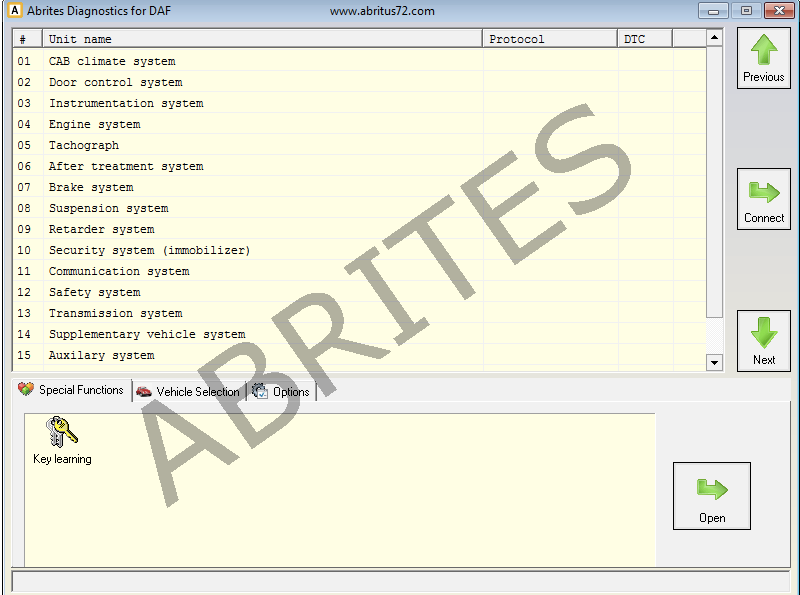
Once the DAF icon is selected the software will start and you will see the following screen:
What the software covers
The ABRITES Diagnostics for DAF is designed for vehicles from the DAF Motors group.
Key learning
| Method | Key learning by OBDII |
| PIN code | Not needed |
| Supported models | 2002 to 2008 |
The advanced diagnostic features include the option for key learning, allowing keys to be learned to the DAF trucks in the range above.