The main screen, and opening a session with a unit
Required equipment
- Abrites AVDI interface, connected to the vehicle
Step-by-step procedure
1. Start the software
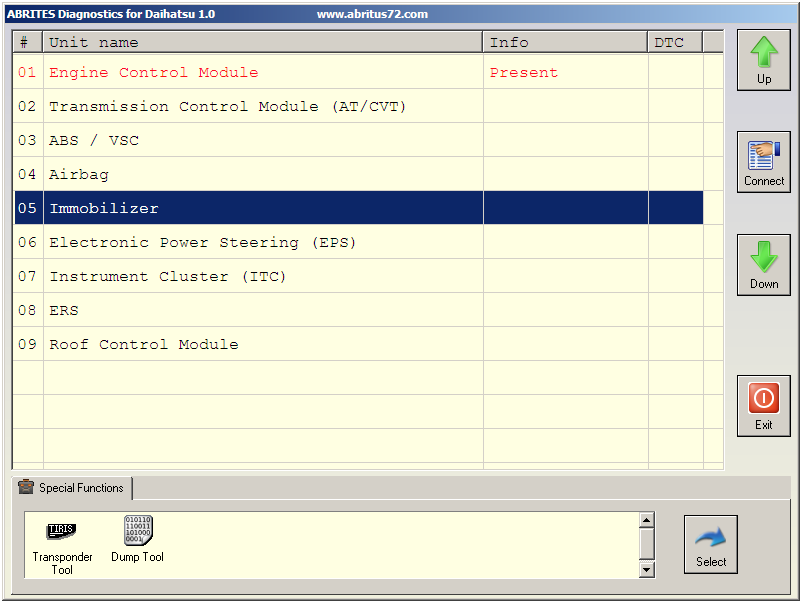
You can start Abrites Diagnostics for Daihatsu by starting the Abrites Quick Start application and selecting Daihatsu. When the diagnostic application is started the main screen of the application will appear - picture 1.
2. The main screen
The screen is divided in two parts:
- the upper part, where all electronic control units assembled in Daihatsu vehicles are listed;
- the lower part, where the additional special functionalities available in your diagnostic software are listed.
3. Open a session with a unit
By double-clicking on the desired electronic control unit you can establish a diagnostic session with the corresponding control unit.
Once a unit is selected in the list, you can move the selection up and down in the list with the arrow buttons. The connect button will establish a diagnostic session with the currently selected electronic control unit.