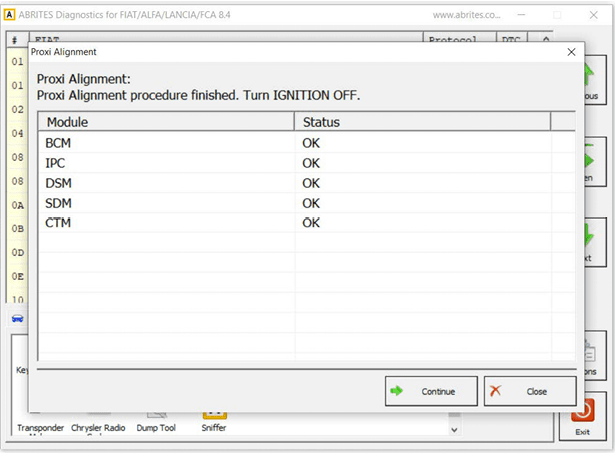
The Abrites Diagnostics for FCA allows you to perform Proxi alignment to both passenger and commercial FCA vehicles both on bench and inside the vehicle. Proxi alignment represents the process of the general configuration of the BCM (Body Control Module) of FCA vehicles. It is used to perform seamless replacement of modules related to the BCM as well as configuration of the behavior of the vehicle, what features it has, add and remove options and modules (retrofit) and literally “Align” the configuration from said vehicle in a simple and easy manner.
It is important to know that the IPC (Instrument Panel Cluster) module also contains the configuration. Here are some of the modules related to the Proxi alignment: BCM – Body Control Module, IPC – Instrument Cluster Panel, DSM – Display Screen Module, SDM – Sliding Door Modules (left and right), CTM – Convergence Telematic Computer and many others.
NB! The fact that the IPC contains the Proxi alignment data is important because it makes it possible to replace and align a BCM module also.
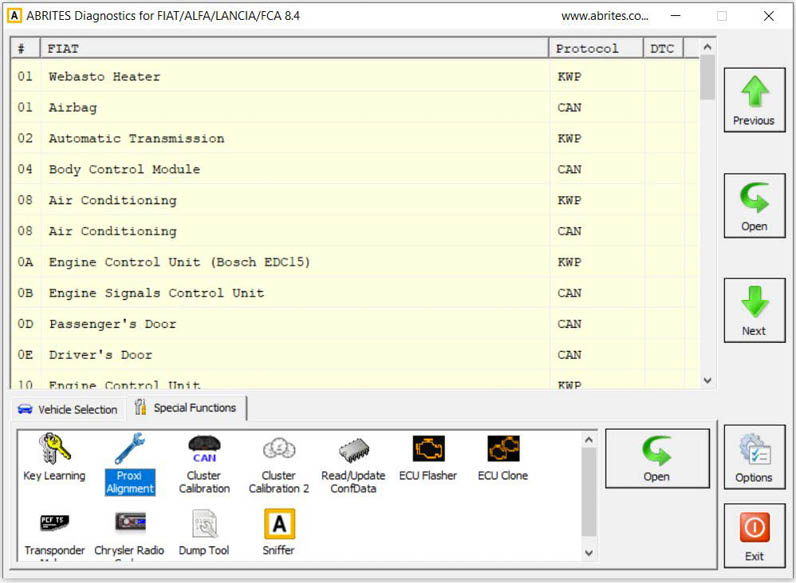
Start by opening the Proxi alignment feature in the Abrites diagnostics for FCA
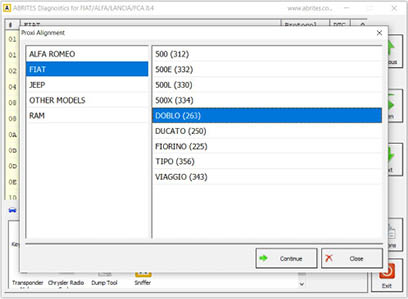
Select the vehicle model from the list
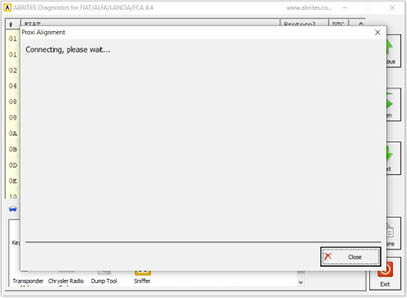
The Abrites Diagnostics for FCA will then connect to the vehicle (or BCM if you are working on a bench)
Follow the instructions for ignition ON when working inside the vehicle.
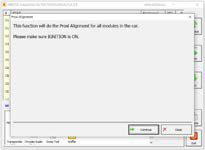
Then you will have two options BCM alignment or IPC. The BCM option is the standard way to move forward. Use the IPC option when replacing the BCM with a new one
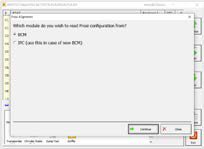
At this time the software will read the proxi alignment configuration and display it on the screen.
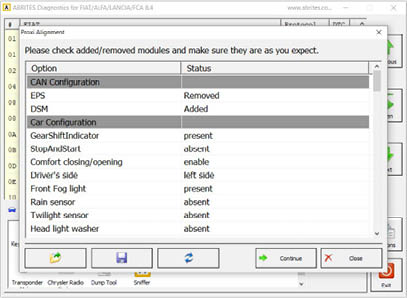
Once the Proxi alignment configuration is displayed you can modify the Proxi alignment according to your needs. To the left of the screen you can see the option list while to right side of the screen you can see the status of the option in the current configuration. The options here may vary according to the needs of the vehicle. It can be a simple “present” or “absent” or it can provide additional configuration, for example the sliding door can be changed from the left hand side of the vehicle to the right hand side if you are using a BCM from a LHD car on a RHD car and so on, certain features can be enabled or disabled, and even modules participating in the Proxi alignment can be removed or added to a vehicle in accordance to your particular needs. Once you click on the status of the option on the right hand side you will have a drop down menu which will allow you to modify it with a mouse click
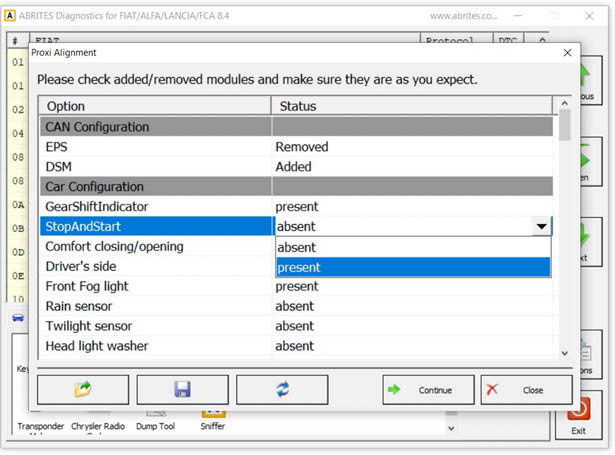
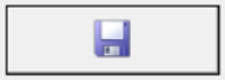
Once you are done with the configuration as you need it you can save the configuration to a file on your computer which you can later load using the SAVE and FILE icons in the bottom left.
You can, of course save the original file or the modified one as well.
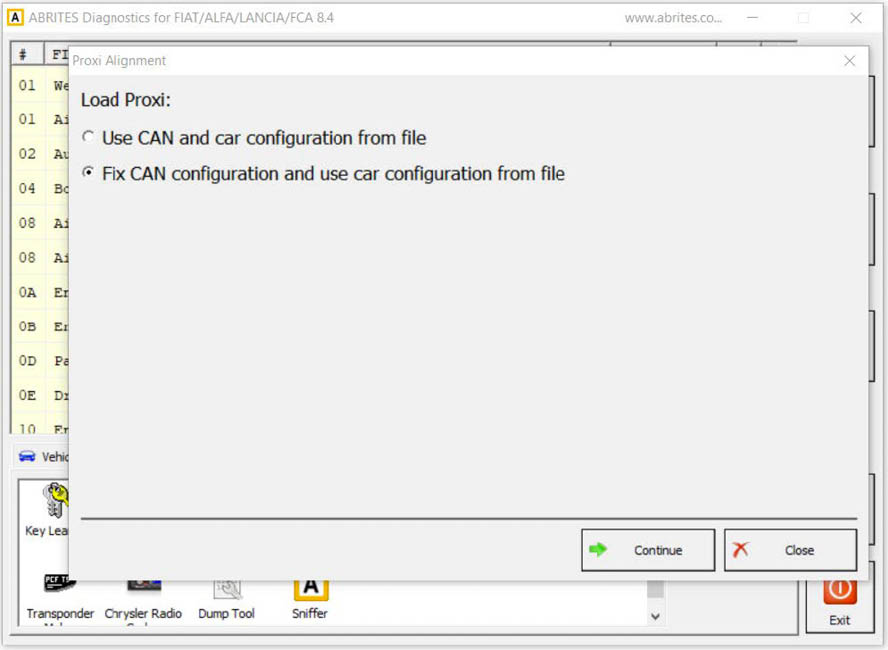
Loading the Proxi alignment configuration file has two options which are used in two different situations:
-
When the BCM is on bench and you power it up it will not “see” the other modules. Thus you can perform the configuration on a bench. This, however means that the BCM will be configured but it will not know that there are other modules related to proxi alignment in the car. For this case and other testing and development purposes you can select the “Use CAN and configuration from file.
-
When working on the vehicle this is not an issue and as you can see the default option is to “FIX” configuration from file. As it is the default option we suggest you use this as this will assist with the alignment.
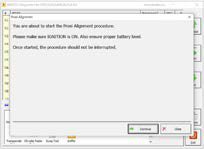
The next screen will prepare the car for programming of the Proxi alignment, make sure that the precautions on the screen are taken
The progress of the alignment is displayed on the screen, the modules currently being
“aligned” are on the left side, while the status of the alignment is on the right
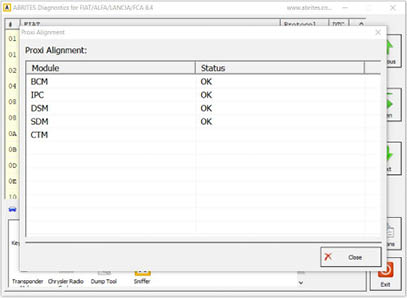
At the end of the procedure you can turn the ignition off and back on to test if everything went as expected