This procedure will add keys to the PATS system memory.
Keys already known to the PATS system will not be erased.
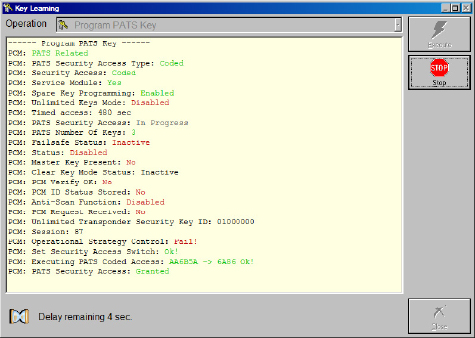
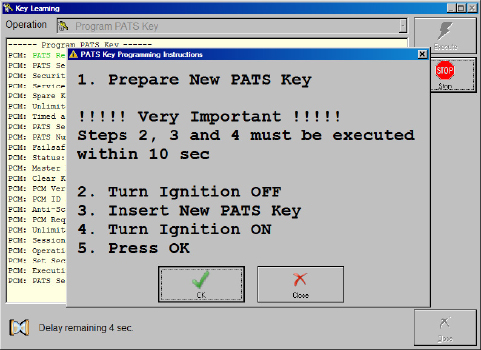
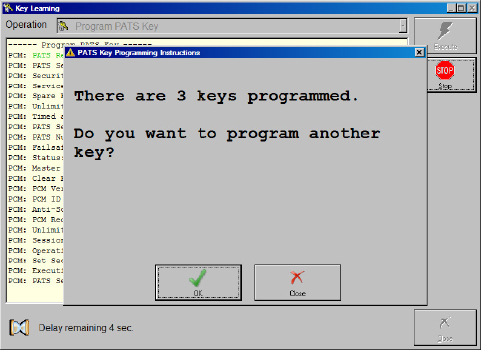
Note: The steps to make keys when the alarm is on are as follows:
- Open the car - the alarm will go off (start 15 minutes countdown)
- Open all car doors
- Counting down on 12th minute the alarm will stop, the hazard lights will continue blinking
- Wait for the hazard lights to stop blinking and this is another 3 minutes- we have 9 minutes left
- Wait 9 minutes more and as soon as you hear the double “Beep” sound, you have 1 minute timeframe to program new keys. (You program the keys between the 15th and 16th minute.)
Should the 16 minutes pass and you’re still not ready, the alarm will go off again and the same method should be applied.
8.4.1 Key learning for Mazda CX-30 / Mazda 3 2019+
Using the latest MZ001 special function for Mazda you can easily program keys for the Mazda CX-30/ Mazda 3 models, produced after 2019. This function requires no additional hardware other than your AVDI and a valid AMS.
The procedure is simple and the only specific is that it requires seven minutes of waiting time in the beginning to read the BCM. Please do not disconnect the AVDI and have a steady power supply of 12V going to the vehicle’s battery during this time. The function programs the key completely during this operation, starting the vehicle, remote and keyless (if available) are included.
- Select the model you are working with
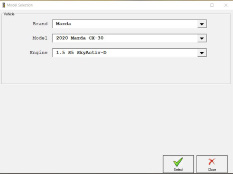
NB! In the cases of all keys lost it is always a good idea to delete previous keys before starting the key programming, this can be done by selecting the “Delete all keys (smart or mechanical)” option. Make sure to remove all keys from the car (at least 2 meters or 6ft.) before erasing.
- Once you have selected the key learning menu and you have chosen the model of the car you will be working with make sure to press the “Execute” button and then the software will lead you the rest of the way. In the beginning you will see that the software will start calculating the security key to access the BCM. This is where you need to wait 7 minutes.
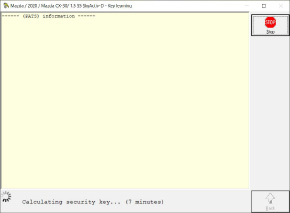
-
Once the access is granted you will here two or three distinct beeping sounds.
-
Follow the on-screen instructions closely and you will be able to program keys.
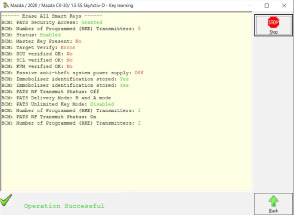
8.4.2 Key programming for 2021+ vehicles
The key programming procedure for 2021+ vehicles offers two execution paths:
Once you start the key programming procedure, the software prompts you to either enter the incode calculated from the software-generated outcode (if possible) or use the ZN085 – RH850/V850 programmer to read the vehicle’s BCM on bench to complete the key programming process.
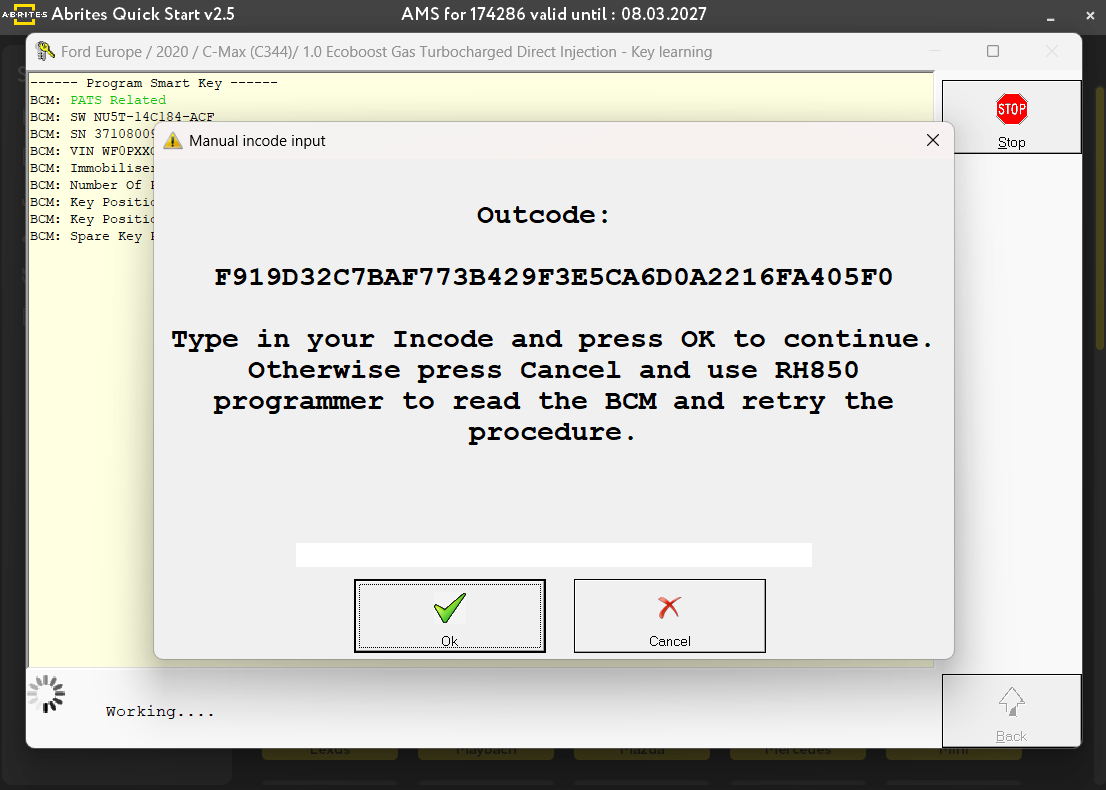
The supported vehicles are the ones listed below:
- F150 2021+
- Ford Maverick 2023+
- Ford Mustang Mach-e 2021+
- Ford Transit 2021+
- Models equipped with RH850 (1573) processors in the BCM