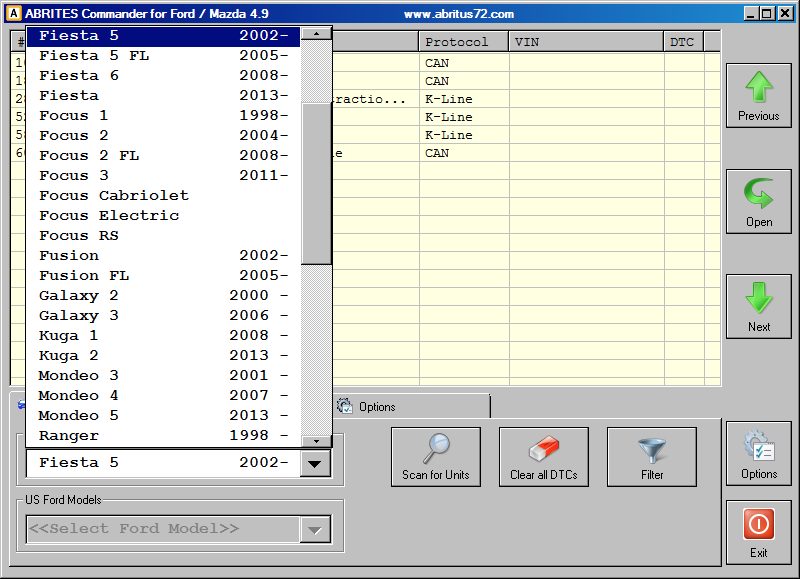
By default, when ABRITES diagnostics for Ford/Mazda is started in the main list all available electronic control units are displayed. You can reduce the number of displayed units by specifying the vehicle context. To change the vehicle context select a desired model.
3. Scanning for ECUs
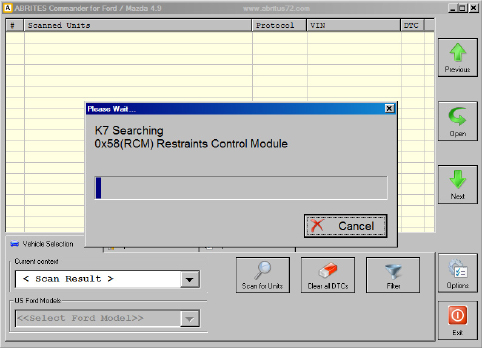
The device scanning function is helpful when you want to perform a quick DTC check of all available device units in a vehicle. When you click on the “Scan all” button on the main screen, a progress window will appear. The behavior of the scanning can be changed by the “Device Scanning” option in the “Options” tab.
4.Options
The Abrites diagnostics for Ford/Mazda is a diagnostic software application, used together with AVDI (Abrites Vehicle Diangnostics Interface), that allows the user to perform standard and advanced diagnostics for Ford and Mazda vehicles.
Standard diagnostics include functions such as reading, identification and clearing of diagnostic trouble codes, module identification, extended module identification, service interval reset, actuator tests and many others.
The above described functions are standard features of the Abrites diagnostics for Ford/Mazda. They allow the user to determine the cause of an issue as well as provide assistance in repairing problems with the vehicles.
The advanced diagnostic functionality of the Abrites diagnostics for Ford/Mazda allows the user to perform key learning, module exchange and cluster calibration using new and used parts in a quick and comprehensible manner. The list of supported models is constantly being updated and currently includes almost every model.
The software is quick, easy and agile, and by being such it manages to exceed the user’s expectations and provide a diagnostic level higher than the main dealer tools every time.