Once you have installed the Abrites diagnostics for Honda on your computer (This is usually done together with all the Abrites software from the links you have received on your e-mail address) you can enter the “Abrites Quick Start” Menu and click on the Honda Icon from the menu. Then the software will connect to the internet (make sure your internet provider has enabled port 8443) and the AVDI and you will be able to use the Abrites diagnostics for Honda software together with your AVDI. 3G and 4G networks from your phone’s hotspot option are recommended also because mobile operators almost never disable port 8443.
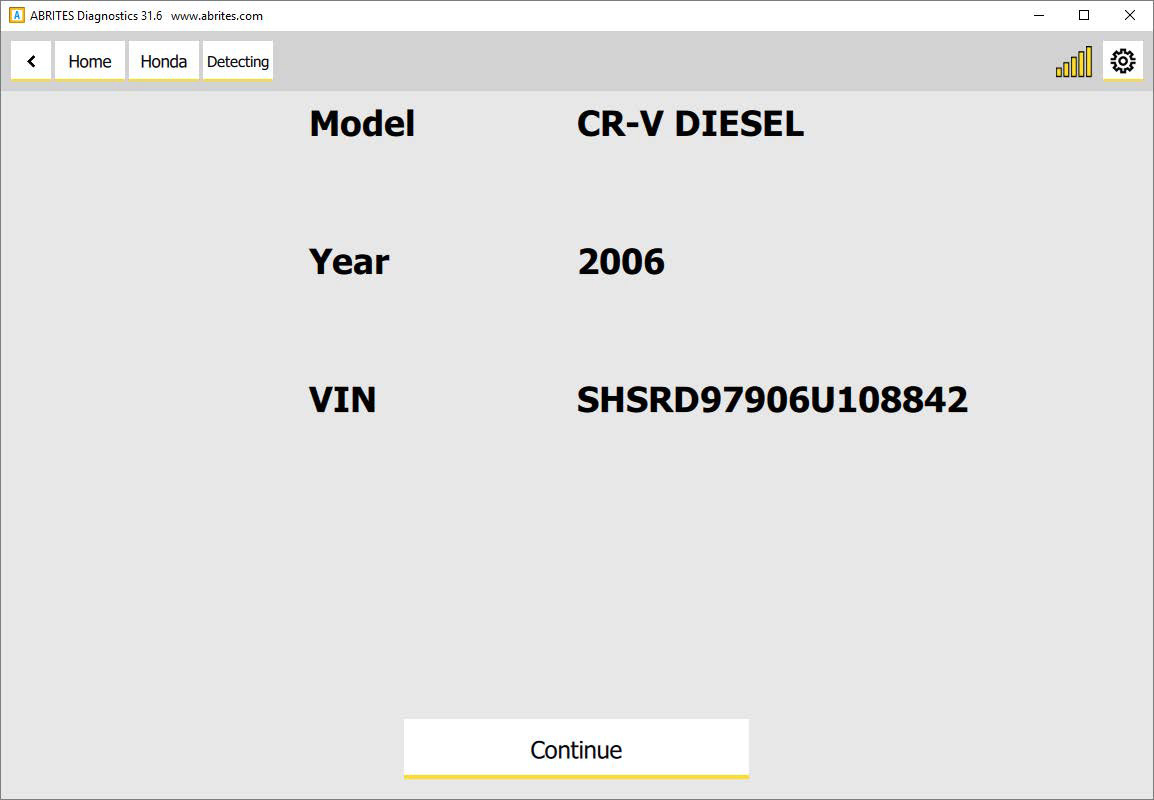
One of the first things you will notice in the Abrites diagnostics for Honda is the automatic vehicle detection. Once you are connected to the vehicle and the software is started you will see that the software will automatically detect the vehicle:
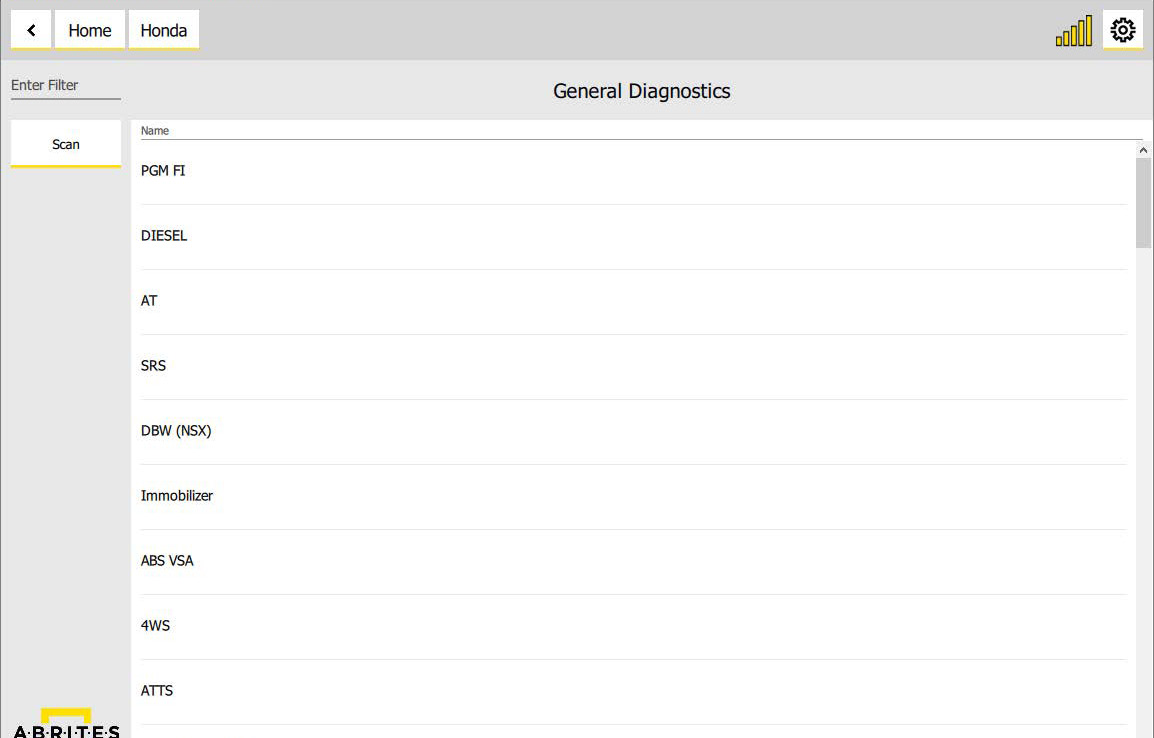
After the vehicle is detected and the list of modules will be populated
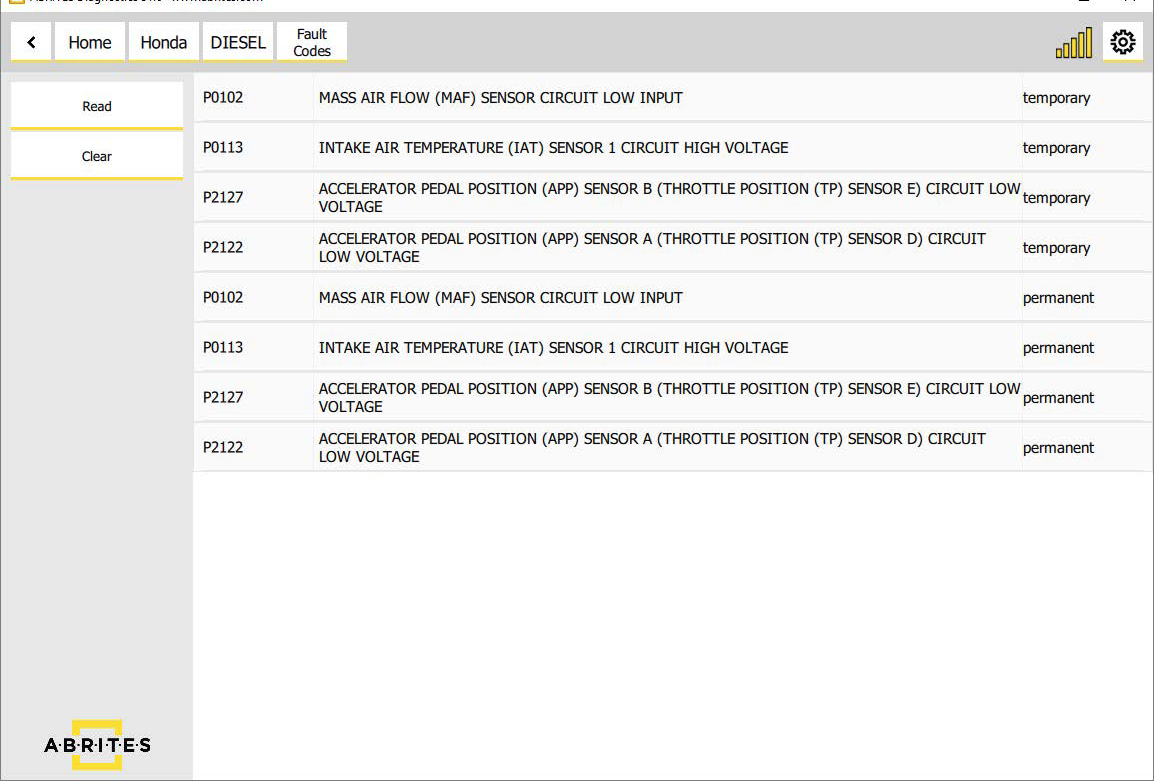
Entering each of these modules will show you fault codes if such are present and also, live values (if available) as well as all the identifications and extended IDs of the module.