In order to use your AVDI with the GM Tech2Win diagnostic system you need to have an account with the global TIS. This can be done by performing a security access via the GlobalTIS website.
The Tech2Win applies to “Opel” vehicles. First you must ensure that the COM port in Tech2Win configuration is set properly. In the Tech2Win configuration menu select Modify/View and the click on the button “Opel”.
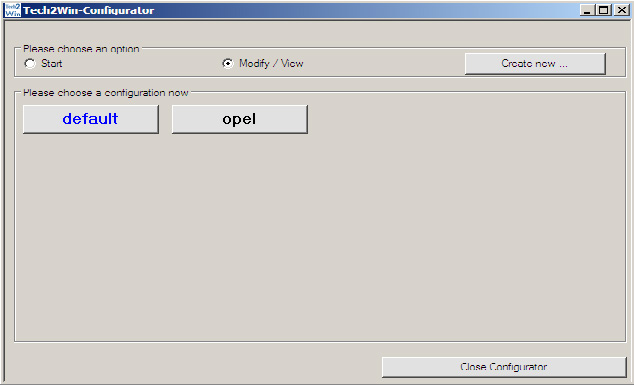
IMPORTANT: It is mandatory to run the third party applications as Administrator using the right click button on the .exe file and selecting “Run as administrator”. Then click on the Vehicle Communication Interface and select COM port for Tech2-RS323 Emulation. You must select a COM port which is not in use. This means the selected COM port must not be in the list “The following serial ports are Detected:” (made in red on the screenshot). After COM port selection save the configuration.
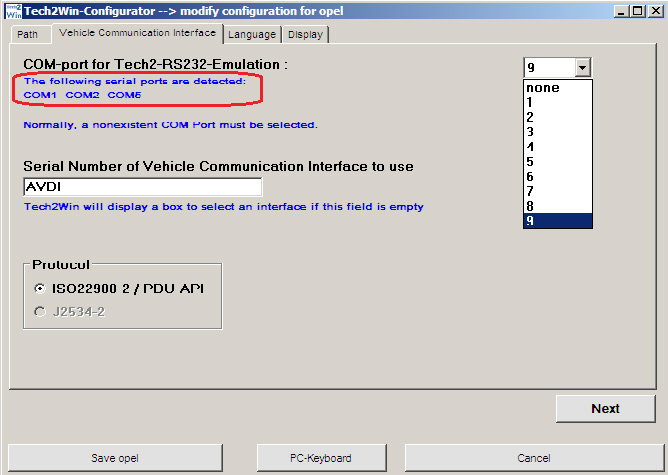
Run Tech2Win and wait until the main screen is displayed
Run GlobalTIS.
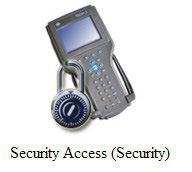
In GlobalTIS click on Security Access (Security).
In GlobalTIS, Security click on the button Start Download .
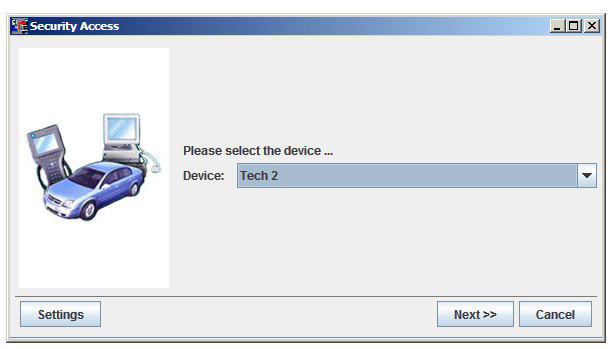
This will run Security Access wizard.
When its main window is displayed click on the button Next.
When the activation finishes you will see the following window:
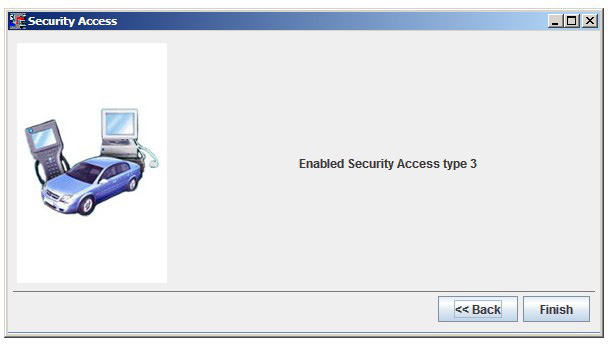
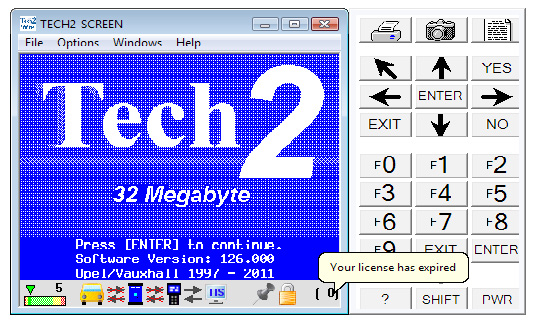
After a successful security access inTech2Win you can see an open lock on the right side of the status bar. Inside the bracket you see the number of days the license is valid. When you start Tech2Win again the security indicator is not displayed as long as no vehicle communication is being performed. During the first communication with a vehicle the license will be checked and the indicator displays either an open or closed lock.