In order to use your AVDI and the Abrites passthru you need to go to the start menu “START -> Programs -> Abrites Software for IDxxxxx -> PassThru” run SetupPassThruHyundai.exe (xxxxx is your interface number).
And then the following screen opens
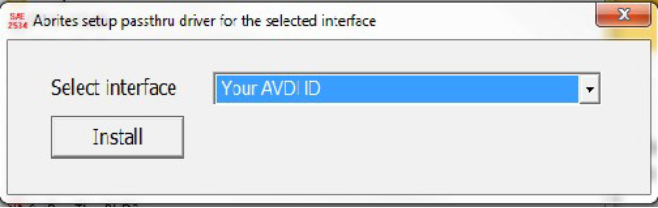
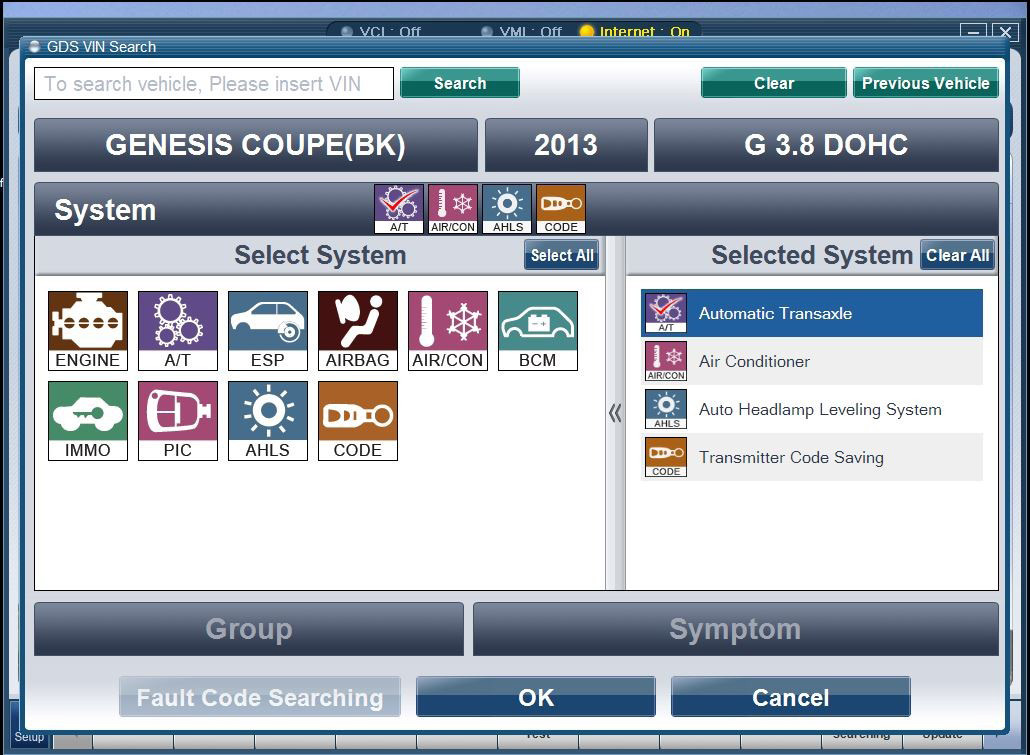
You can start the Hyundai/ KIA GDS application. Please note that a MANUAL VIN number input is needed, read it from the car’s ID plate and input it, otherwise you will face issues while using the software.
After that the GDS software is ready to use
IMPORTANT: It is mandatory to run the third party applications as Administrator using the right click button on the .exe file and selecting “Run as administrator”.