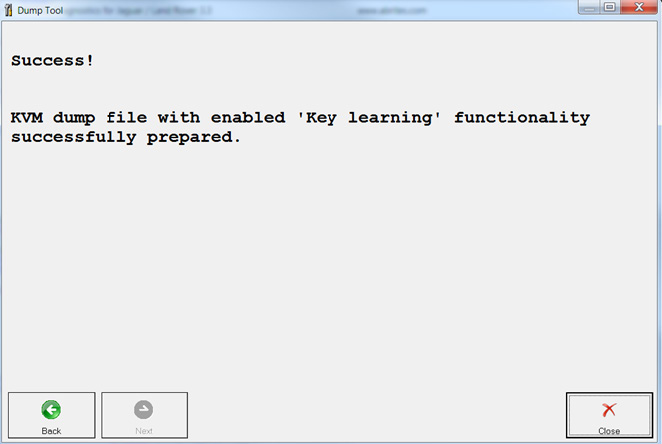
Since our November 2021 update we implemented the use of the dump tool where key programming is possible by dump. You can use the Dump Tool in cases where you need (or want) to program OEM keys and:
-
The car you have is equipped with one of the following KVM types: FK72, DPLA, HPLA
-
The Program flash of the KVM module can be read with a programmer and a dump can be generated
Here are the steps you need to follow in order to operate the Abrites Diagnostics for JLR dump tool:
-
Read the KVM Program flash using a capable programmer and save the dump file (e.g. dump.bin)
-
Modify e.g. dump.bin using “dump tool” and save it (e.g. dump_modified.bin).
-
Write e.g. dump_modified.bin into the KVM using a programmer.
-
Program and delete keys using the standard procedure.
The modifications will be done automatically and all you need to do is load the dump, instruct the dump tool to prepare the file and save it when ready.
Here is what it looks like:
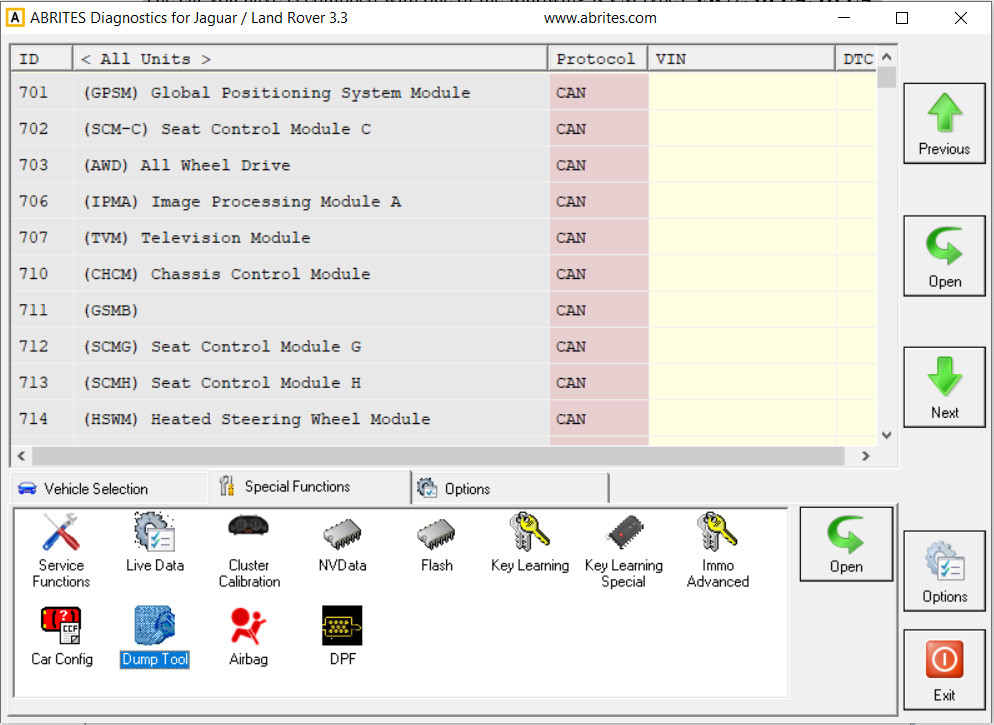
- Open the Dump tool and load the flash file
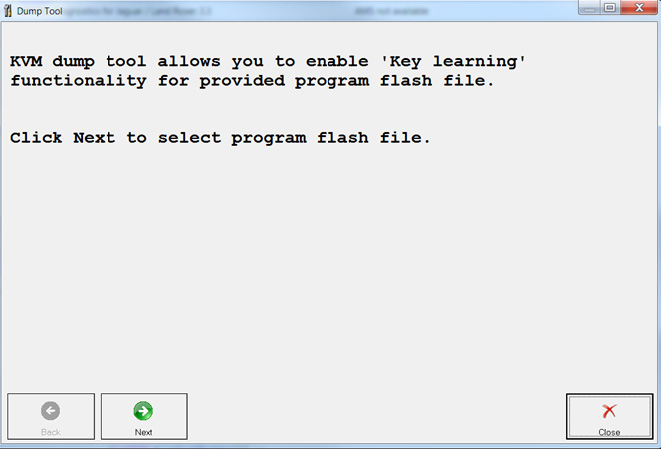
- Once the file is selected and loaded we can click “next”
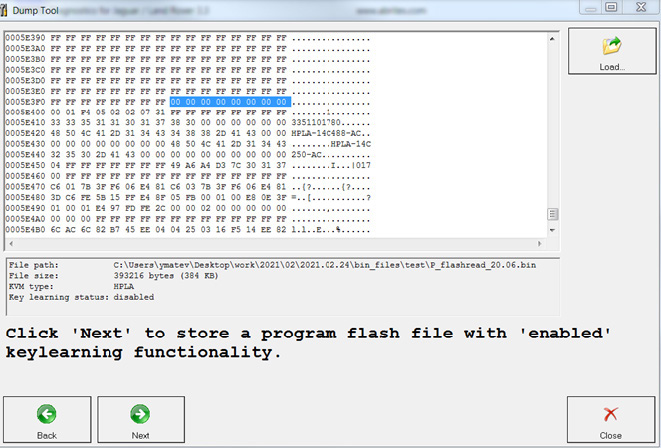
- Then we can save the generated dump file: