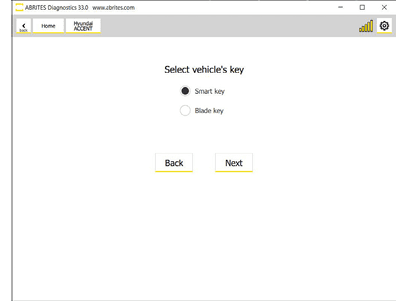
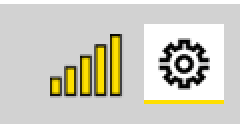
The Abrites software for Hyundai/KIA is an Online application and requires your computer to be connected to the Internet. We can suggest a connection to the Internet via 3G/ 4G from a mobile device as well as a WI-FI network. Please ensure to have port 8443 allowed by your Internet Service Provider in order to ensure the correct functionality of your Abrites diagnostics for Hyundai/KIA Online. Using the icon in the top right of your software screen you will be able to see the Internet connectivity and signal strength and the three horizontal lines will allow you to choose a language in which the software to operate:
When you open the Abrites Quick Start you can select the Abrites software for Hyundai/KIA Icon, once you choose it you will have the option to pick the Hyundai Online icon
After clicking the Abrites software for Hyundai Icon you will see the software start up. The software will automatically check if your AVDI is connected, and will check for updates.
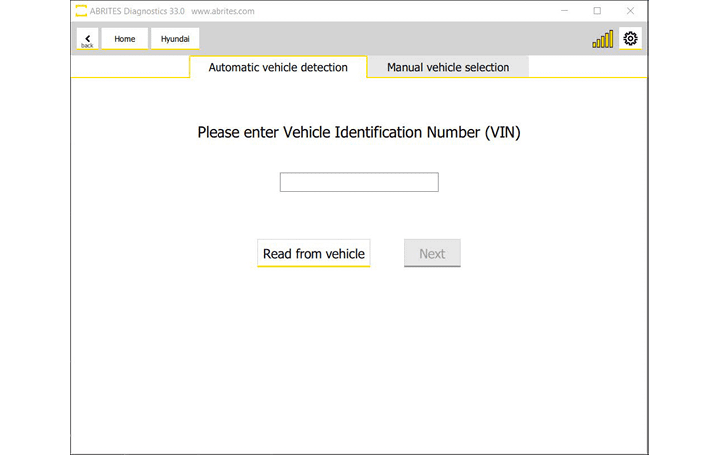
Then follow the vehicle detection options, and there are two
-
Enter the VIN of the vehicle, or read it from the car you are connected to
-
Manually choose the model you are working on
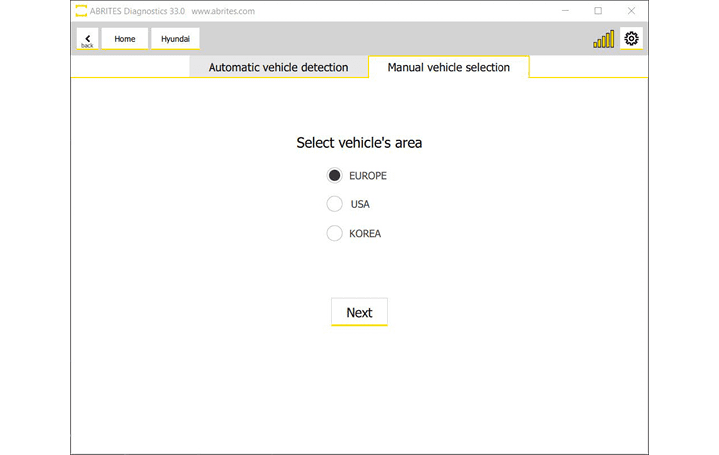
The model selection goes in few other steps:
-
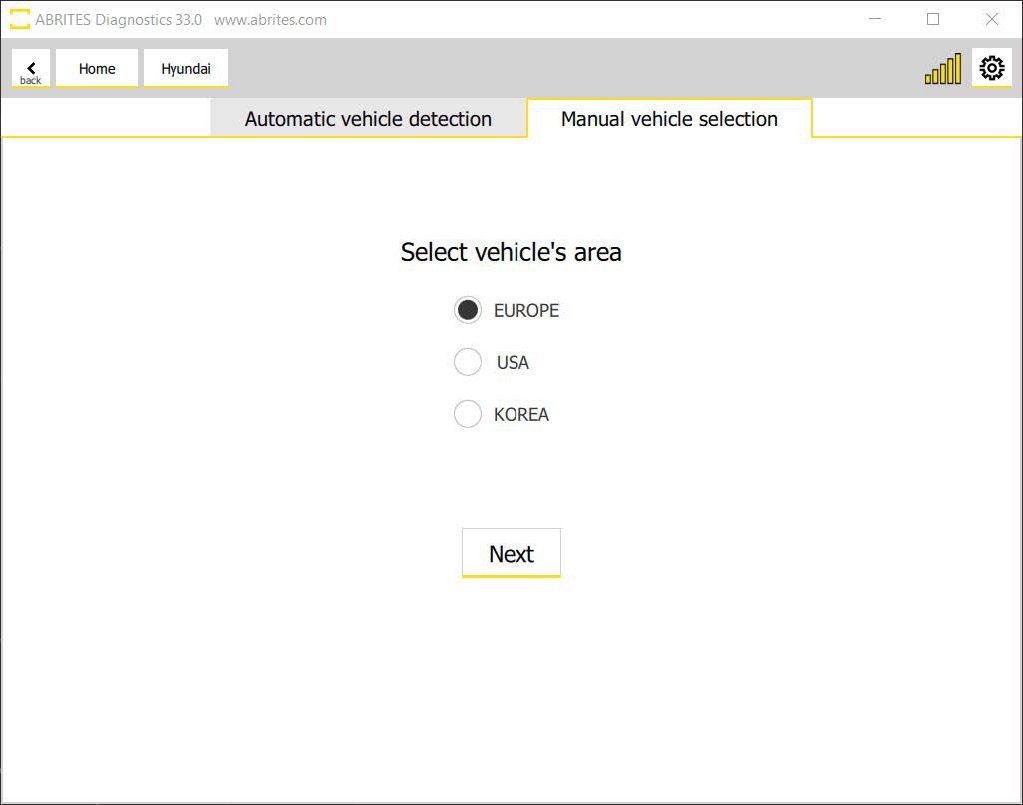
Select vehicle’s area
-
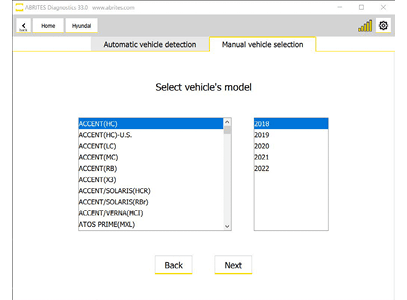
Select vehicle’s model (here you select vehicle model and year or production)
-
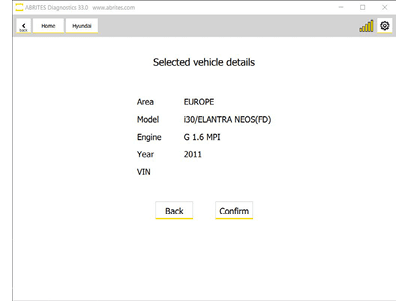
Confirm the selection
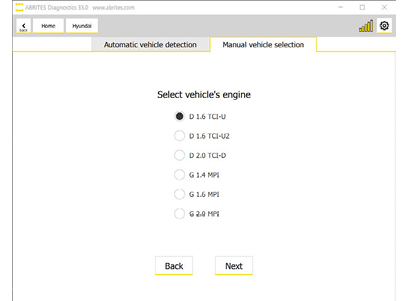
(When applicable, you would have to Select vehicle’s engine)
- Select vehicle’s key
The steps can be seen in the pictures below: