Getting connected, detecting the vehicle, and working through the modules
Required equipment
- Abrites AVDI interface
- An Internet connection - via 3G/4G from a mobile device, or a Wi-Fi network
- Port 8443 allowed by your Internet service provider
The Abrites diagnostics for Mazda is an Online application and as such it requires the computer you have installed it on to be connected to the Internet. We can suggest a connection to the Internet via 3G/4G from a mobile device as well as a Wi-Fi network.
Please ensure to have port 8443 allowed by your Internet service provider in order to ensure the correct functionality of your Abrites diagnostics for Mazda Online.
Step-by-step procedure
1. Connectivity and language
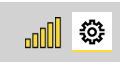
Using the icon in the top right of your software screen you will be able to see the internet connectivity and signal strength, and the three horizontal lines will allow you to choose a language in which the software operates:
2. Open the software
When you open the Abrites Quick Start you can select the Abrites diagnostics for Mazda icon:

3. Let it detect the vehicle
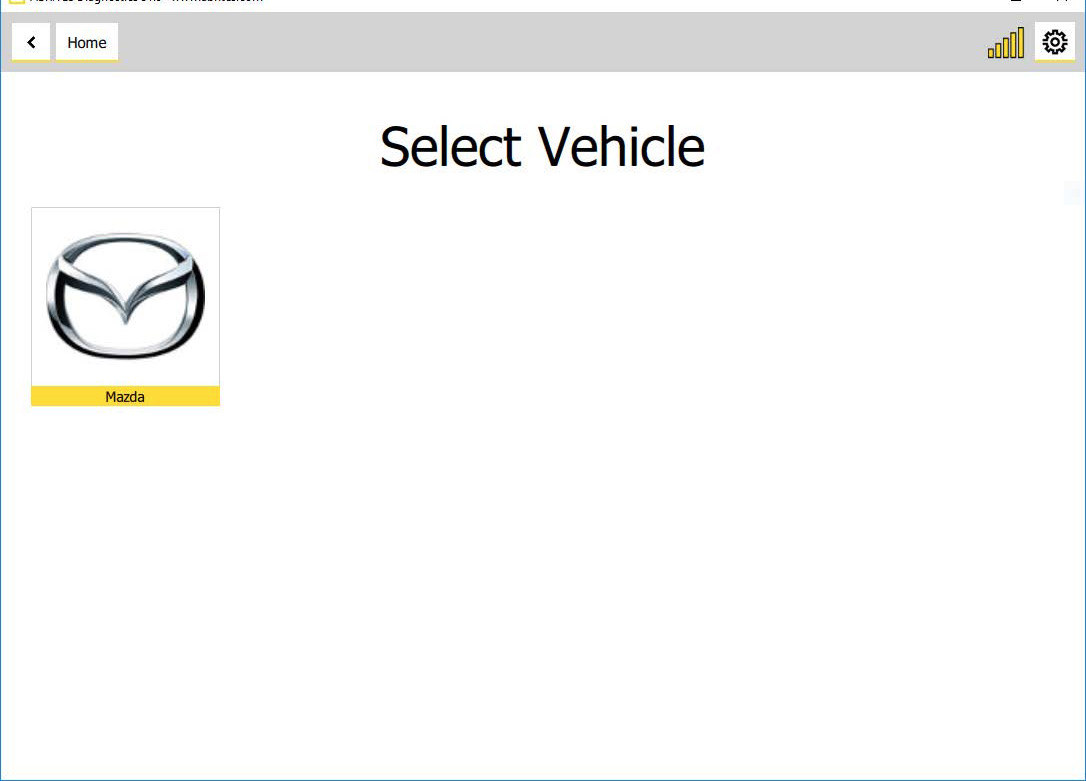
After clicking the Abrites diagnostics for Mazda icon you will see the software start up. The software will automatically start detecting the vehicle your AVDI is connected to. Once that is done you will see a list of modules.
4. If the vehicle is not detected
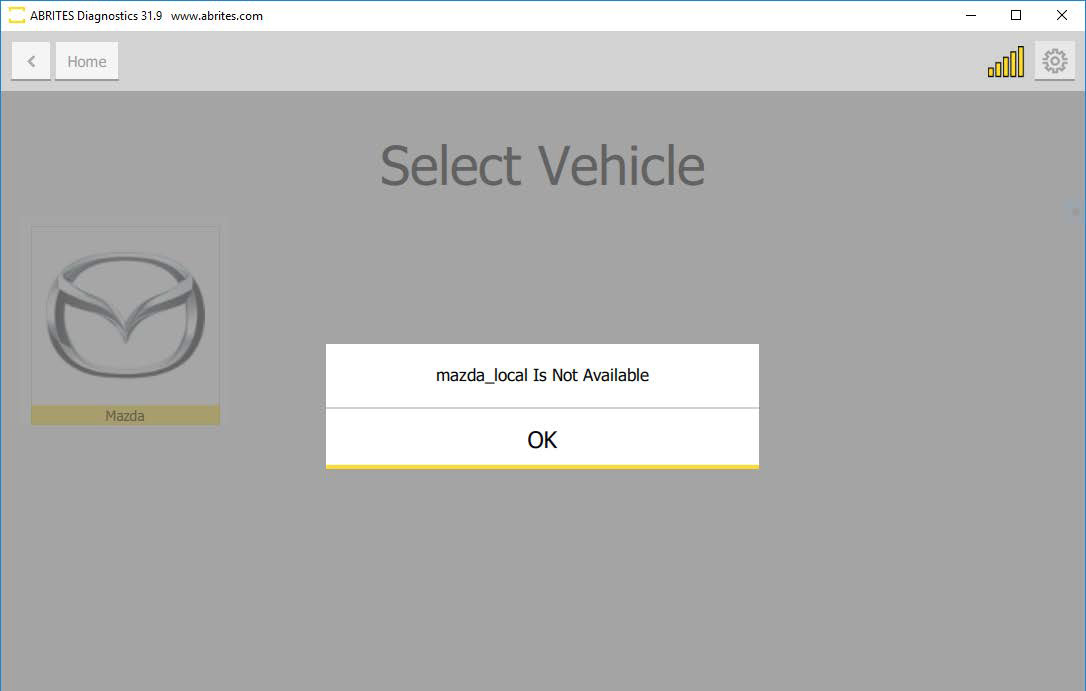
If the vehicle is not detected automatically, that would mean it is a model that is not yet covered, and you would see the following:
5. If the vehicle is auto-detected
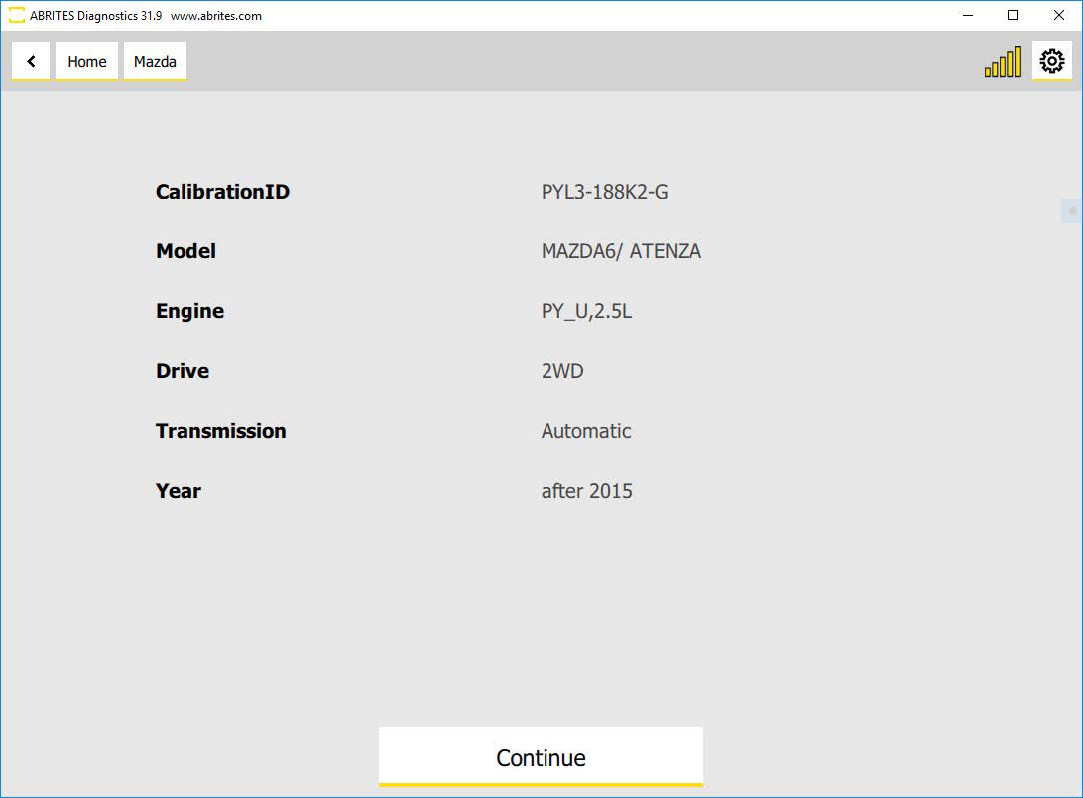
If the vehicle is auto-detected you would see the following window and will be able to continue with the diagnostics session for the car:
6. Modules and DTCs
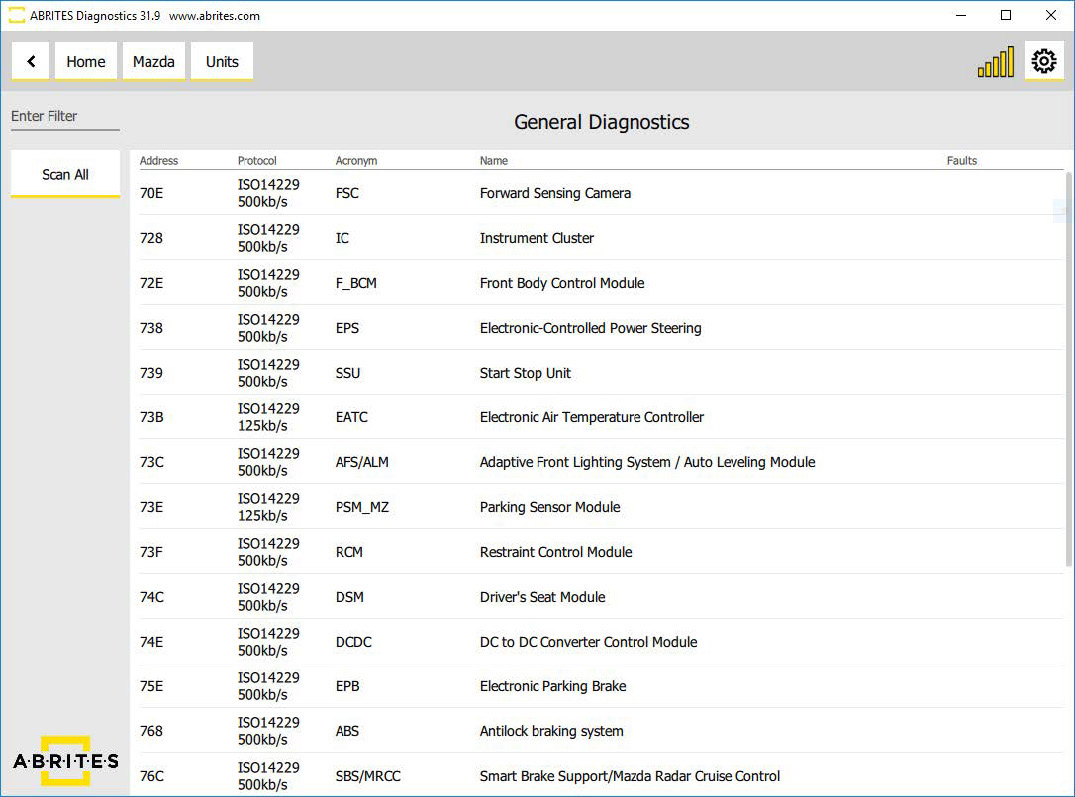
Once the software has been launched, it will detect all available modules in the car and the DTCs. In the example below the car actually had no faults:
7. Open a unit
Once a unit is opened, you will be able to read the fault codes from the "Fault Codes" button, clear the DTCs, open custom sessions, monitor live data, etc.
Entering each of these modules will show you fault codes if such are present, and also live values (if available), as well as all the identifications and extended IDs of the module.
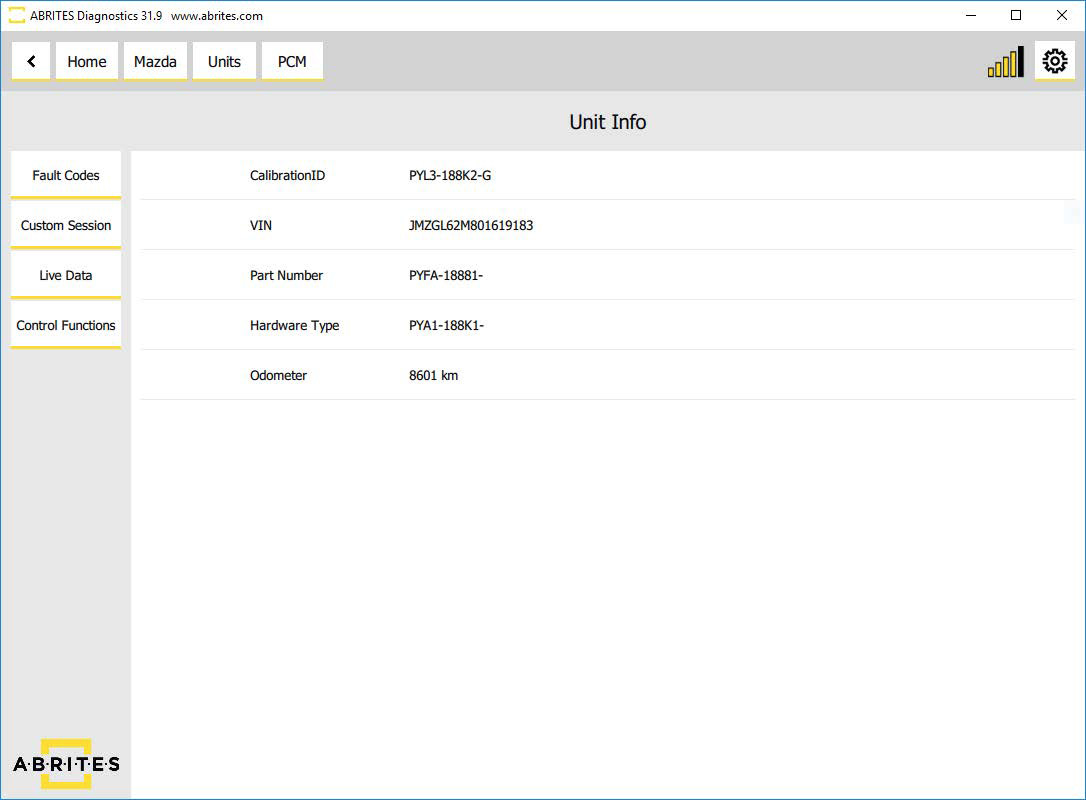
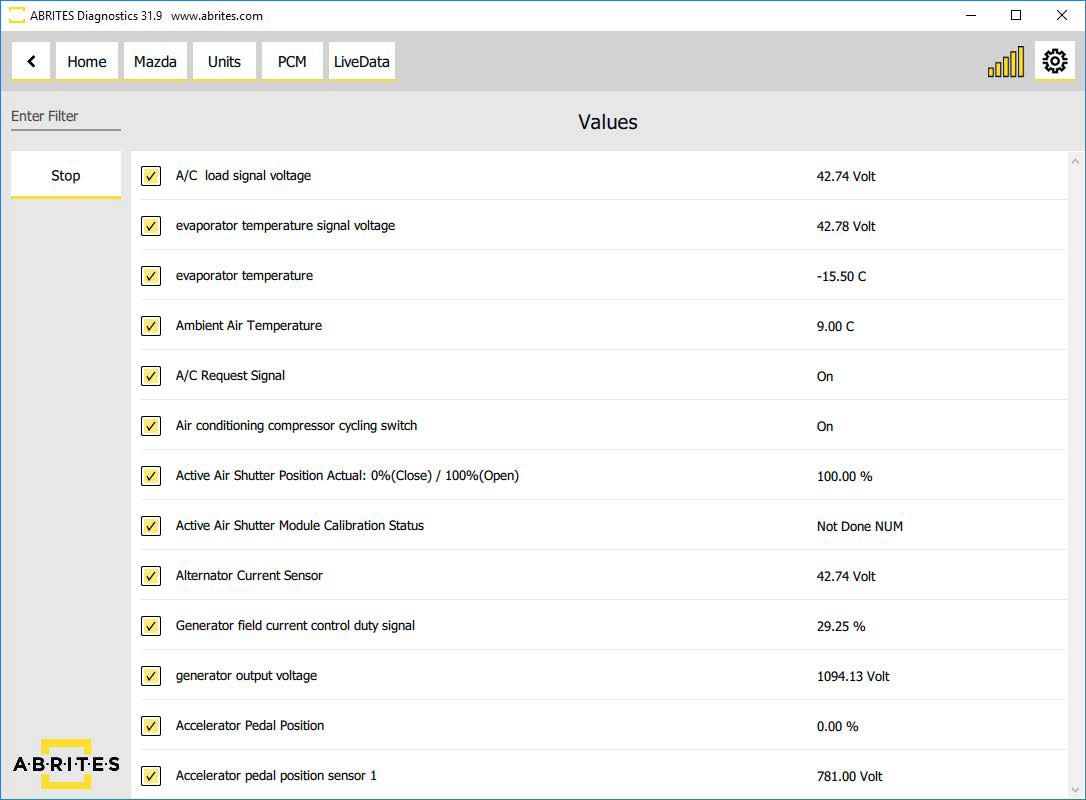
Here is an example with the live data: