The Abrites diagnostics for Mercedes is an online application and as such it requires the computer you have installed it on to be connected to the internet. We can suggest a connection to the internet via 3G/ 4G from a mobile device as well as a WI-FI network.
Please ensure to have port 8443 allowed by your internet service provider in order to ensure the correct functionality of your Abrites diagnostics for Mercedes Online.
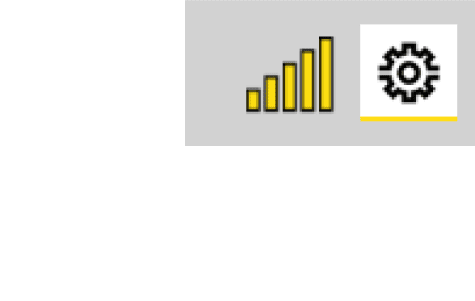
Using the icon in the top right of your software screen you will be able to see the internet connectivity and signal strength and the three horizontal lines will allow you to choose a language in which the software to
operate
When you open the Abrites Quick Start you can select the Abrites diangostics for
Mercedes Icon

After clicking the Abrites diagnostics for Mercedes Icon you will see the software start up. The software will automatically start detecting the vehicle your AVDI is connected to. Once that is done you will see a list of modules. You will also have the ability to choose to select a car by the model as well as by the vehicle VIN number in order to assure correct vehicle selection of the software. It is customary for Mercedes-Benz vehicles to share modules throughout the vehicle models and shared platforms. For this reason we strongly suggest for you to select the vehicle by the VIN number so that the software best determines the vehicle in the best way possible. This means that the software will be able to get the full list of modules and this is preferred to be done by VIN. For example a vehicle like the W218 (CLS 2nd generation) uses many modules from the W212 (E class) on which the CLS is based. It is the same for the X (W)164 (ML 2nd generation) which shares many electronic components with the W221 (S class). This is something we need to keep in mind while operating with Mercedes-Benz vehicle as a whole because sharing components is a strong part of the company’s principle. For this reason we need to stress on selecting the vehicle by VIN.
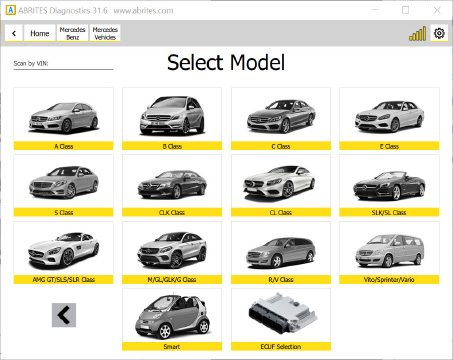
There is also the option to select the particular ECU from the vehicle which allows operating specific modules in cases where a problem with the overall communication is present.
There can be different approaches to starting work with Mercedes-Benz vehicles via the Abrites diagnostics for Mercedes but we suggest to start by automatically allowing the software to determine the vehicle type and begin communication. Once that is done it will find out what the car is and will then populate the list of modules. If this is not possible the software will generate the following message:
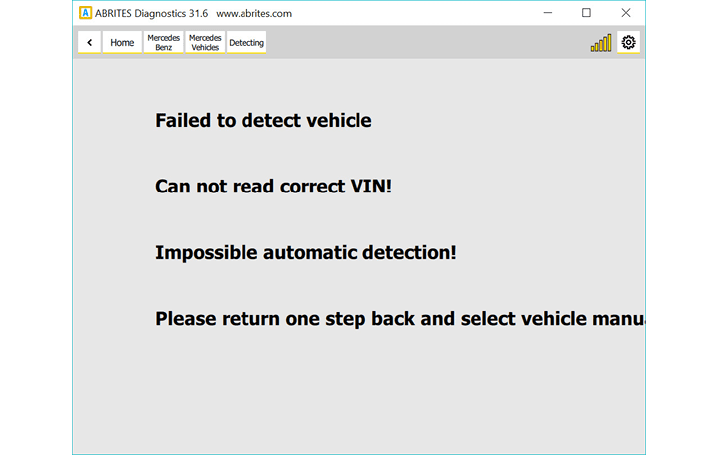
As mentioned above a reason for such message can be that the car is compiled from different modules or that the modules do not have VIN numbers inside them. In most of these cases the Abrites diagnostics for Mercedes Online will come up with a message saying that it cannot locate the vin. This is the “Can not parse VIN …..” case. In both of the cases described above we recommend the selection of the vehicle by VIN number. This is to be used in cases when the vehicle cannot be automatically detected when the software is started.
IMPORTANT: If the car is automatically detected by the software but the list of modules does not appear we have the same situation like described above(the “Can not parse VIN …..” case). This problem is often present with the US models due to the different VIN format which leads to wrong parsing. In such cases you will have to enter the VIN manually in the following format followed by the Enter button. Here is a simple example of a Mercedes Sprinter (W906, W221) : xxx906xxxxxxxxxxx , where 906 is the chassis number. When you are working on a W221 it is always recommended to enter the VIN manually in the same format as for the US models. Searching the vehicle via its VIN number is done via the VIN search field in the top left of the screen:
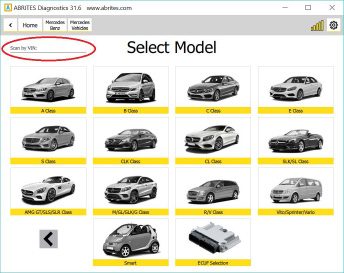
Here you can enter the VIN and determine the car which needs to be made of 17 digits. These VINs can be found in various places in the vehicle. The scan by VIN only starts after the “Enter” button is pressed. If an impossible VIN is selected you will see the following message:
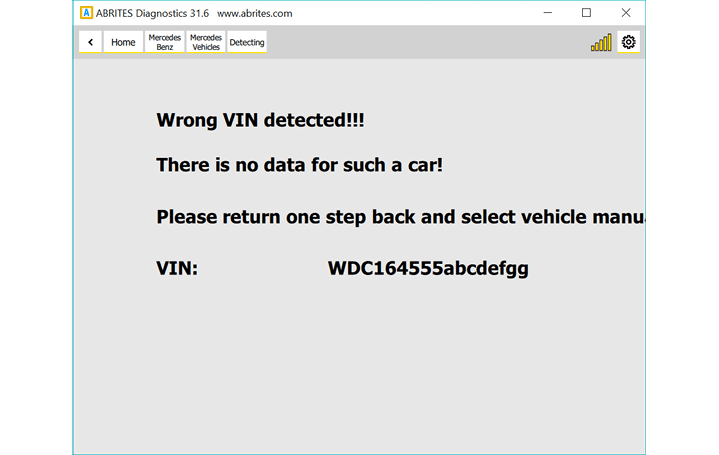
Only if all the previous methods fail do we suggest that you select the vehicle by chassis code. If for some reason you see the error above or if you are unhappy with the results shown you can select from a full list of the electronic control modules installed in Mercedes vehicles worldwide.
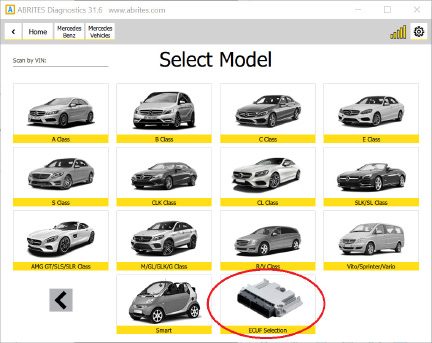
Once you reach this step you have a list of over 1300 separate electronic control modules which you can select from. We strongly suggest that you use the search option here in order to select the module you are looking for to avoid confusion.
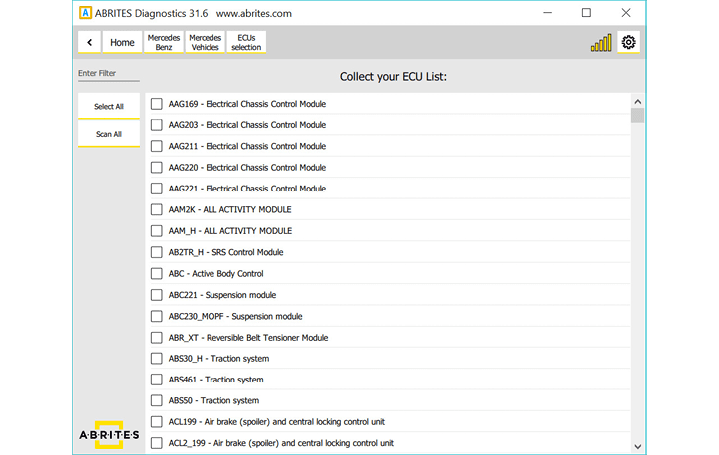
As you can see the list is large and you can search to select the unit you are looking for.
Once you have connected to the car you can see the following information
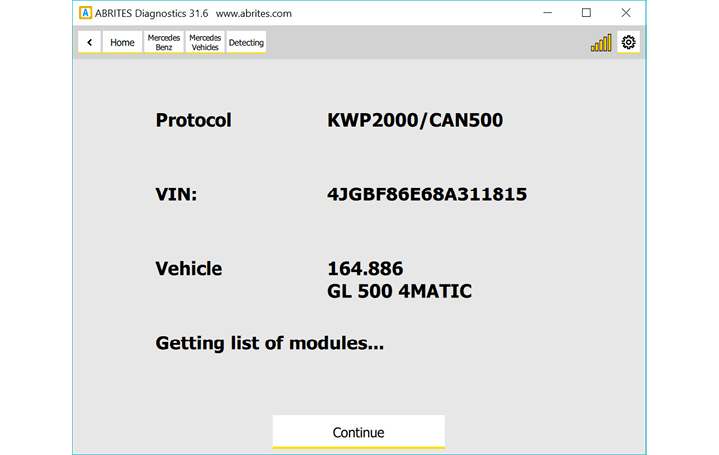
In the particular case we have a W (X) 164 which we can can start diagnosing. Press “Continue”.Once you press continue you will see a list of the modules installed in this vehicle:
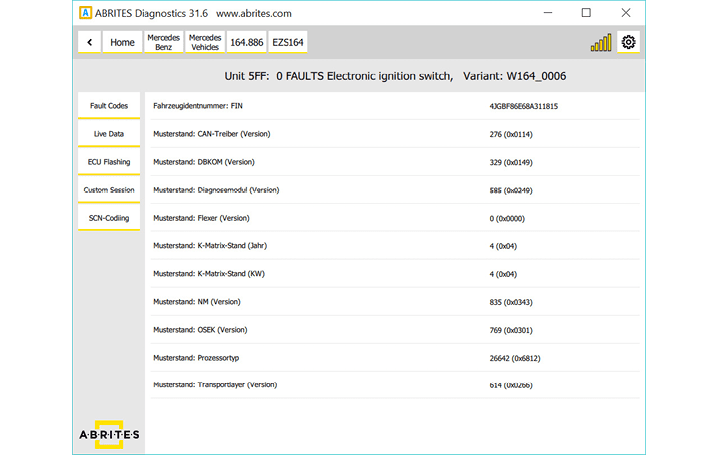
Each module has full identification and can be read with all the data included in it for diagnostics. As you can see we provide multiple languages and the identification is done in the language you find fits you best:
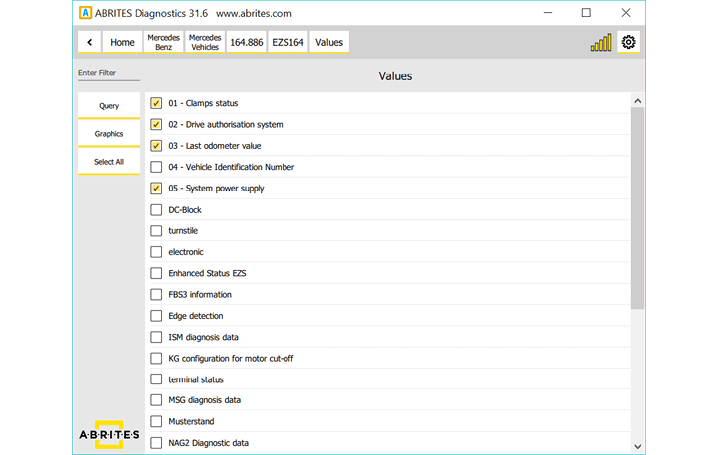
As you can see you can select multiple live values to monitor depending on the best way you find fit to diagnose the vehicle.
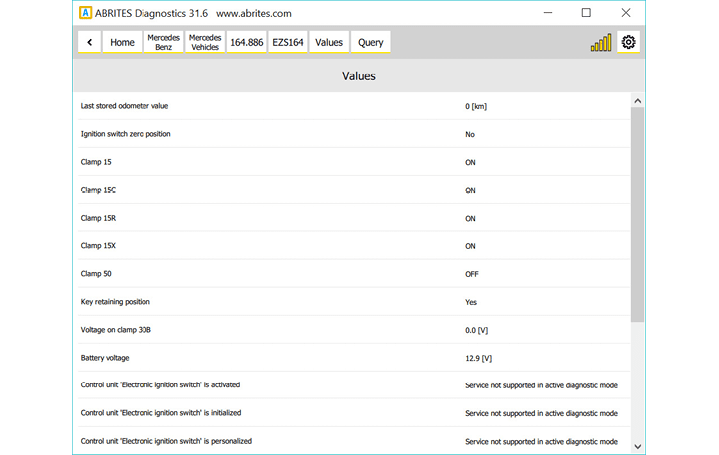
All the data can be viewed in the language that fits you best.
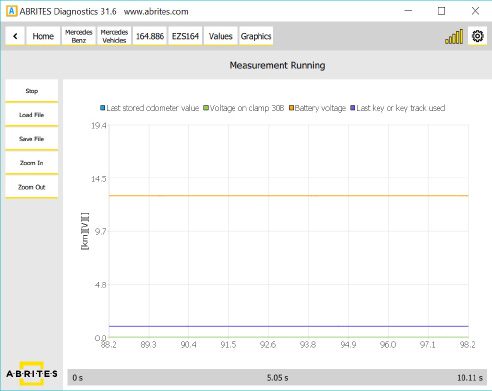
Live values can also be viewed as a table and saved in order to be used for later analysis.
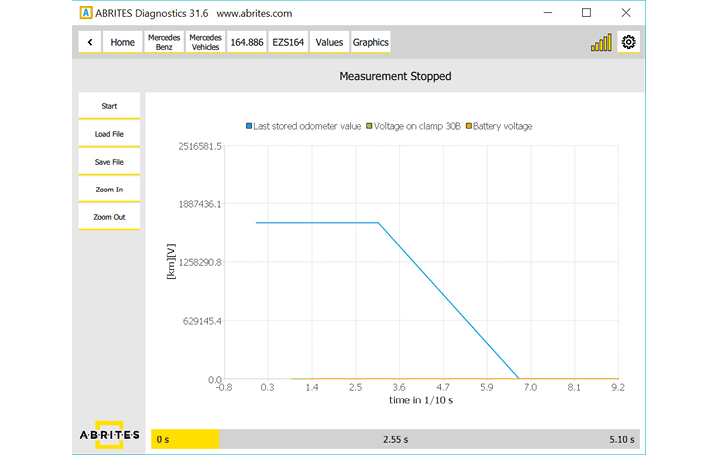
Using the fault code function allows to view the fault codes, read them, check all the details in regards to them and then clear them after the issue is resolved.
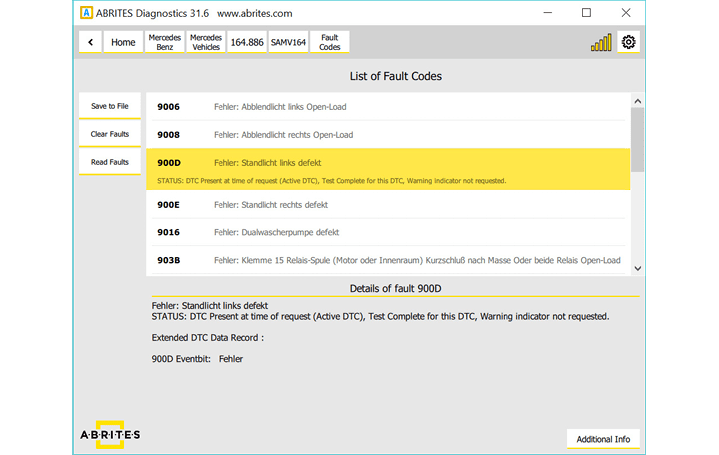
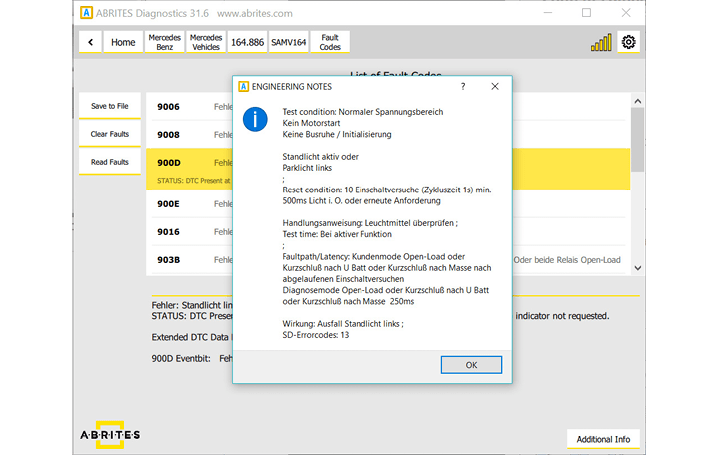
As you can see the level of details here is very high and is on par with the OEM diagnostics. Once again this is a complete solution ad provides multilingual support:
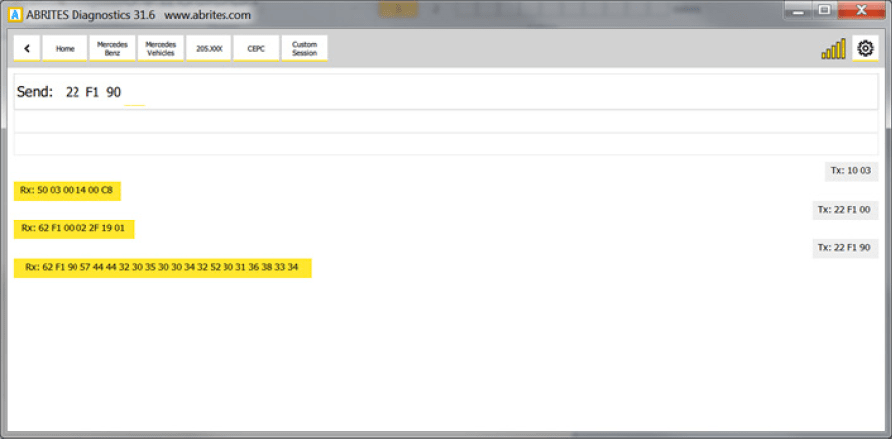
For advanced users we also provide the option to send custom requests to the electronic modules in the vehicles.
The current version of the manual describes just the beginning of the development of the Abrites diagnostics for Mercedes. We will continue the development of the software by adding special functions to assist our customers and provide them with an incomparable solution for Mercedes-Benz vehicles. In this manual we will continue adding information about the software itself as well as the philosophy of Mercedes-Benz diagnostics – old, current and new.