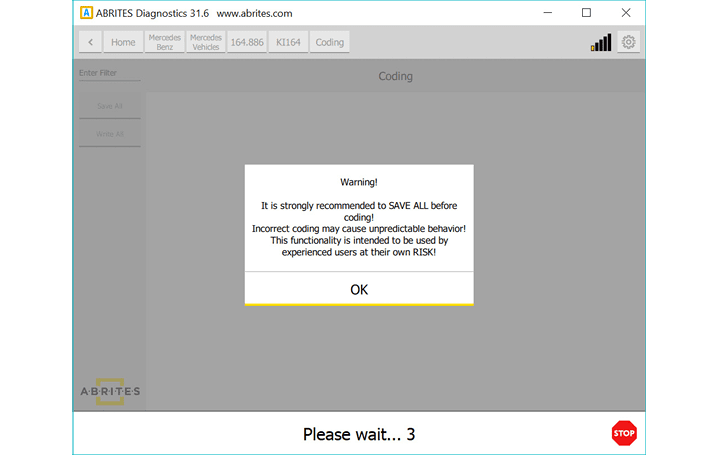
The coding in Mercedes will allow you to change different parameters related to functionality of an unit. It is important before making any changes in the coding groups, to save all current coding as backup. A warning will be displayed:
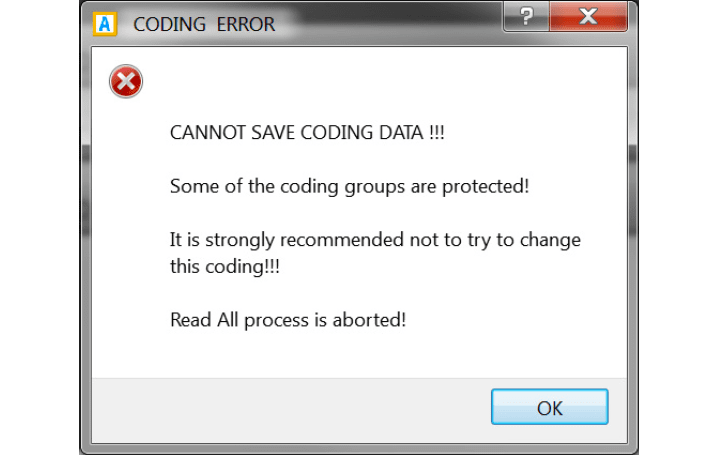
Some parameters cannot be edited and the software will display a message if such a parameter is changed:
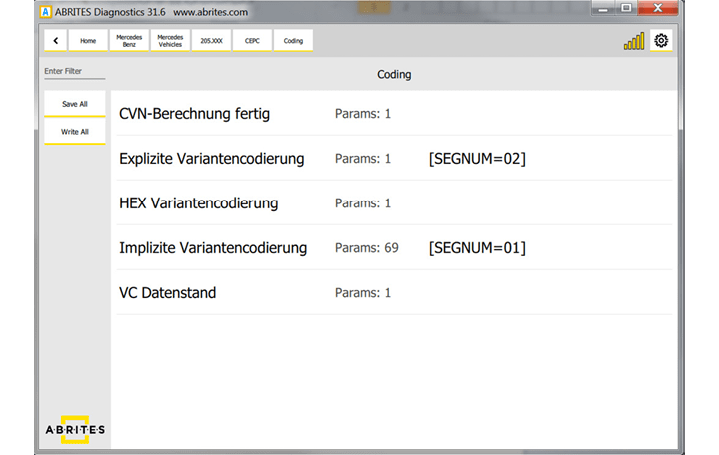
To enter the coding menu, please autodetect the car model or select it manually from the model list, enter the unit you want to code and enter the “Coding” option:
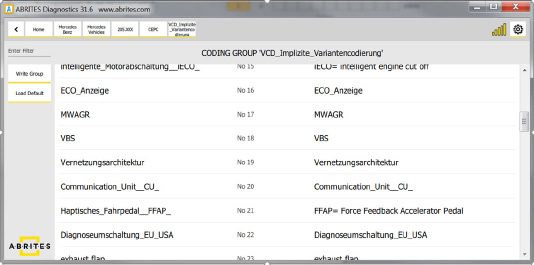
After the changes are made, you can write the coding using the “WRITE GROUP” button. You can change as many parameters as you want, followed by “WRITE GROUP”:
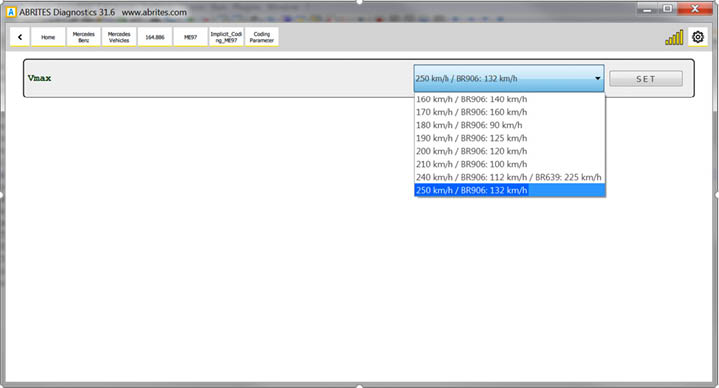
The following screenshot shows how to change the VMAX parameter responsible for the speed limit:
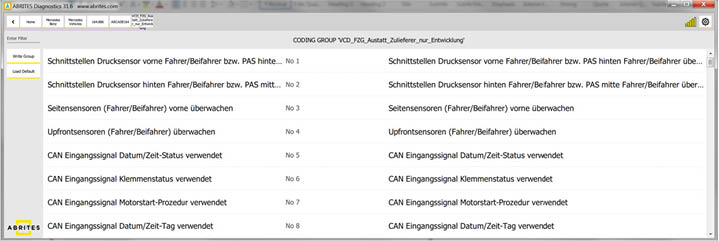
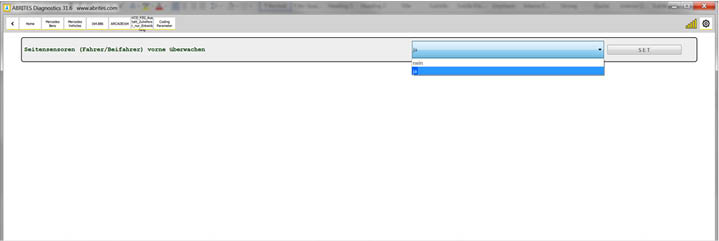
The next screenshots show what the menu for activating/deactivating side sensors looks like: