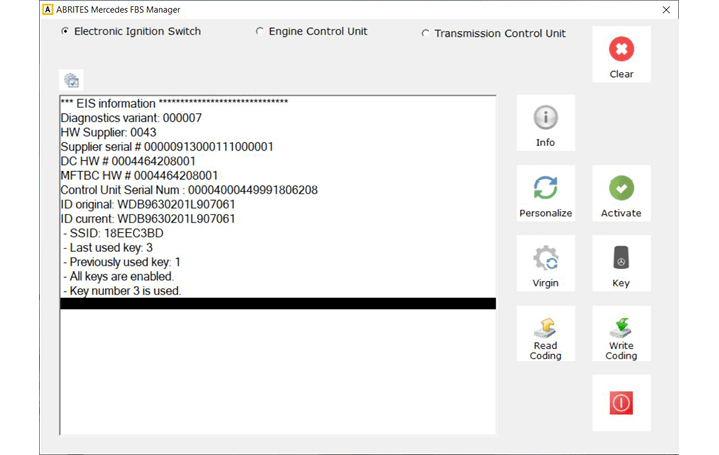
From the main screen, click on the “Info” button to access the info screens. Once a connection to the DAS (FBS) modules in the truck is established using the Abrites FBS manager, you will have access to the
DAS-related information screens of the following modules
-
EIS/EZS – Electronic Ignition Switch
-
ECU- Engine Control Unit
-
TCU – Transmission control Unit
In the Info screens, you can view the FBS data from the modules, such as the number of keys programmed, diagnostic variant, hardware supplier, serial number, VIN, SSID, and last key used, etc.