Note: It is strongly recommended to use the DAS Manager for key programming.
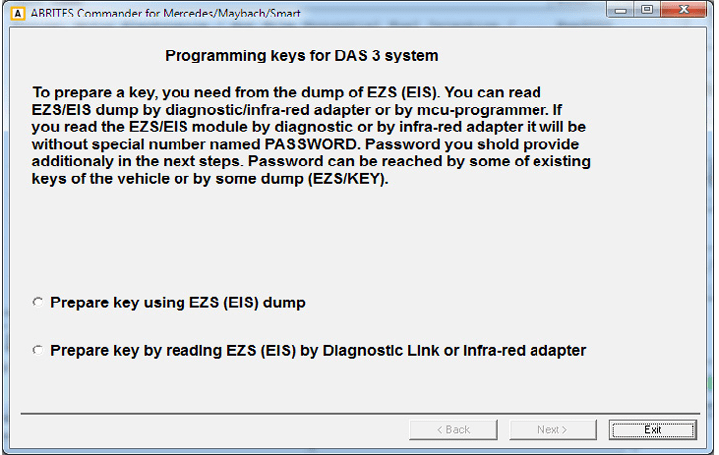
Using this special function you can perform key learning for vehicles using the DAS 3 system. When selecting the DAS 3 special function you will see the following screen:
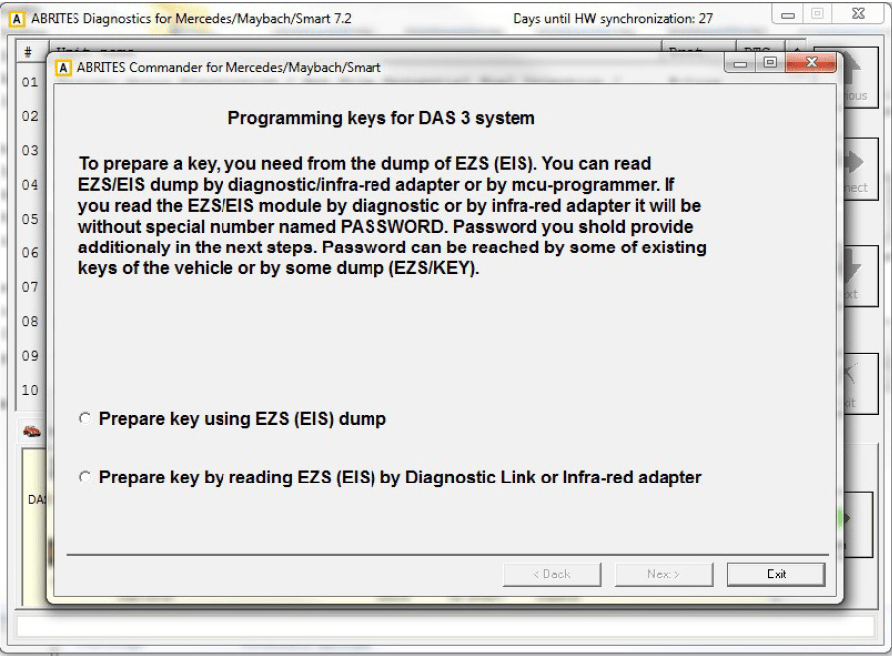
The first screen provides a description on the possibilities of key learning that you have. The first item you will need is the EZS (EIS) dump. You can obtain this dump using one of three manners:
-
You can read the dump using an EEPROM programmer.
-
The dump can be read by OBD (using the Abrites diagnostics for Mercedes/ Maybach/ Smart. The dump is read without the password.
-
It can also be obtained using the Abrites Infra-Red (IR) adapter. The dump is read without the password.
If at this point you have read the EZS (EIS) dump you can select the corresponding option. A window will open to prompt you to select the dump that has previously been saved on your computer and load it in order to continue.
If you have not yet read the dump you can proceed with reading it either by diagnostics or using the IR adapter.
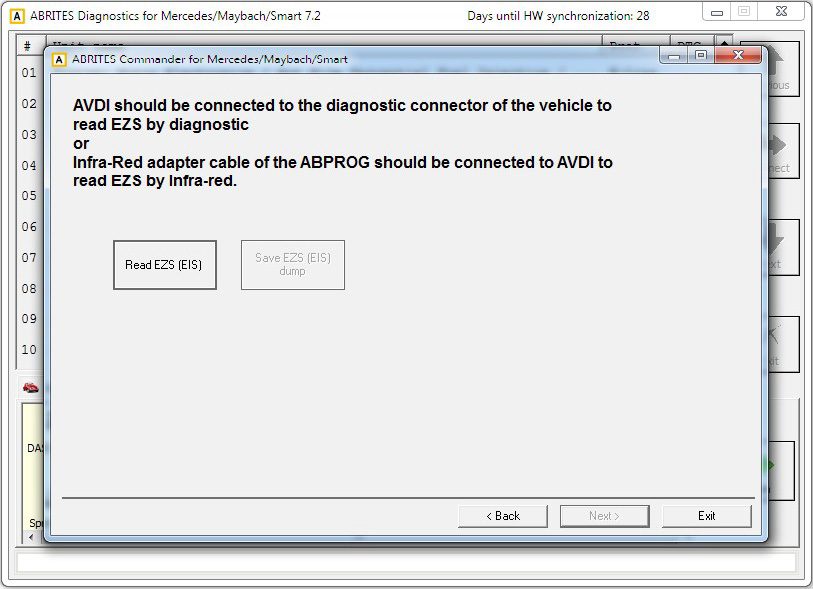
At this point the software will explain what needs to be done in order to read the EZS (EIS) dump either by OBD or by the IR adapter.
When you have selected one of the two methods and completed the requirements the “read EZS (EIS)“button needs to be pressed and the reading begins
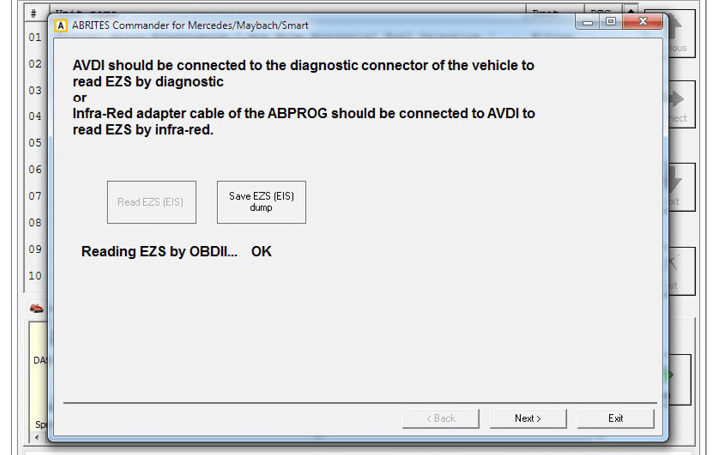
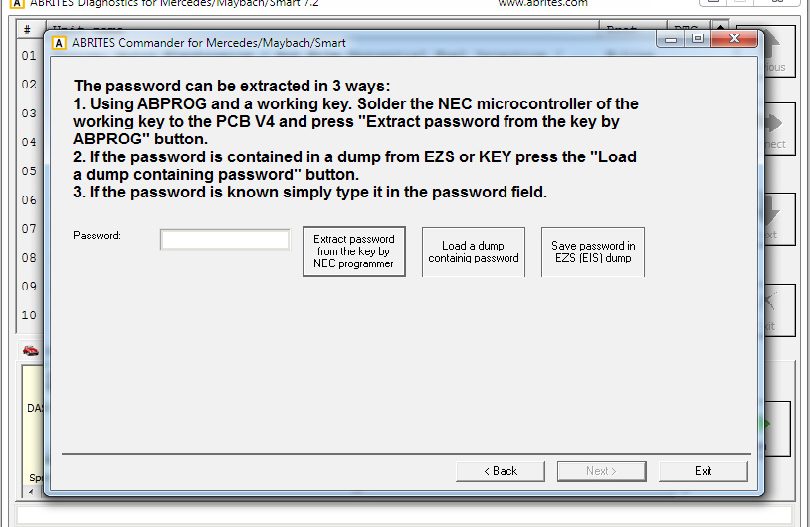
The EZS (EIS) Configuration data reading completes with success and you can now save the dump using the “Save EZS (EIS)” button. Once you have the EZS (EIS) dump you can proceed to the next step. This is where the password for key learning needs to be extracted. This is done in the following manners:
-
You can use Abprog programmer and solder the NEC MCU of a working to it in order to read the password from it. (explained in details in the message on the screen)
-
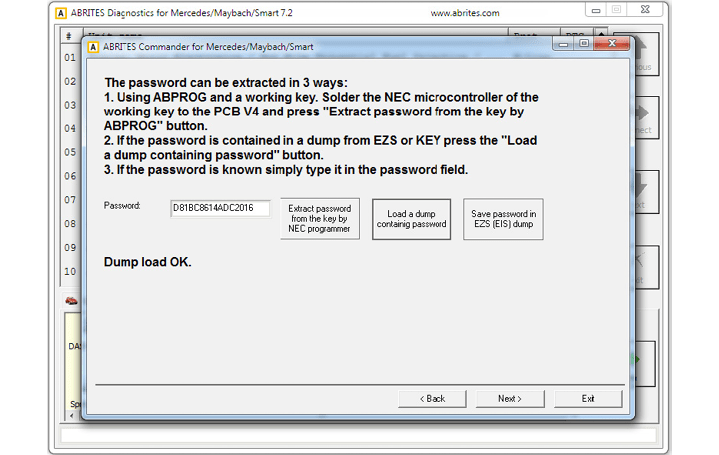
If you have a dump which contains the password in itself.
-
If you know the password you can type it in the password field.
If the EZS (EIS) dump has been read by a programmer – please select the option and load the dump:
The Abrites diagnostics for Mercedes/ Maybach/ Smart confirms the conditions needed and shows you that you can proceed:
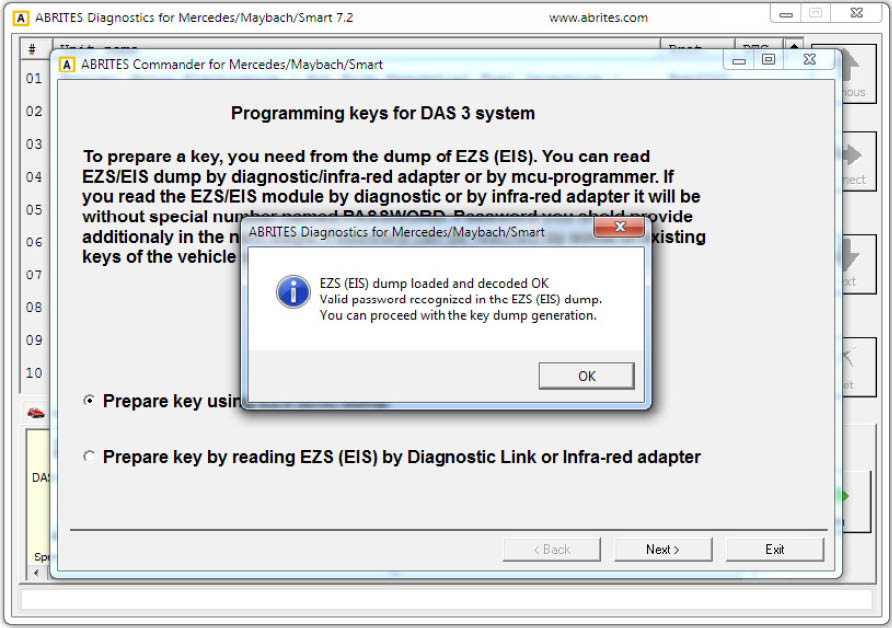
At this point you can press “OK”.
Either way you obtain the EZS (EIS) dump and password the software will inform you that there are two ways in which the required information can be obtained.
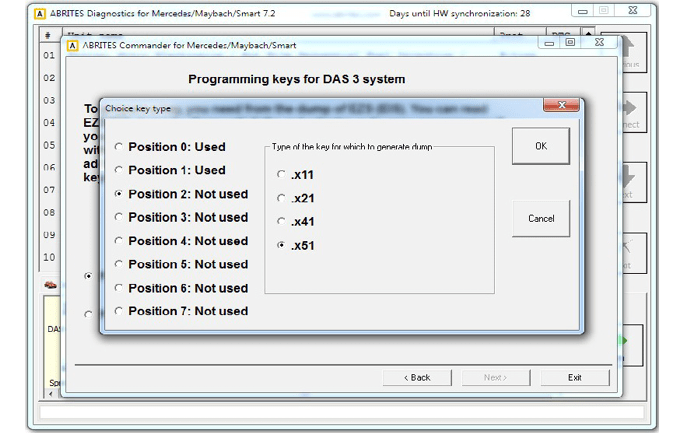
The first method is by using the PROTAG programmer, connected to your AVDI – by doing that you will need to manually select the position where the new key dump needs to be generated.
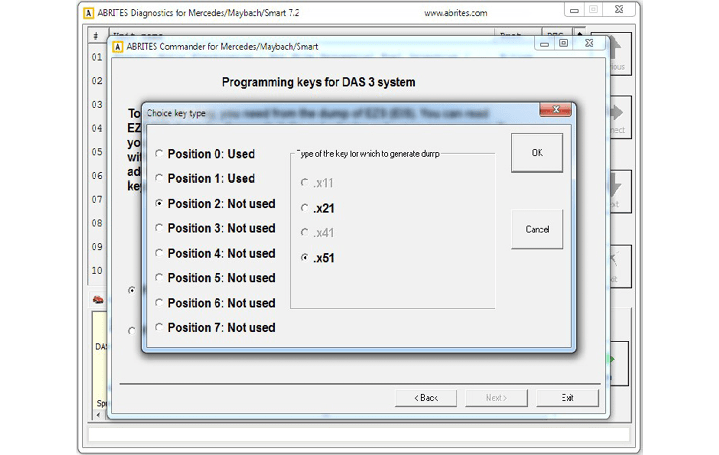
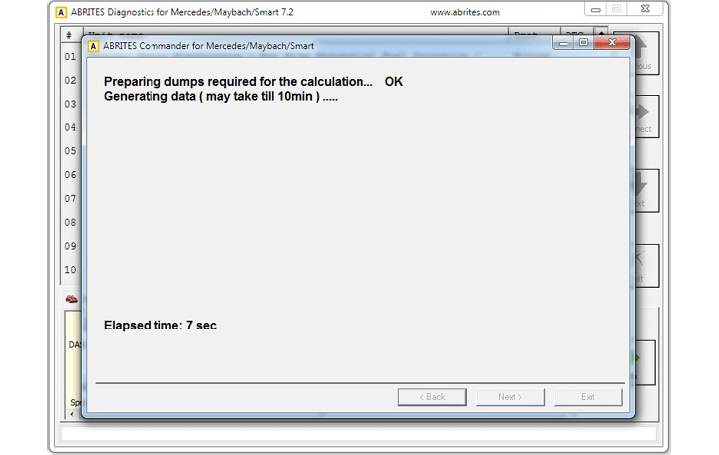
Alternatively you can opt to perform the calculation online. This process takes about 10 minutes to complete. It will generate dumps for ALL key positions.
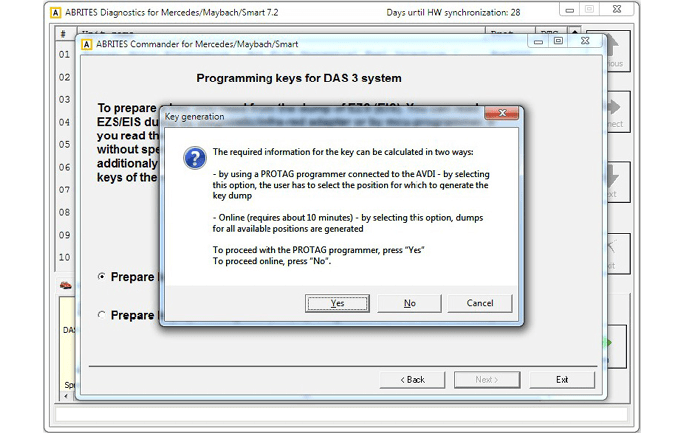
If you choose to perform the generation of the dump using a PROTAG programmer you will have the option to choose a position:
If the online method is selected the choice is made by the software:
At this point the online calculation begins
The procedure completes successfully and the following screen appears:
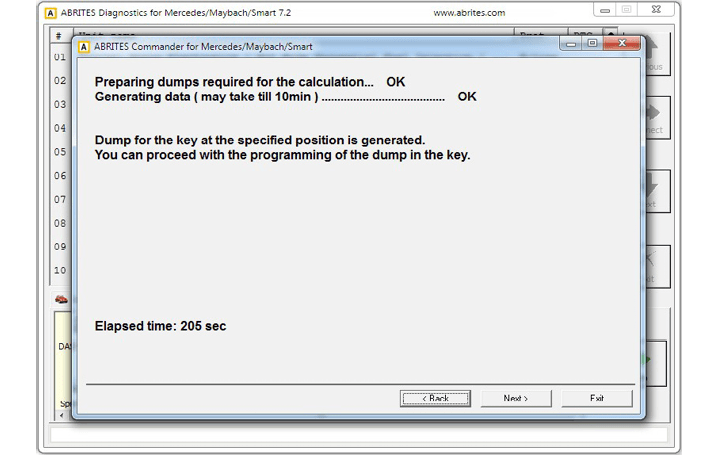
If the PROTAG programmer method is selected the generation of the dump will start:
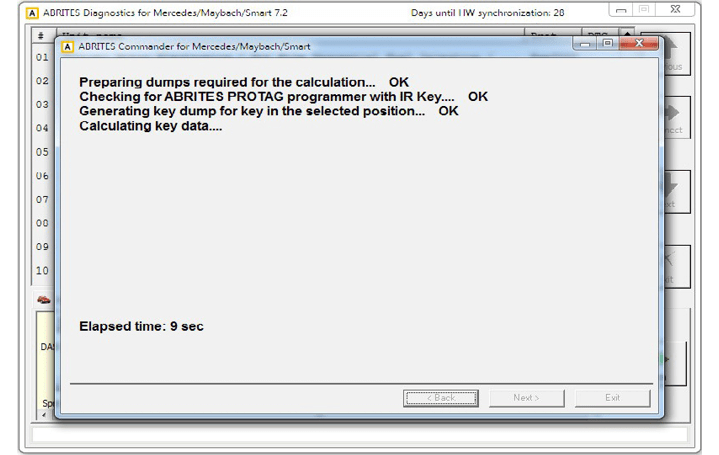
In usually about 70 seconds the new dump is generated:
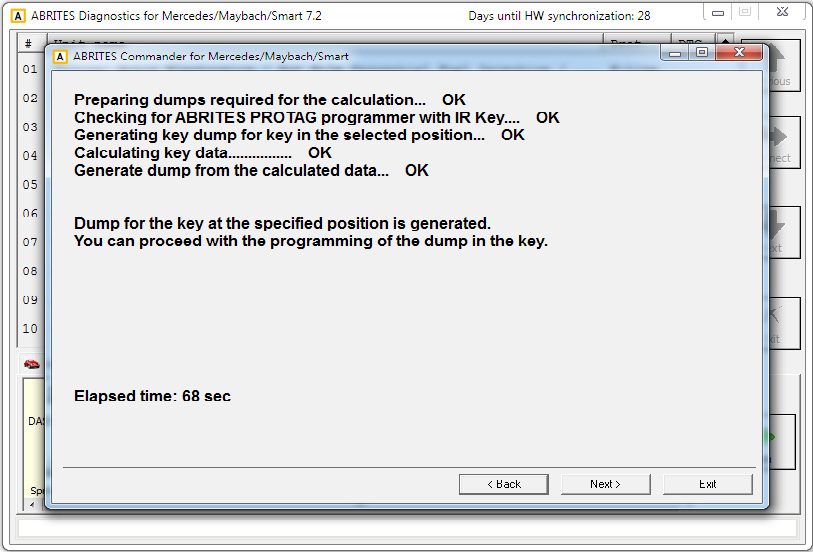
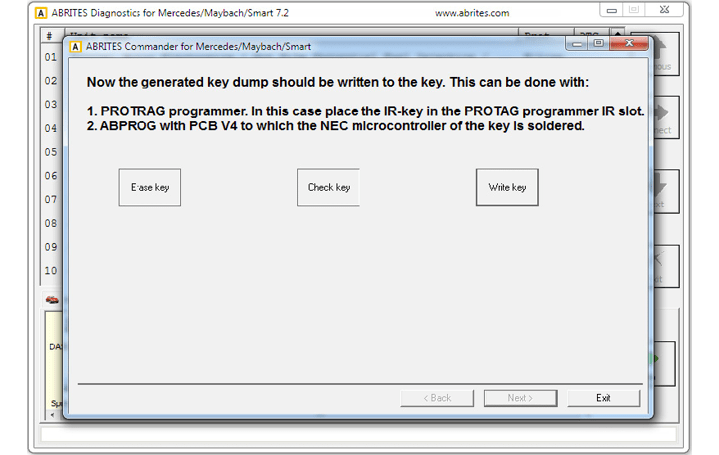
Once the generated dump is prepared it needs to be written to the key. There are 2 ways this can be performed.
-
Using the PROTAG programmer’s IR port. An IR key needs to be placed in the IR key slot of the programmer.
-
Using ABPROG V4 (ZN033) to which you have soldered he NEC MCU of the key.
The software will recognize the procedure you have selected automatically and will continue with the writing after your confirmation.
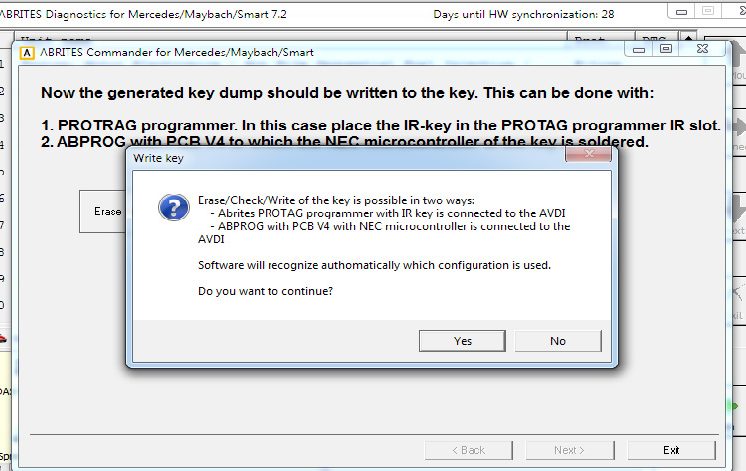
Once you confirm the writing will be performed
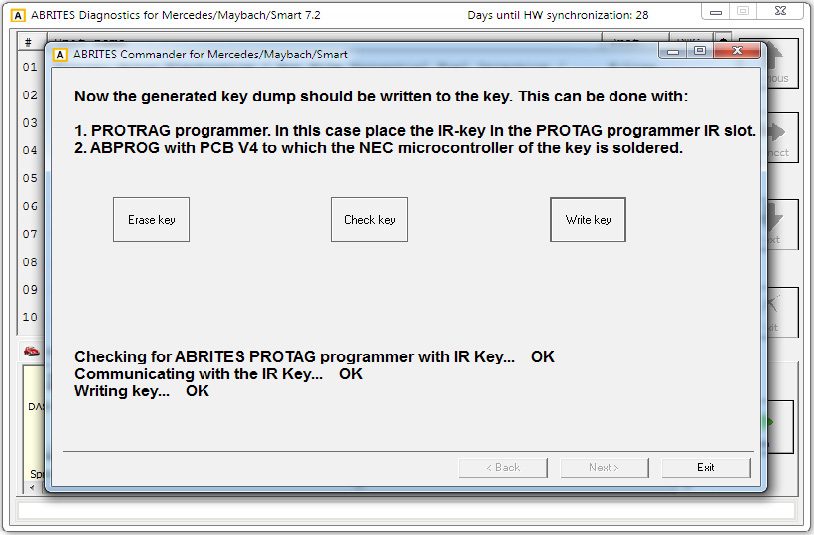
N.B. Key dumps are generated in C:\Users\user name\Documents\ABRITES software for ID XXXXXX where “XXXXXX” is your AVDI ID\Mercedes.