The 7-Gear control units (722.9) may be renewed either in or out of a car. In order to renew a specific 7-Gear control unit out of the car it is necessary only to connect the CAN pins of the 7-Gear unit, as well as the GND and +12V pins. The wiring of the 7-Gear units is the following:
Pin1: CAN-H
Pin2: CAN-L
Pin4: +12V
Pin5: GND
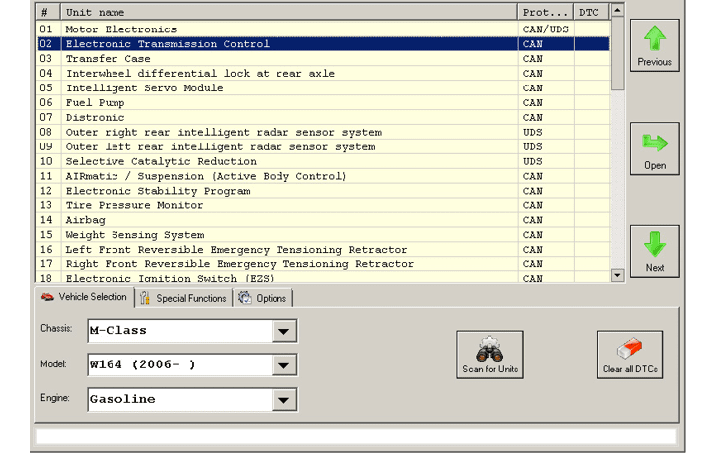
- Select vehicle and connect to the Electronic Transmission Control unit.
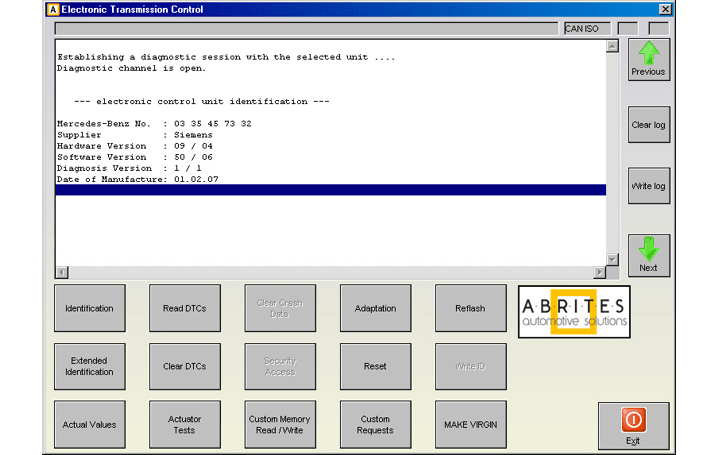
- The Mercedes Diagnostics will show the identification of the control unit.
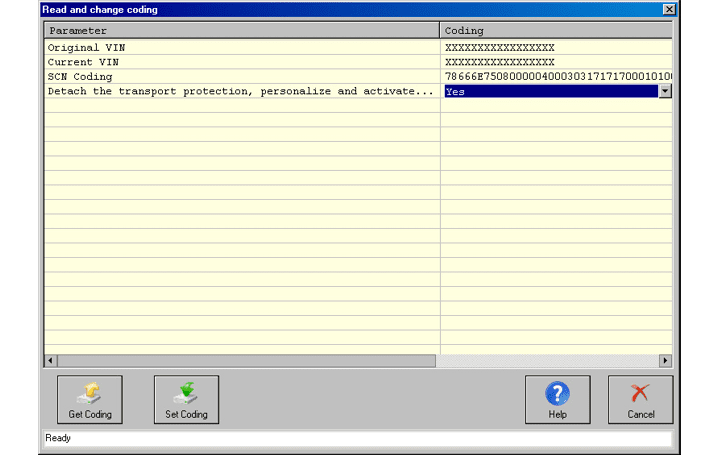
- Pressing the button “Adaptation” will show the available adaptations including the SCN coding string. You may save the SCN coding string from a damaged control unit and then you can save this saved SCN coding in the donor 722.9 control unit:
- Pressing the button “Make Virgin” will show you the following screen
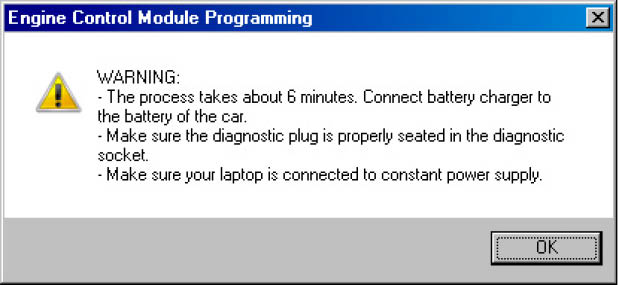
Follow these recommendations
-
Connect a battery charger to the battery of the car.
-
Plug the diagnostic connector and make sure it is correctly seated in the diagnostic socket.
-
If you are using a laptop – connect it to constant power supply. It is also recommended to stop any screen savers, anti virus and other programs, which may affect the performance of the system.
- The first time that you use this function, the software will ask you for the location of the database files for 7-Gear renew. Please, browse to the folder where you have extracted these files and select it.
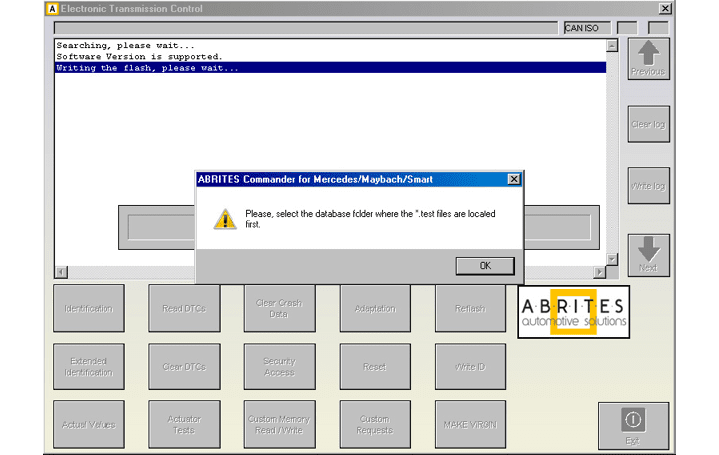
-
A progress bar will appear showing you the time and the completed percentage. Please, wait until the procedure is complete.
-
When the procedure is complete you may check the “Actual Values” and verify that the Electronic Transmission Control unit reports that it is renewed.
-
Now, you should put the 722.9 unit in the car in which you wish to adapt it and once again connect to it and press the button “Adaptations”. Press the button “Get Coding”. Then for the option “Detach the transport protection, personalize and activate the control unit” select “Yes” and press the button “Set Coding”. Go back and check the actual values. If everything is OK the 7G unit should report that now it is personalized and you should be able to see the hashes of the keys.
-
If you have the old control unit available you may read the SCN coding and then write this SCN coding in the do not control unit.
Note: It is strongly recommended to use the DAS Manager for renewing modules.