Smart Key (Fast System) key programming procedure
In the picture below you can see how the smart key looks like. There is a remote with buttons and inside you will find a metal blade.
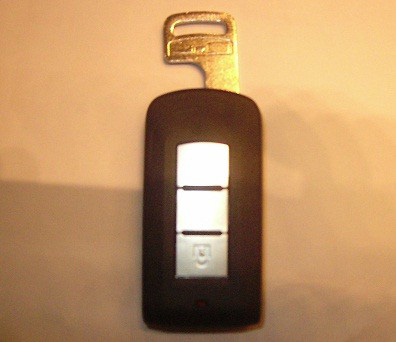
You must have a blade that will fit into the ignition lock of the vehicle.
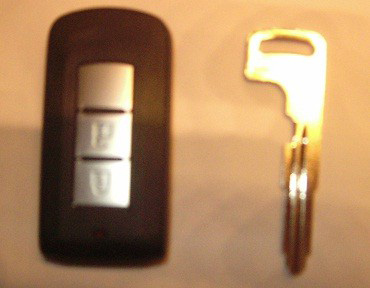
On the ignition lock there is a black cover. You must remove this black cover and put in the metal key blade. Turn the ignition on and put the smart key on the blade.
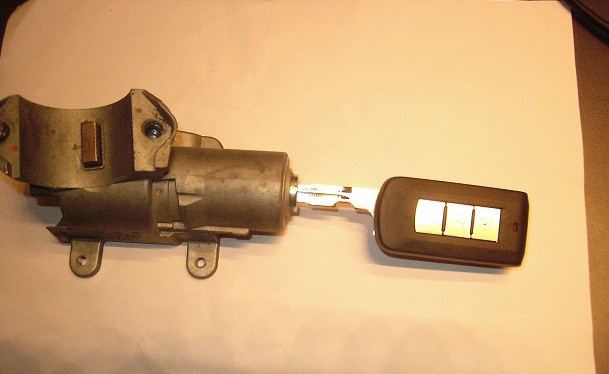
Now you may start program the key. Make sure that you are using the correct PIN code by pressing the button “Help”. If the PIN code is correct the first key will be registered and the Abrites diagnostics for Mitsubishi will inform you that the procedure is successful. After that you may proceed to register more keys. After you finish programming the keys you are ready to proceed with the KOS key (this is the remote control programming). Turn Ignition ON and press the button “Synchronize Remote Control”. The software will ask you to press twice the button. If everything is fine, you will hear a BEEP sound. Then you can proceed to program the second remote in the same way – press twice the button. When you have finished programming the remotes you can verify that the car starts and the remote works by pressing the and buttons.
Supported models for key learning
A list of the supported models is available at www.abrites.com