The “ABRITES diagnostics for MITSUBISHI” consists basically of two parts:
-
Standard diagnostic functions like reading/clearing fault codes (DTC), scanning available control units in the car, displaying actual values (measured parameters), performing actuator tests and performing adaptations.
-
Special functions like Key Programming, Engine Control Unit Reflashing, Dump Tool and Coding.
2.1 Standard Diagnostic Functions
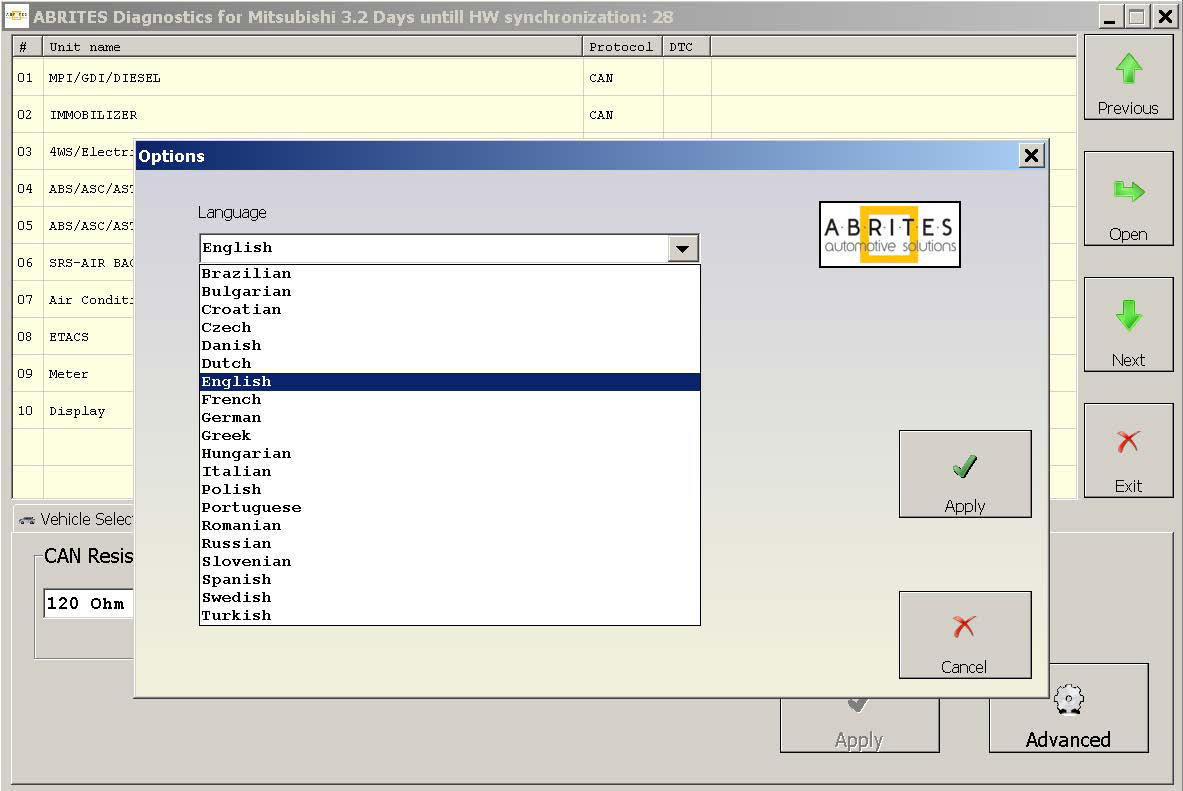
All devices, which may be present in the car, are listed in the main screen of the “ABRITES diagnostics for MITSUBISHI”. If you want to connect to a specific device, please double click on it or select it ant press the “Connect” button. The “ABRITES diagnostics for MITSUBISHI” will try to connect to the device. The Abrites diagnostics for Mitsubishi supports multiple languages both for the user interface of the program as well as the display of fault codes. To change the default English language, please click on
“Options” and then “Advanced” and the following screen will appear
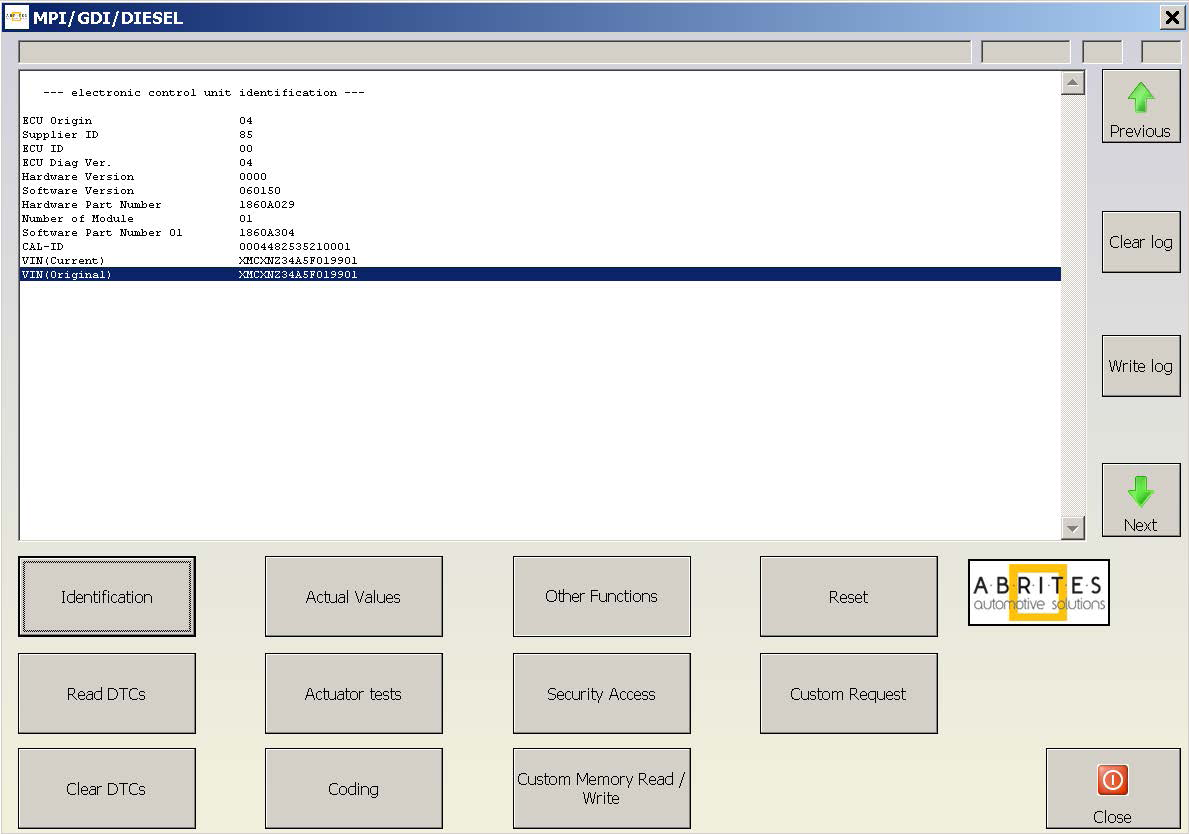
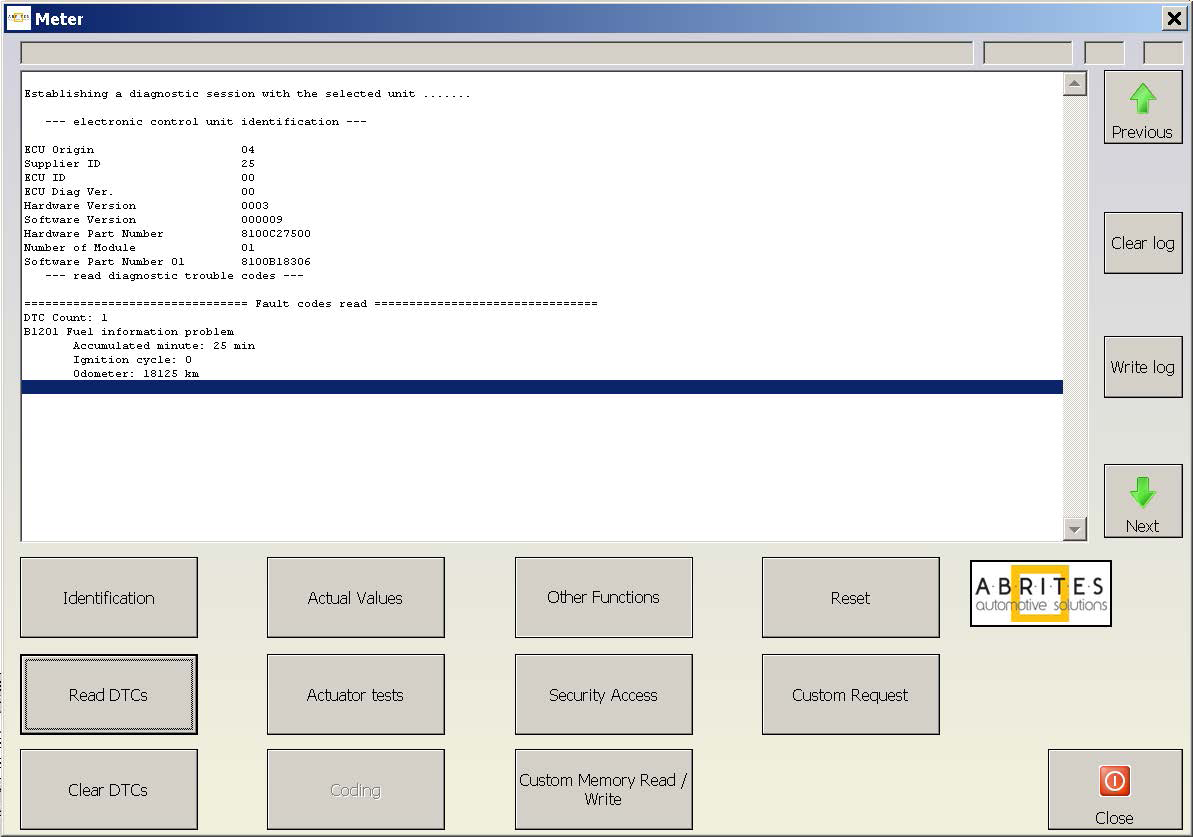
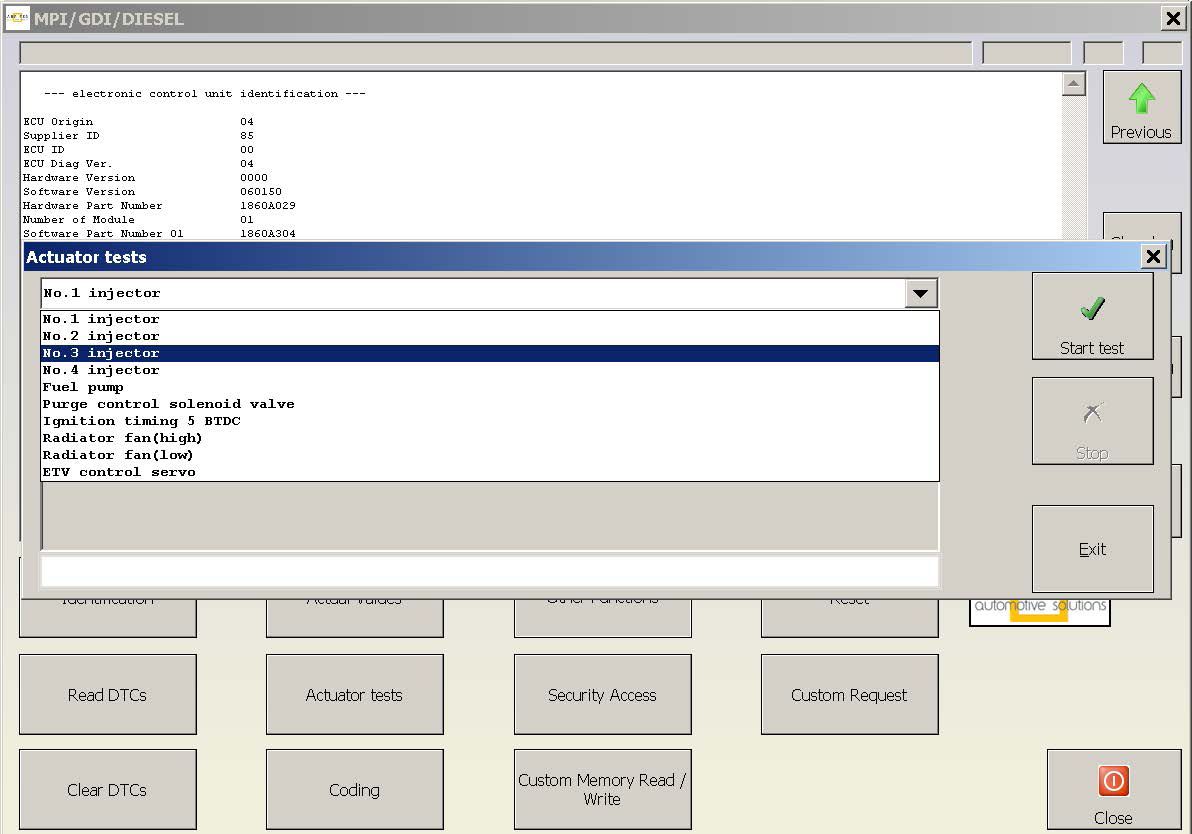
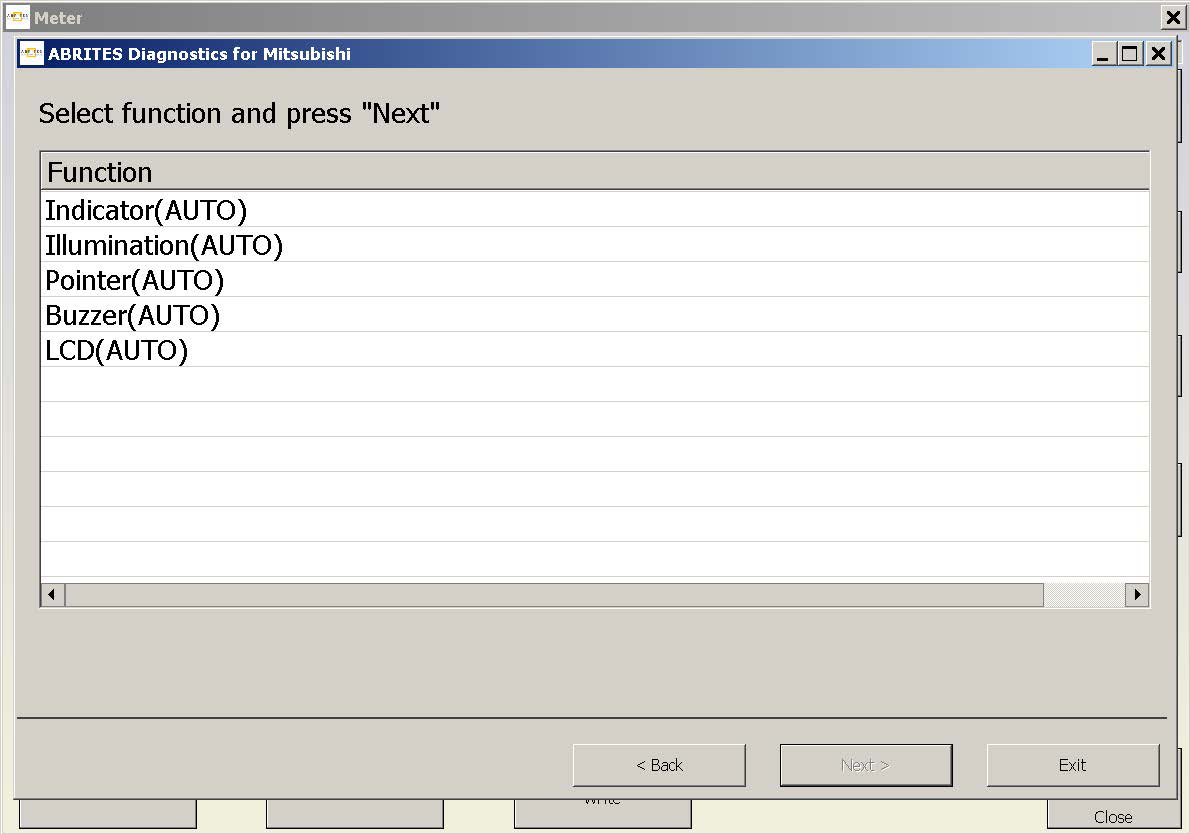
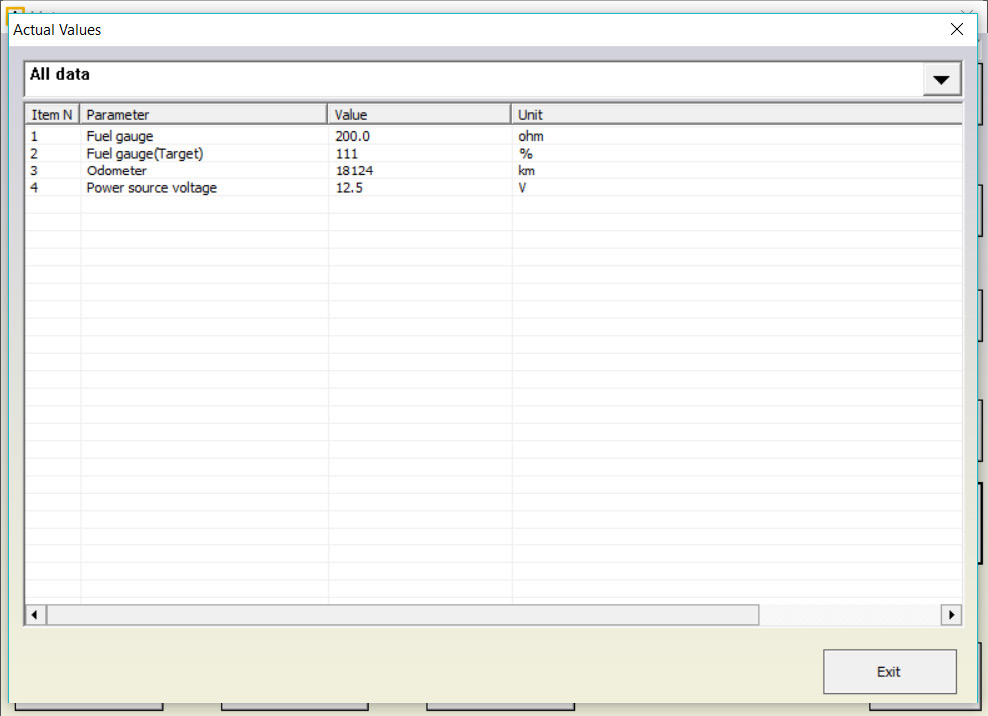
When a control unit is connected, you can make identification, Read DTCs, Clear DTCs, display Actual Values, make Actuator Tests, edit the module coding and get access to many “Other Functions” the different vehicle models and modules you are connected to offer. Here’s an example of how the menus look like:
Identification / Read DTCs
Actuator Tests / Other Functions
Actual Values
Coding
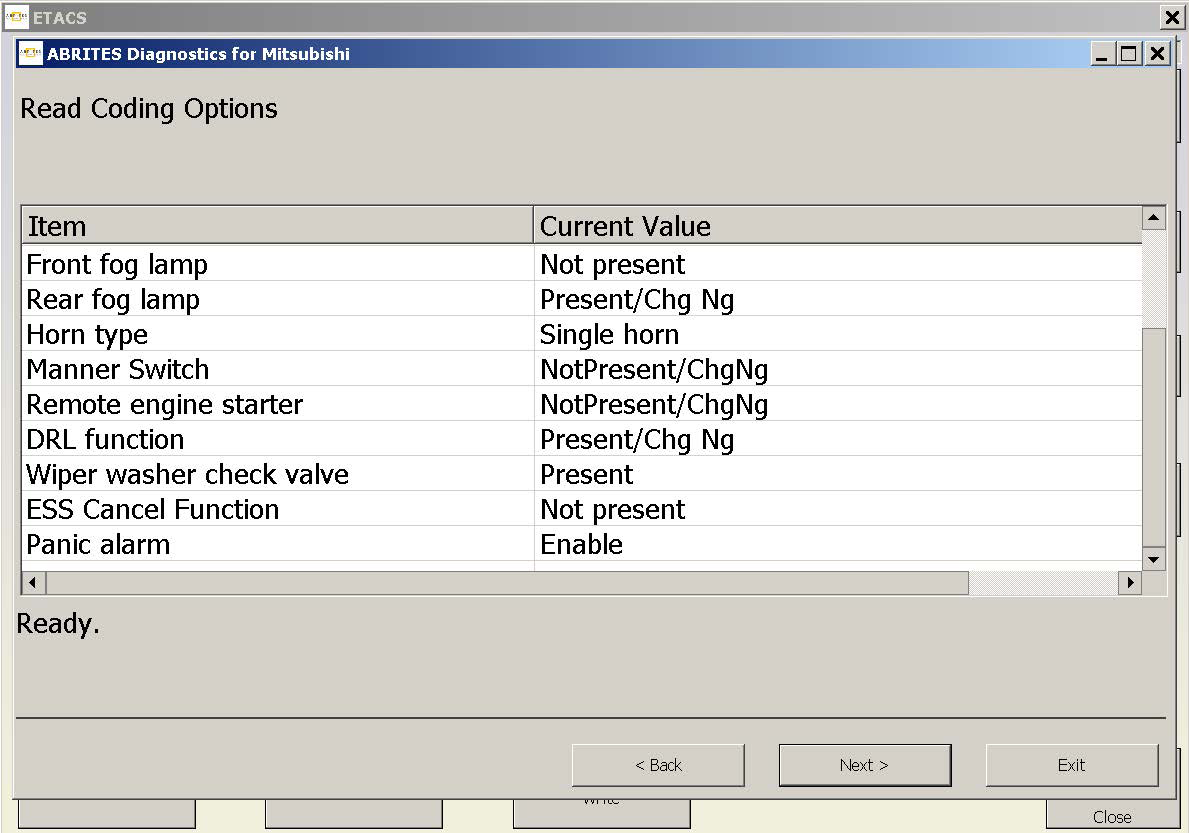
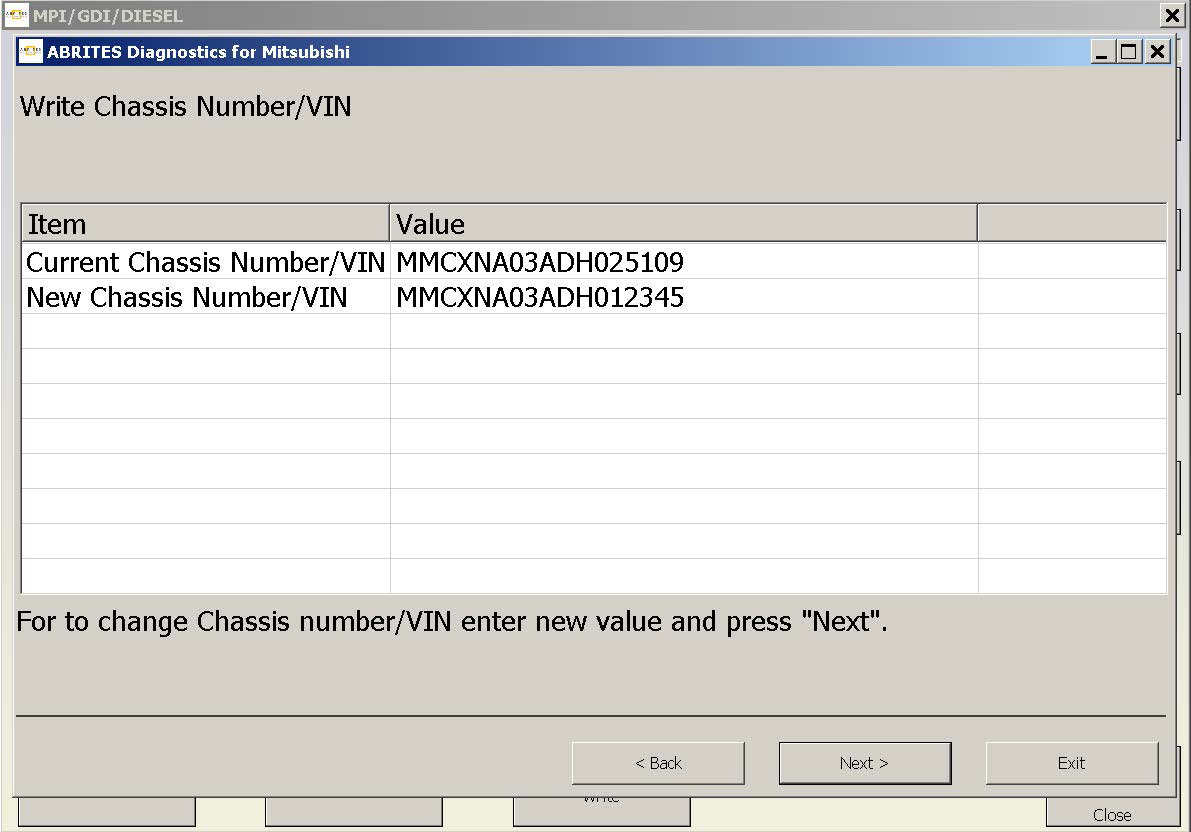
The „Coding“ Function in the Abrites Diagnostics for Mitsubishi software will allow you to edit the coding values of the vehicle you are working on. You will be granted the possibility to read the chassis VIN number, load and write the coding from another file, read the coding and save it to a file, which you can later use to write to another vehicle, especially when adapting different modules that do require the coding to be done and the correct VIN number written.
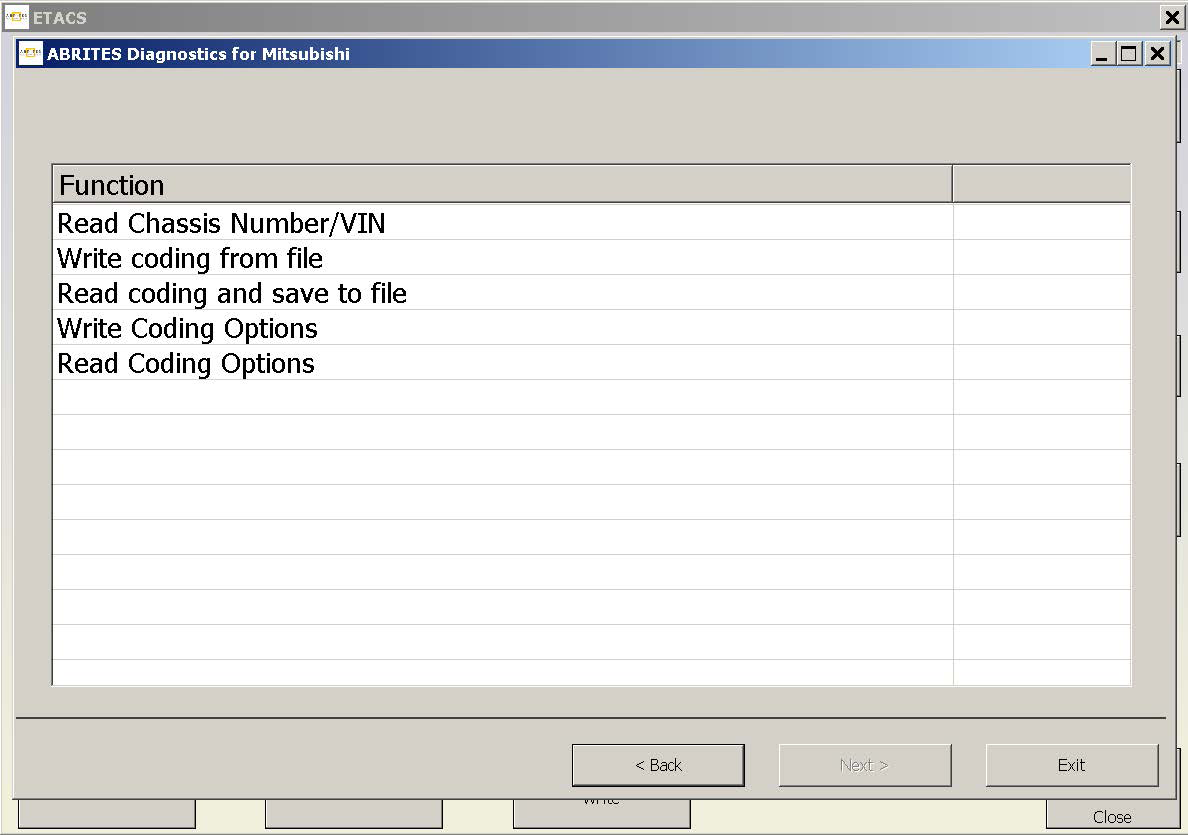
You can also find more „Write Coding Options“ and „Read Coding Options“.
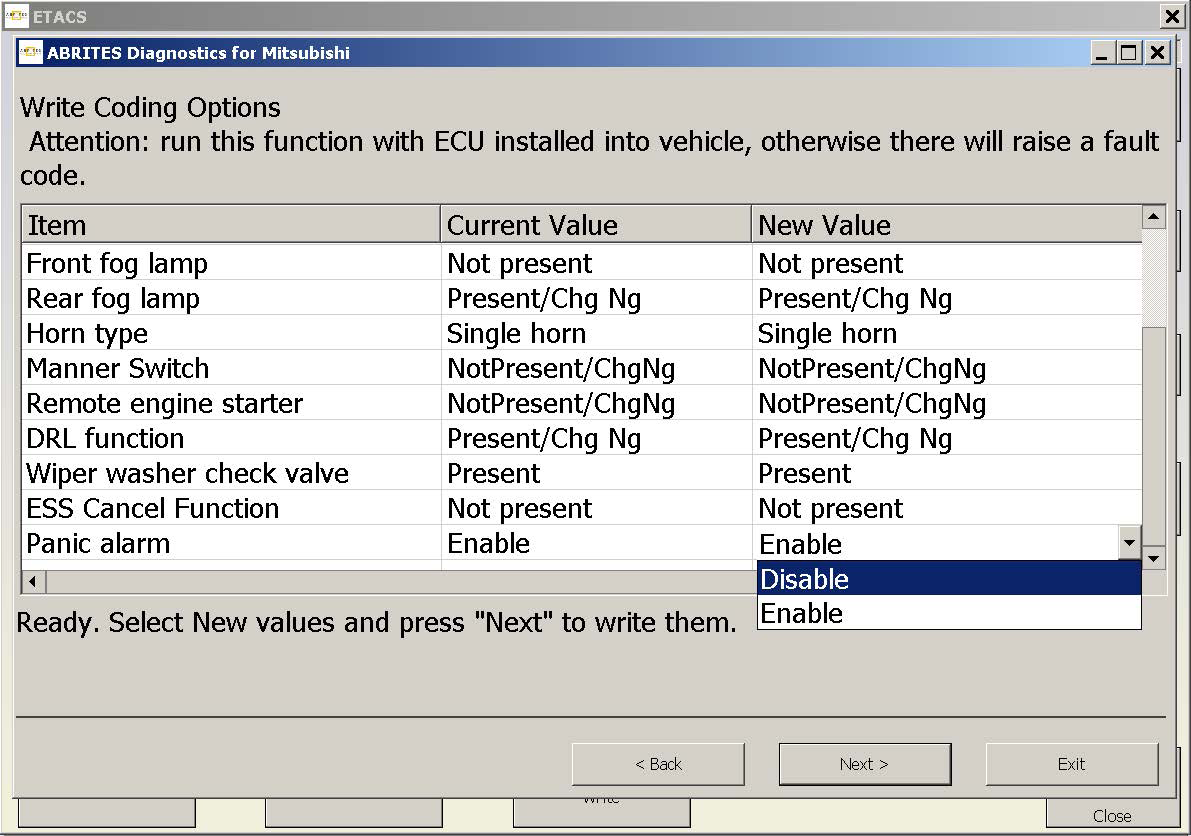
Writing the VIN looks like this
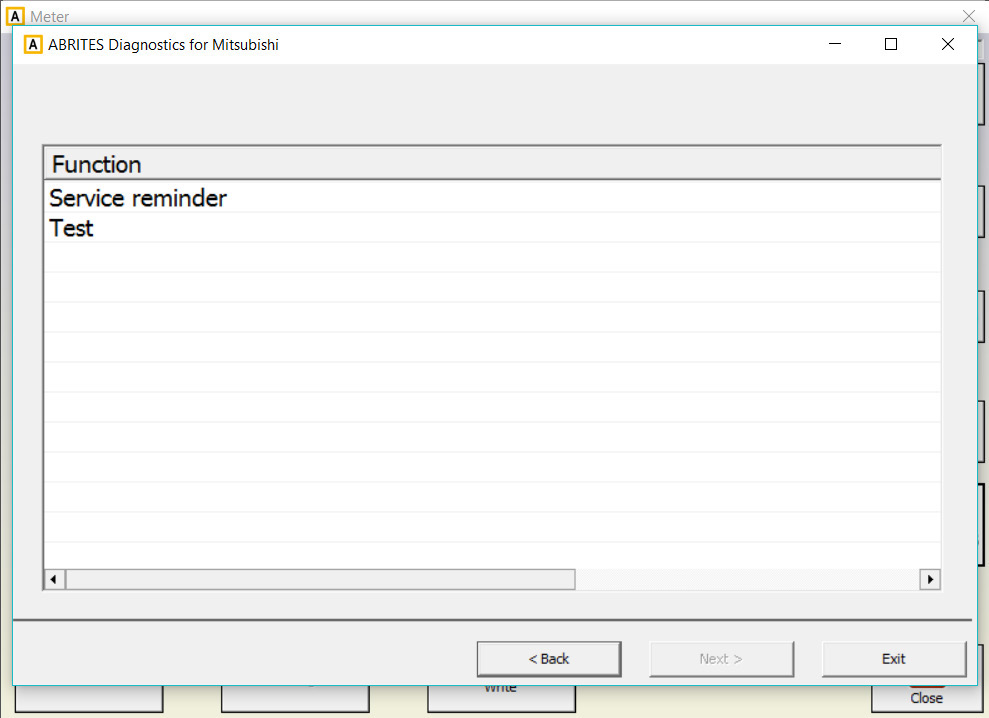
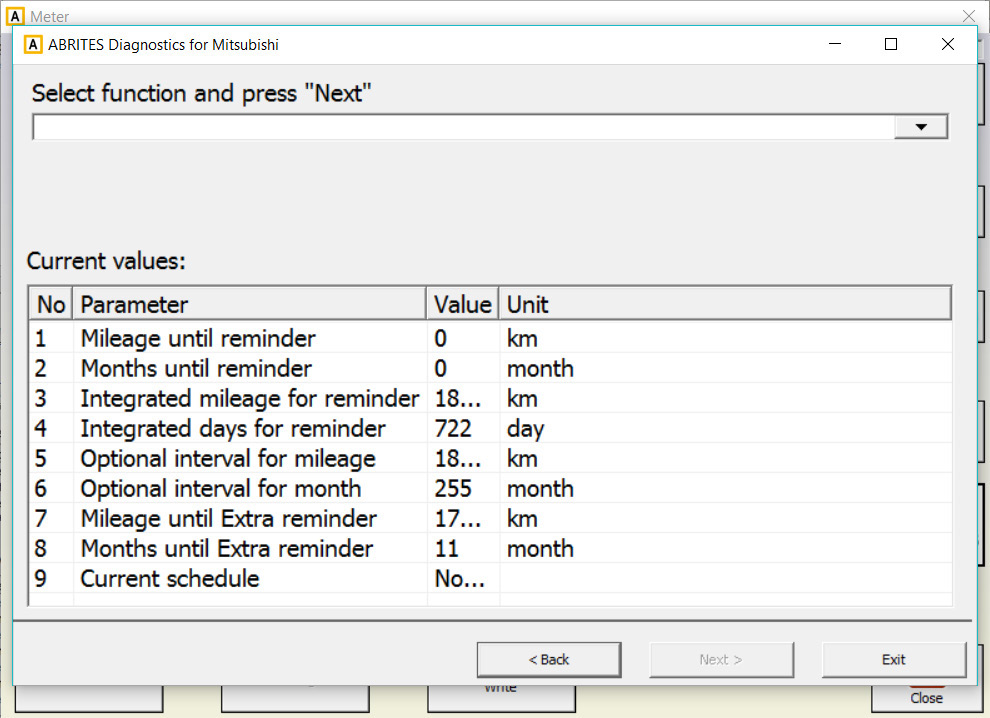
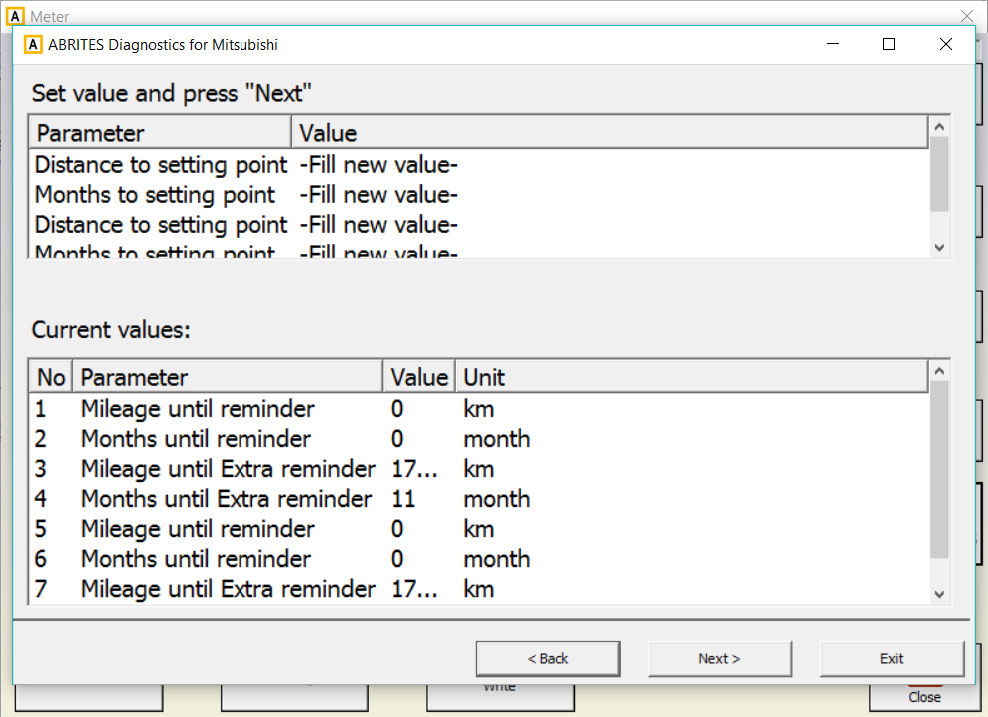
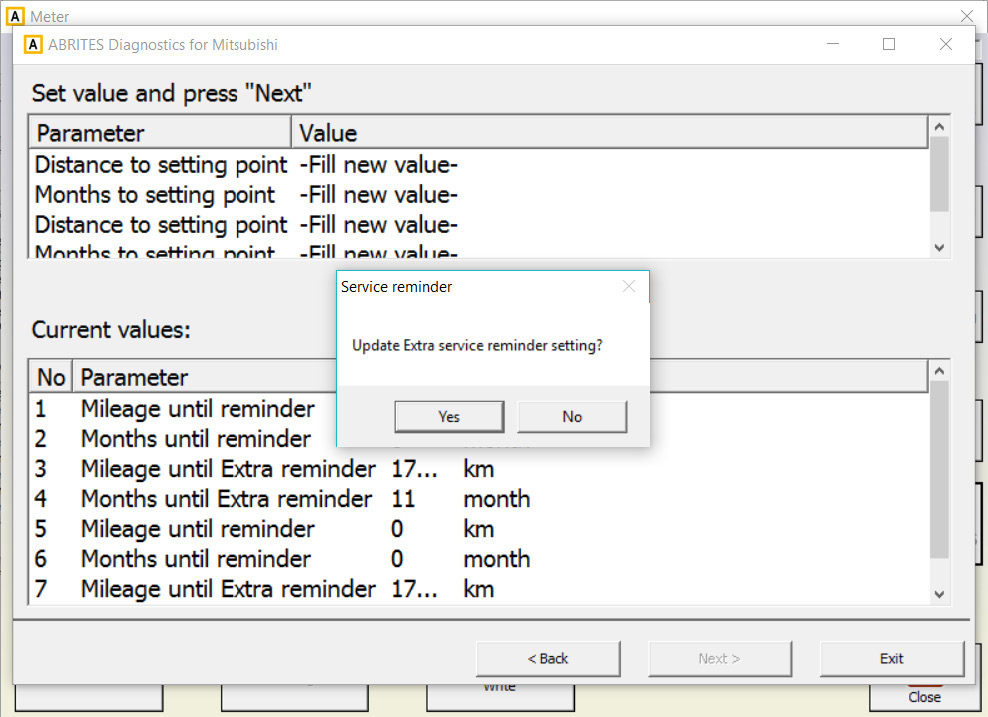
The „Other Functions“ Menu will grant you access to options, such as the „Service Reminder“ settings: