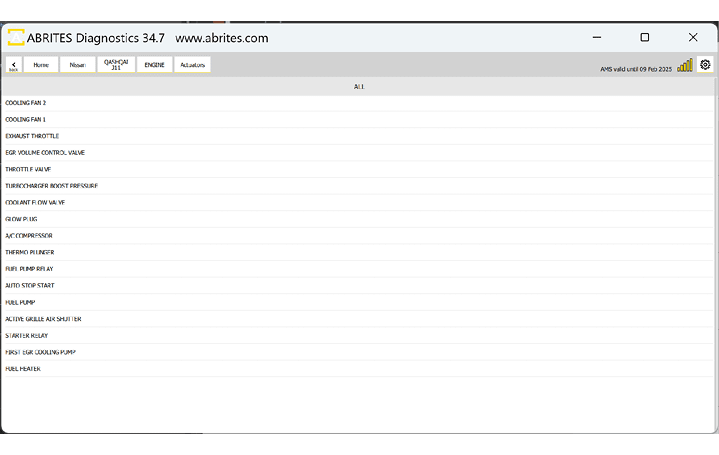
Abrites software for Nissan/Infiniti has the following standard diagnostic functionalities
-
Read/Clear DTCs
-
Actuator Tests
-
Live Values Monitoring
-
Vehicle Report
3.1.1 Read/Clear DTCs
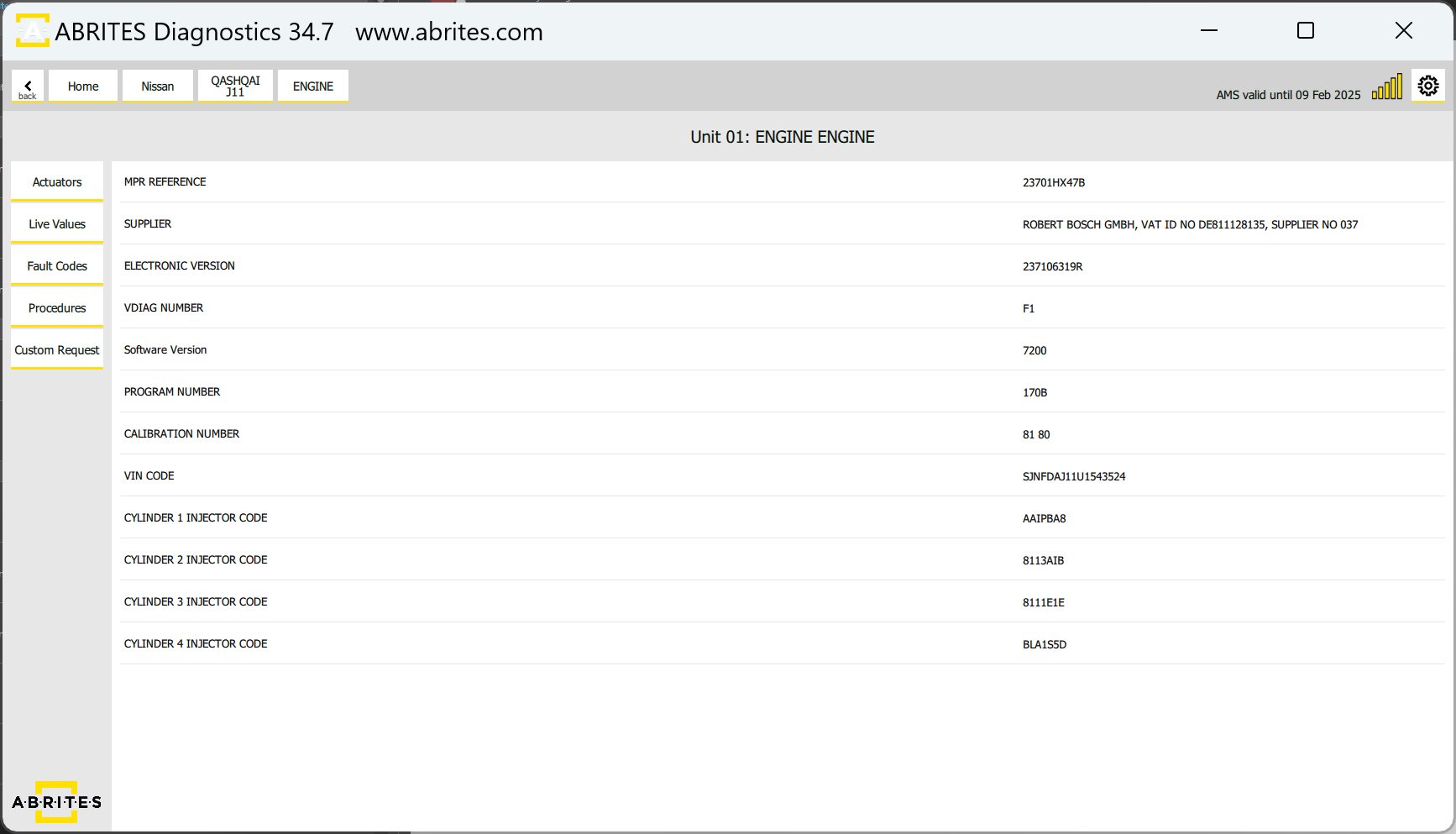
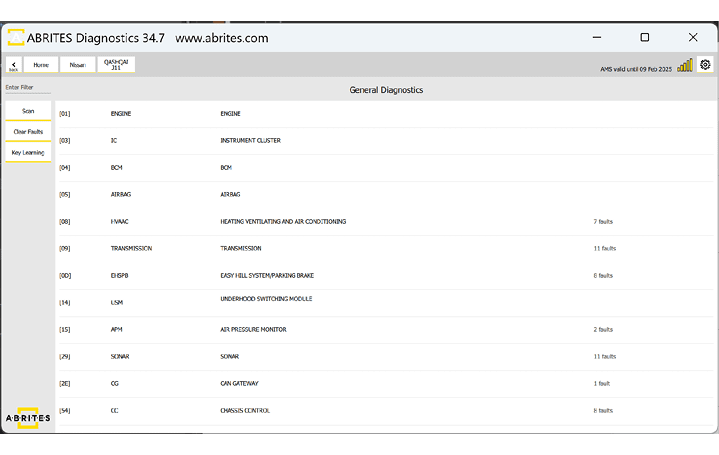
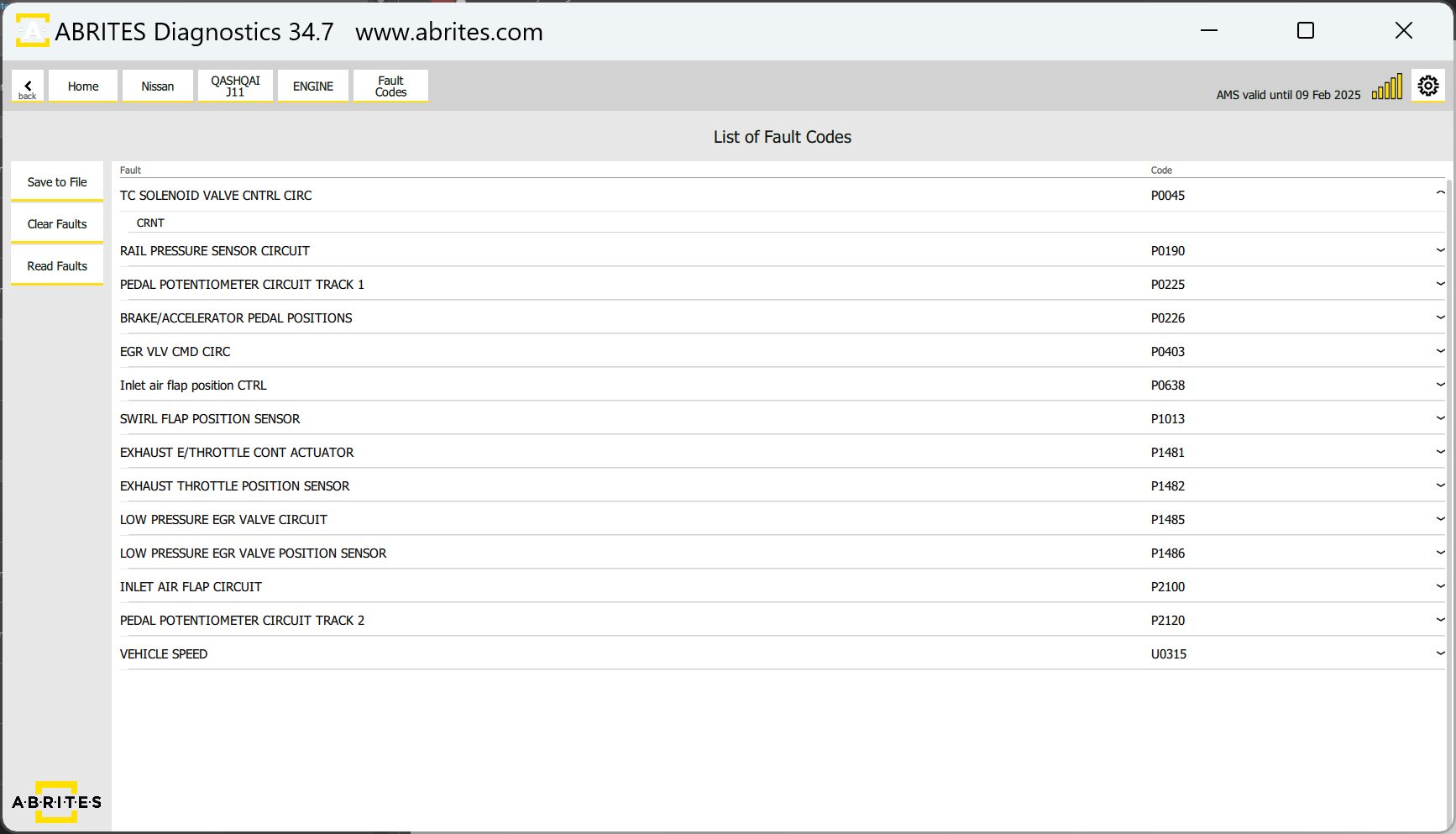
Reading and clearing DTCs is a standard diagnostic procedure, which is executed from the main screen of the software. First step - Scan is done automatically when the vehicle is selected and upon loading the list of available modules, or by pressing he “Scan” button at any other point. This action will display the number of DTCs in each module that DTCs are present. You can press the “Clear Faults” button to clear all DTCs, or enter each module one by one and get details about the DTCs. Below you can see screenshots of the diagnostic scan with available DTCs, and DTCs information in the module.
3.1.2 Live Data Monitoring
Live Values or Live Data monitoring is a very useful functionality when it comes to vehicle diagnostic. The benefits of live data monitoring are:
-
Immediate Visibility into Vehicle Health
-
Dynamic Troubleshooting:
-
Enhanced Efficiency and Time Savings:
-
Data-Driven Decision Making:
-
Proactive Maintenance and Preventive Measures:
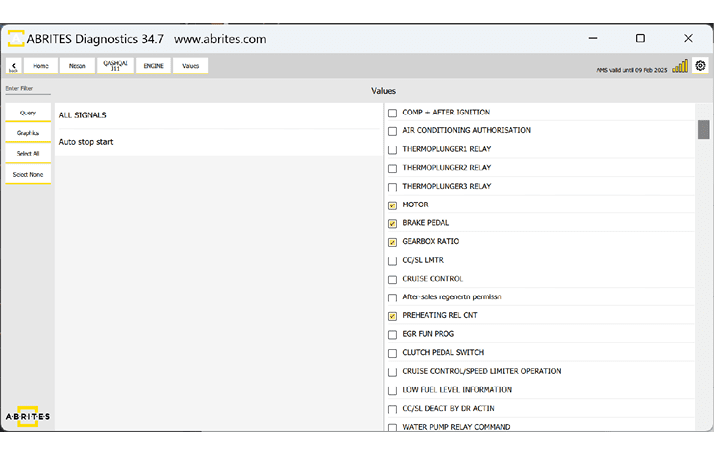
Live Data monitoring is accessed trough the diagnostic menu, by entering a module and pressing the “Live Value” button. You will have to choose the data you want to monitor and choose between a query or a graph visualization.
3.1.3 Actuator Testing
Actuator Testing allows you to assess the functionality of various actuators in the vehicle. Actuators control critical components such as motors, solenoids, and valves. Actuator Testing enables you to precisely target and address specific issues. Improve accuracy in diagnosing problems related to actuators. Minimize trial-and-error by confirming the root cause of issues promptly.
Benefits of Actuator Testing
-
Quickly identify faulty actuators affecting vehicle performance.
-
Validate the effectiveness of repairs or replacements.
-
Streamline the diagnostic process by pinpointing specific issues.
-
Real-Time Feedback.
-
Receive instant feedback on the status of the tested actuator.
-
View real-time data to analyze the actuator’s response and performance.
How to Perform Actuator Testing
Open the software > from the main screen select the module you want to work with. Once in the module > select “Actuators” and then select the specific actuator you want to test from the software interface. Follow on-screen instructions to initiate the testing procedure. Monitor the response of the actuator to ensure it operates within expected parameters.