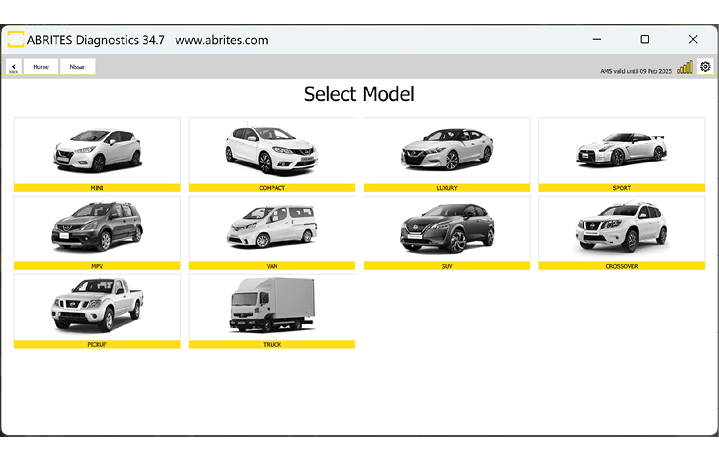
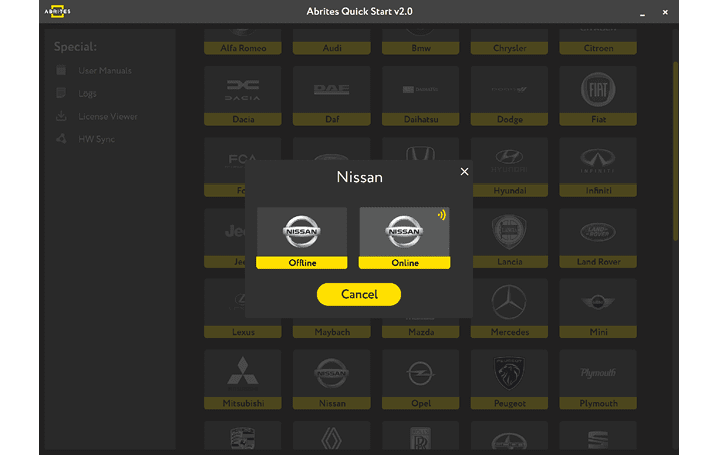
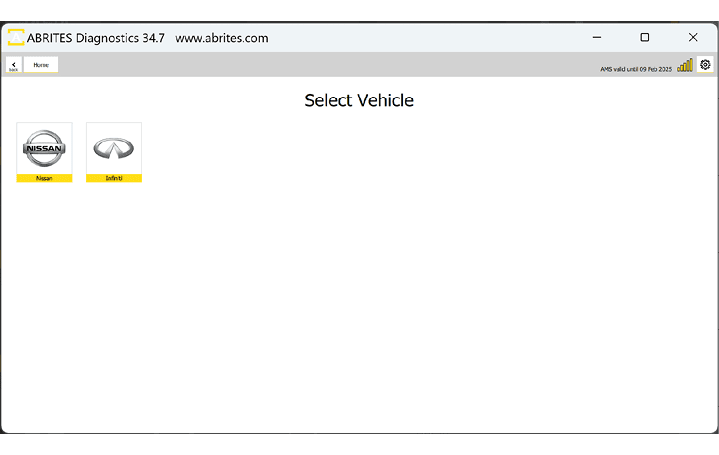
You can start Abrites Diagnostics for Nissan/Infiniti Online by starting the Abrites Quick Start application and selecting Nissan or Infiniti icons.
When the Abrites Diagnostics for Nissan/Infiniti application is started you will be prompted to select the Nissan or Infiniti Online application, and the next step is to select the Model.
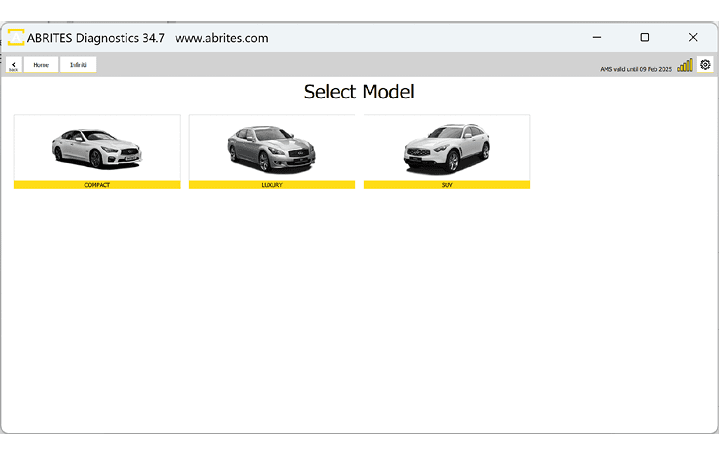
In the next screen, depending on the brand you have selected you will see the types of vehicles, once the type of vehicle is selected you will have to choose the exact model and generation. Below you can see the examples for type of vehicle both in Nissan and Infiniti. After you have selected the model, it will be checked and detected by the software. You will see the details of the car - the diagnostic protocols it uses, the VIN of the car, the model, and then you can continue to the list of modules installed in this particular vehicle. Also, if you have made a mistake with the vehicle selection, the software would ask you if your selection was correct and would suggest another option based on the auto-detection.