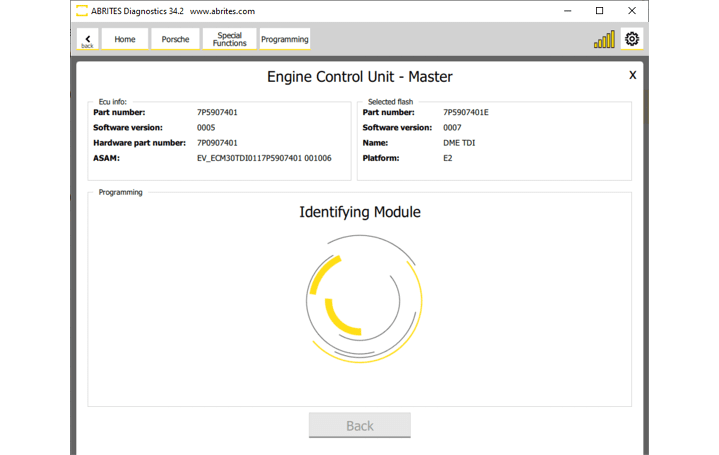
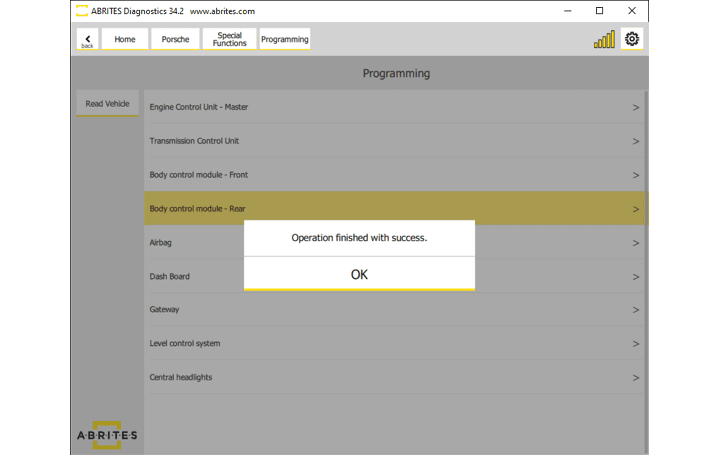
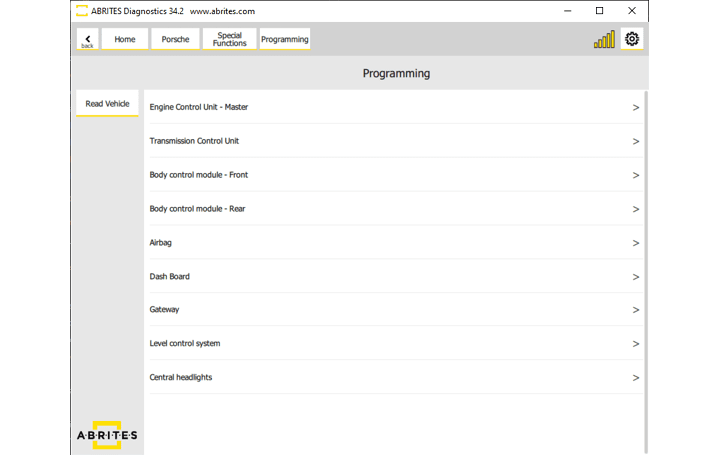
The Porshce Online software gives you more than the standard diagnositc procedures. Now you have the opportunity to do module re-flashing by OBDII, which is very useful when it comes to updating your module with a required flash file. You can access it from the “Special functions” menu in the software and then select “Programming.” Once you open the menu you will see the list of available modules in your vehicle, applicable for this procedure, in order to proceed you need to select the unit you want to work on. After that, you will see the list of available flash versions, please check the picture below:
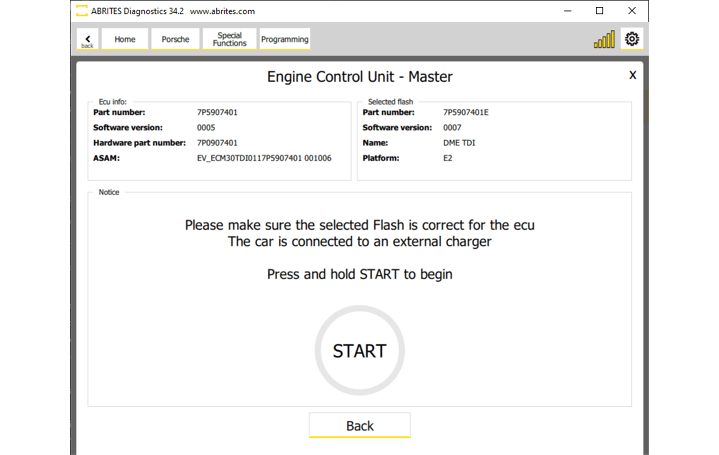
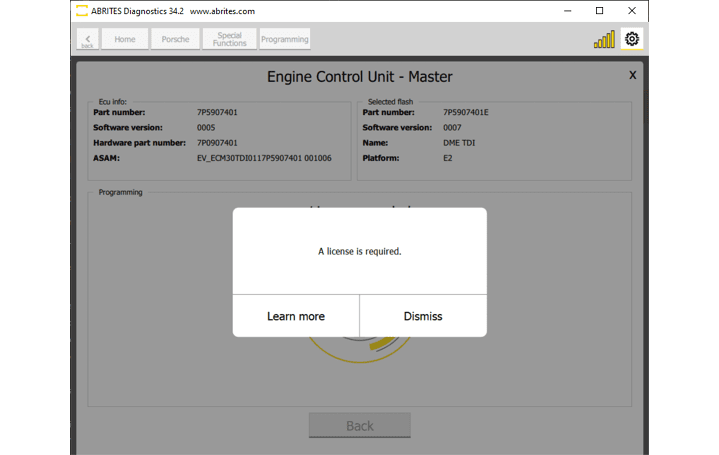
Once you have selected the unit and the appropriate version to start the process, you will see the screen with instructions and a larg “START” button. To continue, you need to press and hold the START button. The software works as a guided function and is very intuitive to follow. If you are missing the required license you will get a message as in the second screenshot of this page.
IMPORTANT: “Please make sure the selected Flash is correct for the ECU, and that external power supply 13.6 V is provided“
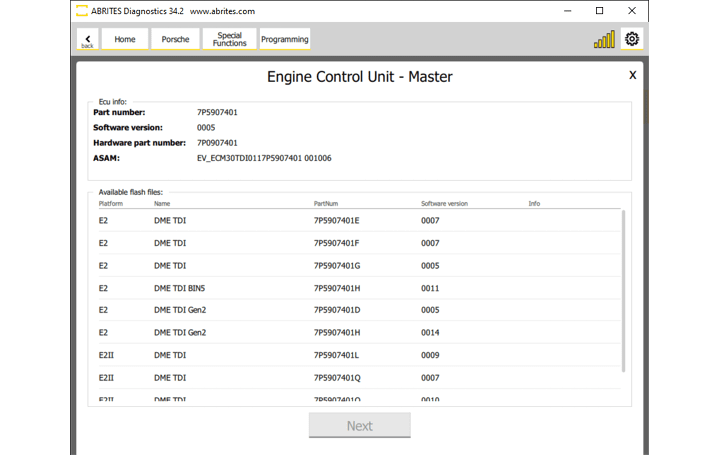
The screan will visualise the status of the process, it shows information about each step of the process, and even it gives you estimation of the remaining time to complete. At the end you should see the massega as in the second screenshot below - “Operation finished with success”