The Abrites Diagnostics for PSA has added support for 2015+ BSI Continental units for mileage calibration, PIN reading and EEPROM reading. The functionality will help with BSI exchange as well. The steps below will describe how to perform the desired operations:
Exchange of BSI
Before you start exchanging the BSI, make sure to first read the original EEPROM and PIN code. Once the PIN code and the EEPROM of the original BSI are read, you can proceed with connecting the replacement BSI and reading its PIN code and EEPROM.
- Open “Read Security Code”
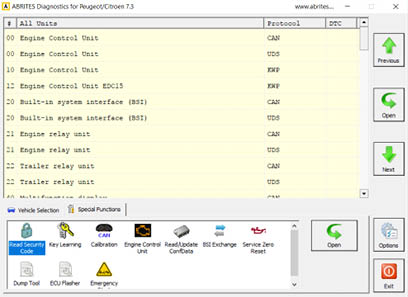
- Use “Autodetect” and press “Read”
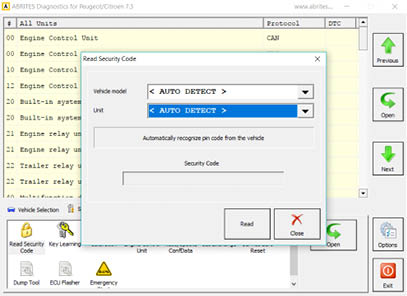
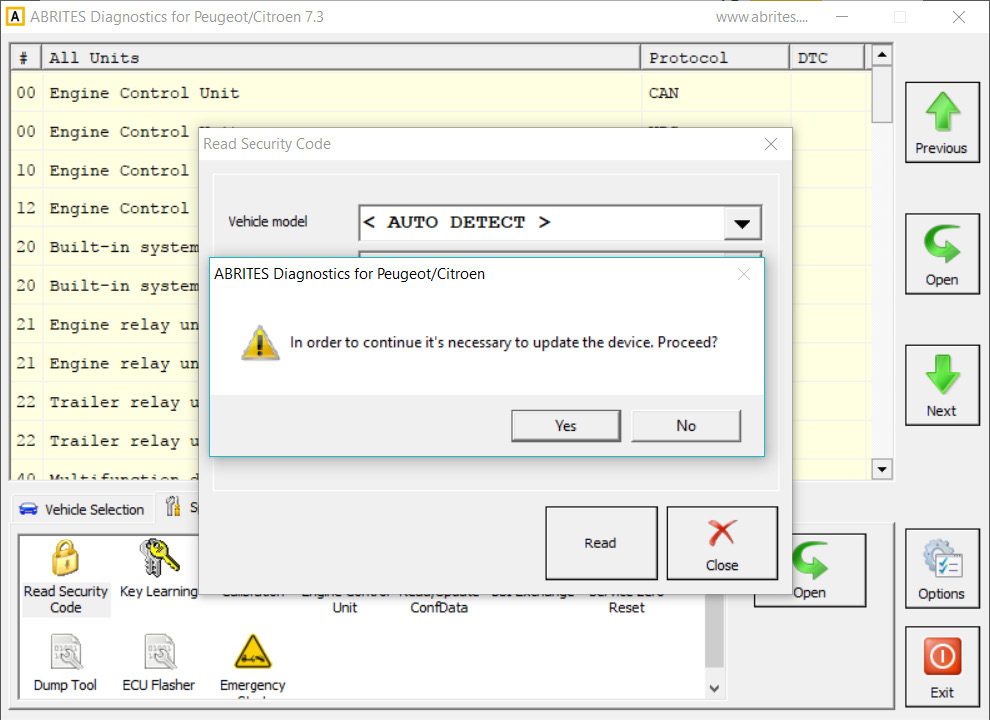
- The software will inform you the BSI has to be reflashed
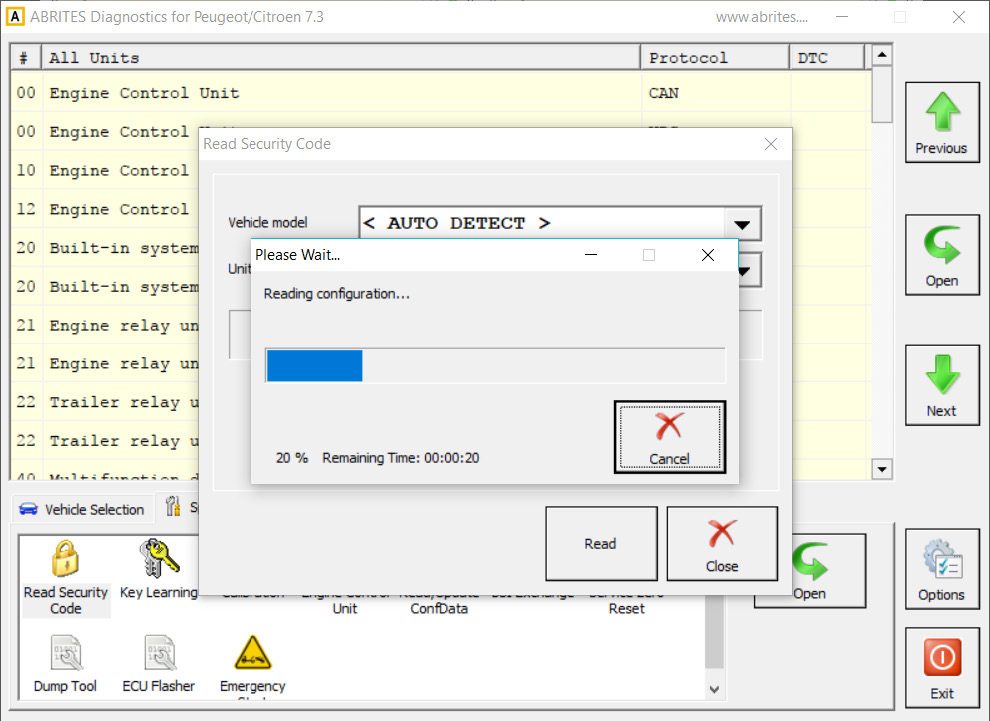
- Reading EEPROM automatically
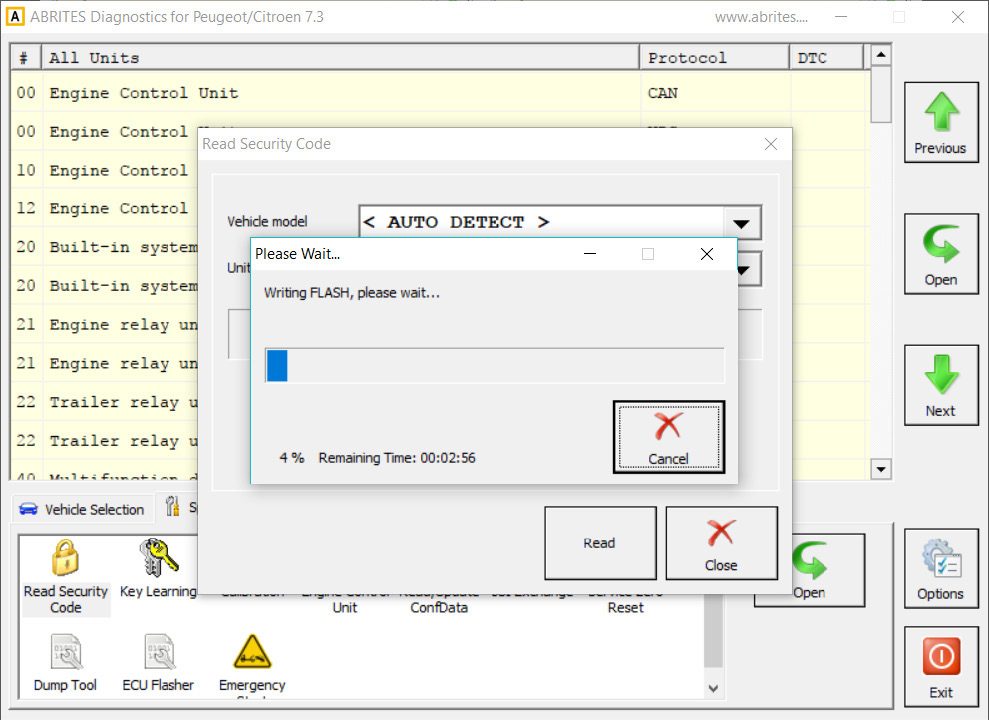
- Writing the flash
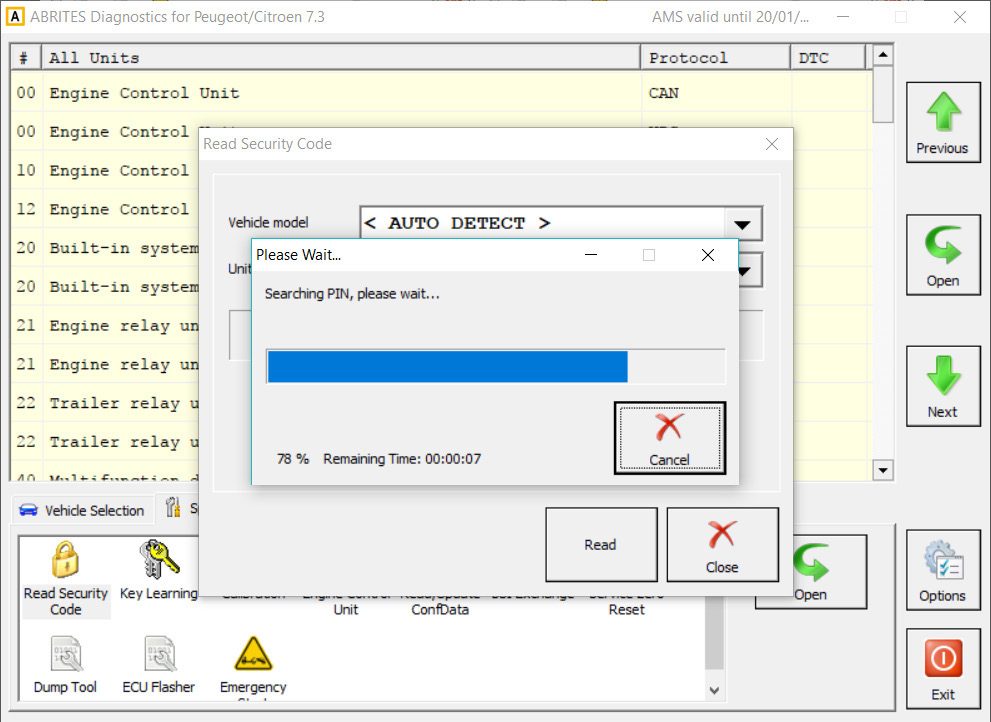
- Searching PIN after the flash is written
- The PIN Code is successfully read:
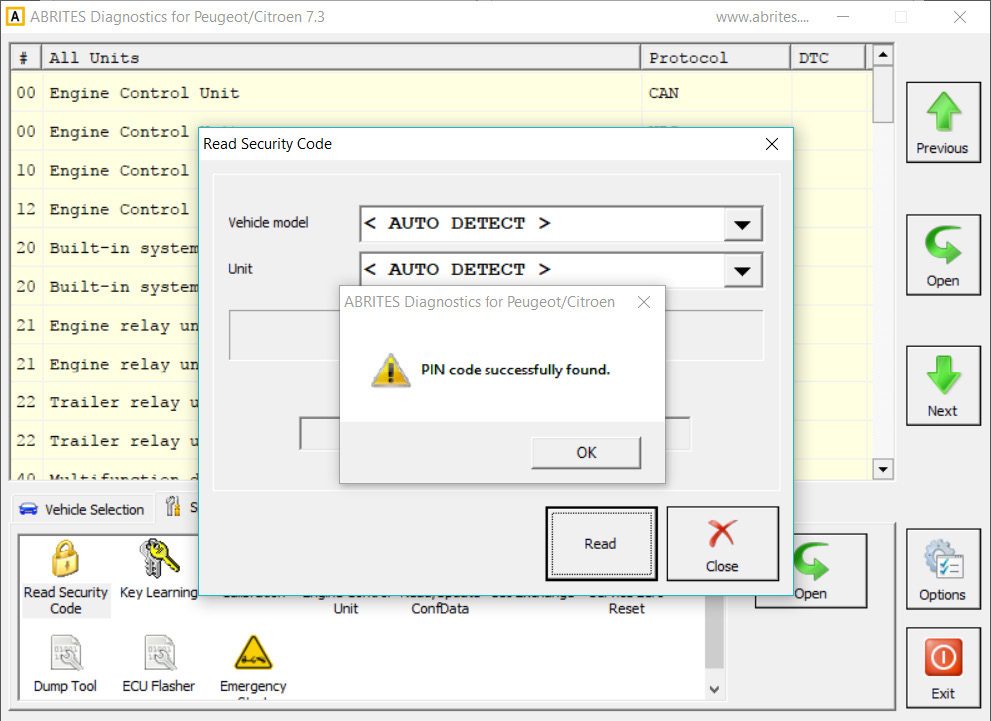
Once the unit is reflashed and the PIN code is read, write the original EEPROM you have previously saved from the BSI by loading it from the file:
- Open “Read/Update ConfData”
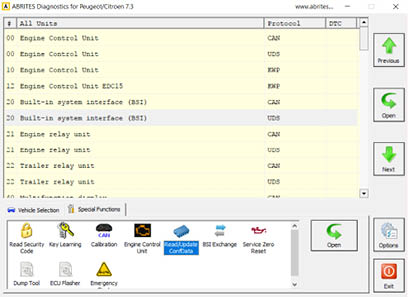
- Load the EEPROM and write it to the replacement BSI
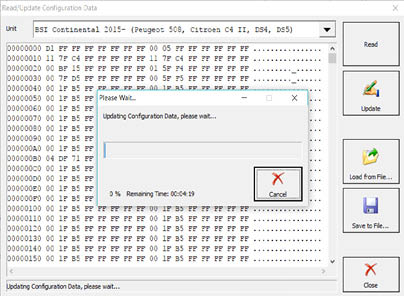
As soon as the EEPROM is written, you can proceed with changing the PIN code and reprogram the existing keys. As the EEPROM is locked in the 2015+ models, you can unlock it in the “Read/Update ConfData” Menu with changing the bytes that lock it to “11 11 11 11”. The bytes are underlined in red:
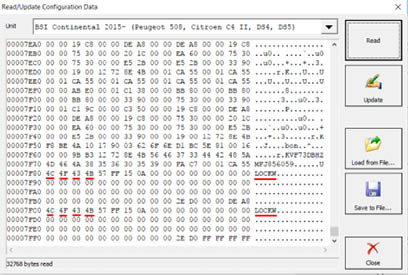
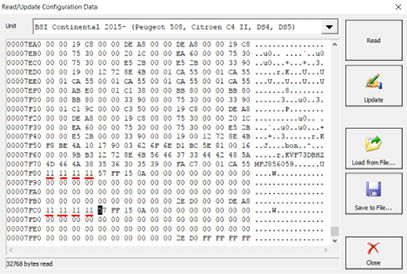
As soon as the unit is made virgin, you can write down the original PIN. Re-learning the keys may be needed to make the remote function again:
- Open the unit in diagnostics
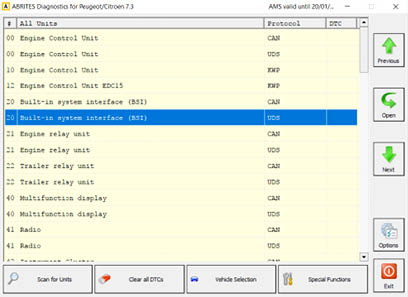
- Click on “Other”
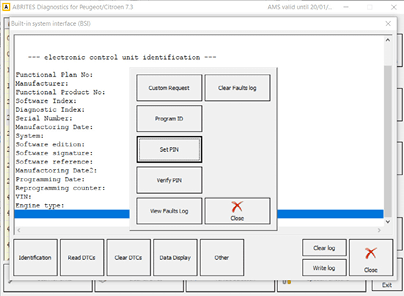
- Choose “Set PIN”, enter the new PIN and click “OK”
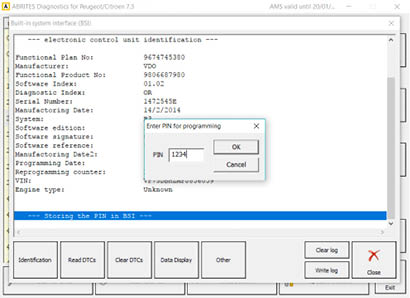
- You will see the PIN you entered has been programmed
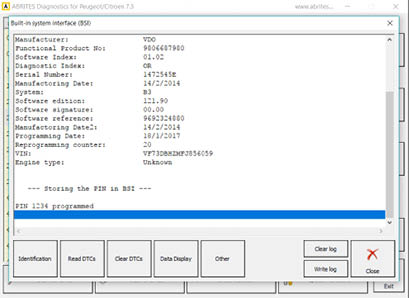
Note: You can now test if the keys are working and if not, please proceed with reprogramming them in the IGN slot.
Note that after a successful BSI exchange it is always good to have the keys learned again in order to start the engine.
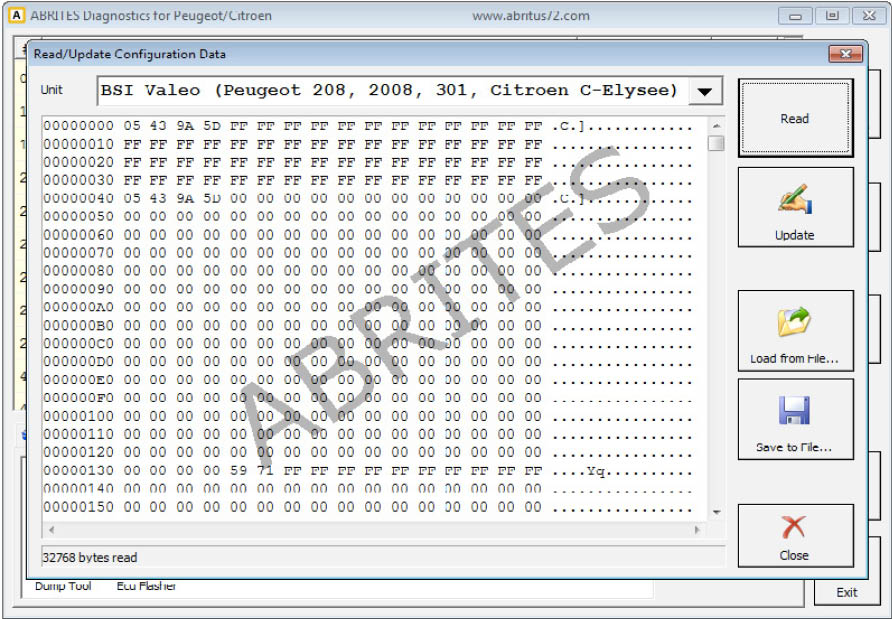
Reading and updating the flash of the Built-in system module can be done through the Read/update conf data menu:
Mileage correction in the BSI
When changing the mileage, please use the “CAN” Calibration special function. The 2015+ BSI models can have the mileage corrected when it is needed, but please be aware that the editing may need to first reflash the unit. Once it is reflashed (automatically done by the software upon a prompt), the mileage can be edited.
- Open the Calibration Special function
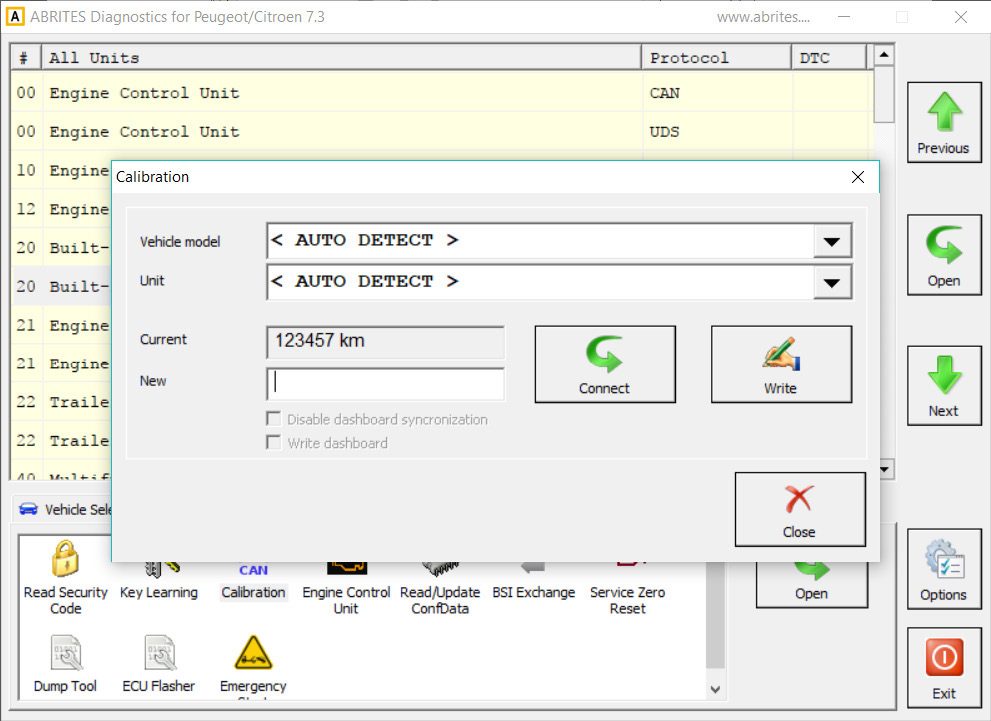
- Click on “Connect” and read the mileage
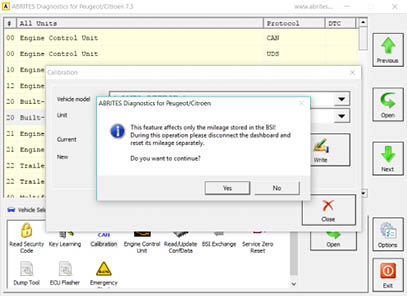
- Enter new mileage and confirm the prompt
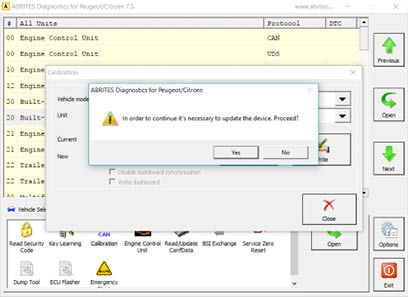
- Reading the configuration after writing
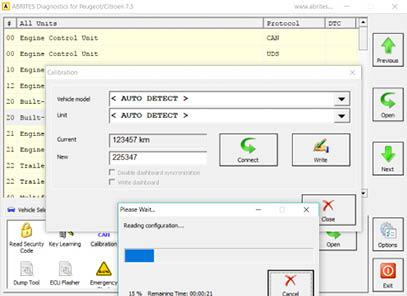
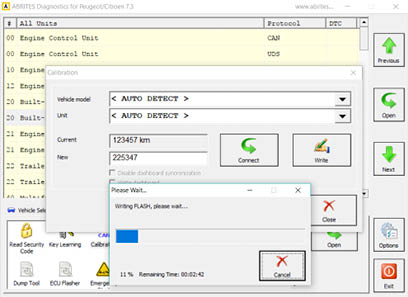
- Writing new flash that allows calibration
- The mileage has been set
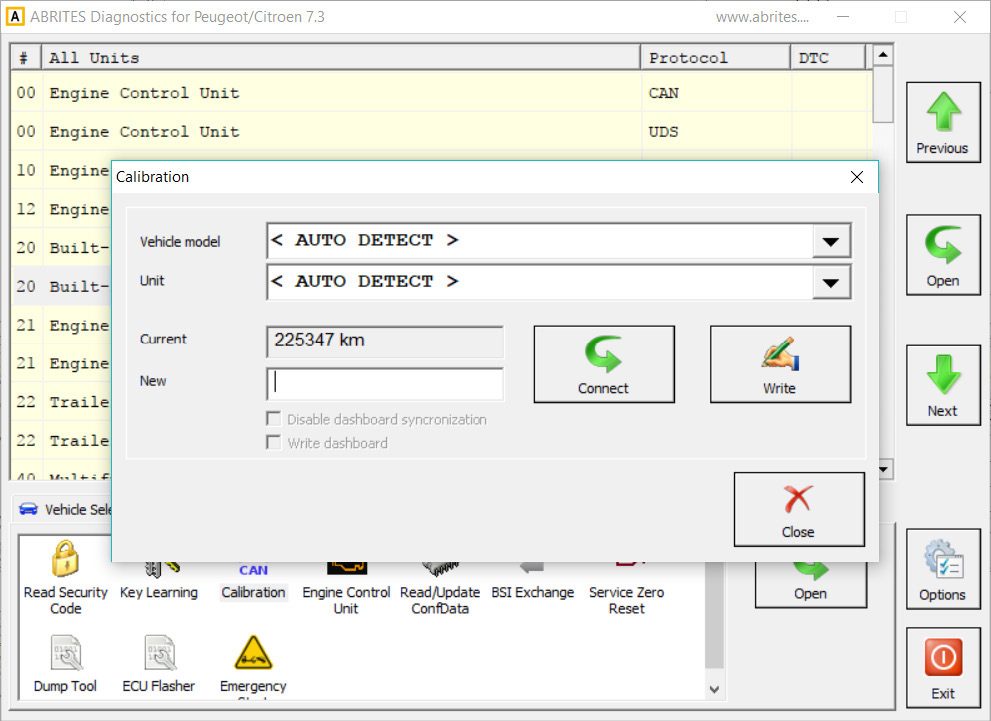
Note: After the change, the keys have to be re-learned to the car, else, they may not work as before.
Visualizing and resetting of the error history of the BSI and ECU is available through the main diagnostic menu.