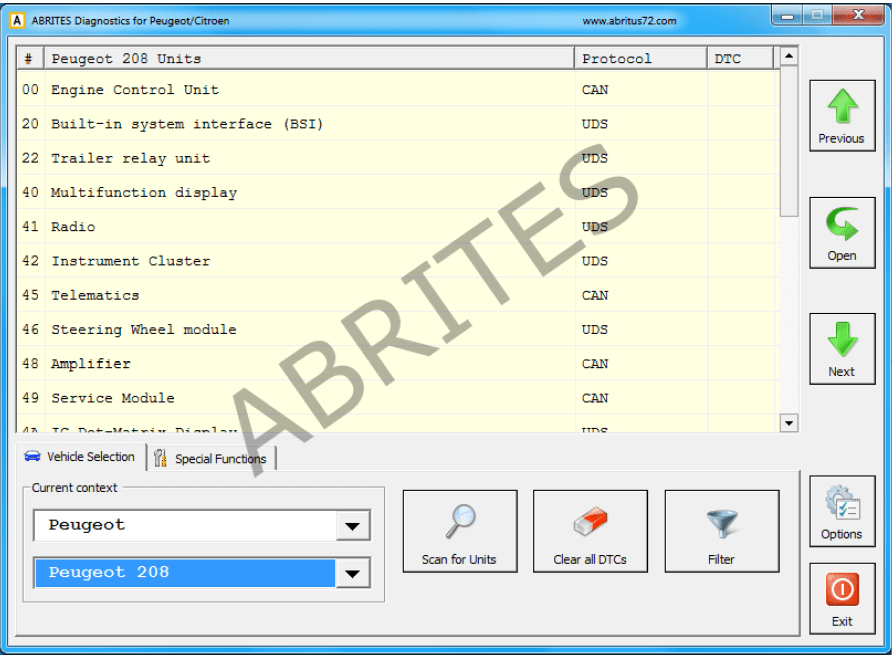
From the main window of the program you can see a complete list of all supported devices and the tabs below it – for scanning units, clearing DTCs, vehicle selection and special functions.
If you want to filter only the devices specific to a defined vehicle you can select a car brand i.e. Peugeot or Citroën and a specific model of this brand. This will show you all the devices that might be present in the selected car. This doesn’t mean that all of them are really available – it depends on the level of equipment of the current car and the extra options ordered by the customer.
If you want to filter only the devices present in the current vehicle – click “Scan for Units” button. After a while the device list will be populated only with present ECU’s with DTC’s retrieved for each of them. In the vehicle context drop down box is visible < Scan Result >. You can return to all units view by selecting < All Units > or filter the specific for a defined model units by selecting the model directly. Clicking the button Clear All DTC’s will erase all stored faults in all units if possible. If you want to find a specific device by name click the “Filter” button and type part of the device name in the input dialog. As a result the list of devices will have only those of the devices that contain the keyword entered. In this case vehicle context is switched to < Filtered >.
If you want to connect to a specific device just double click on the device from the list. A dialog with identification information is shown.
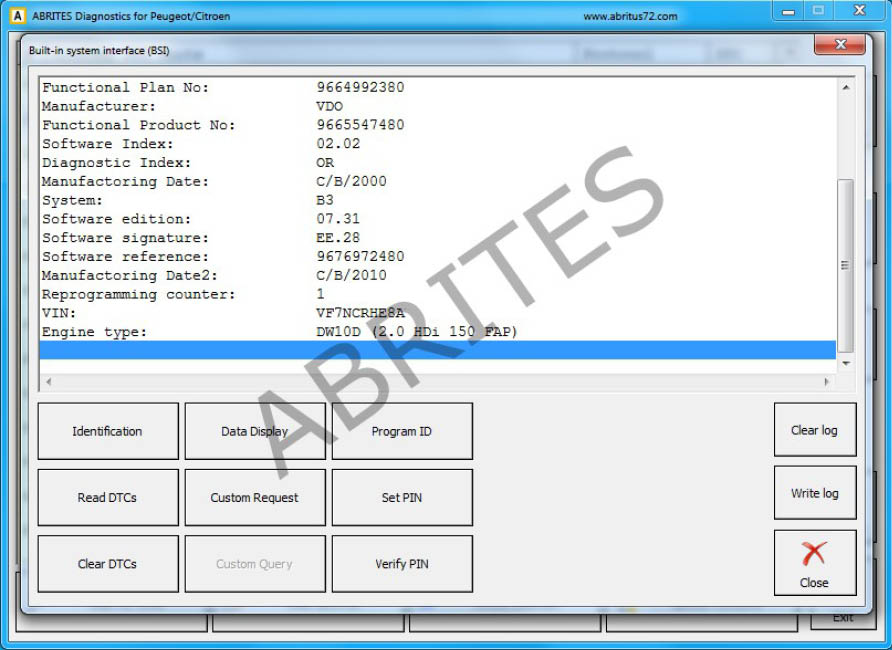
Available actions are
- Retrieving identification. This option will allow you to read all the details from the module, complete information about it, the software versions and basically all the data in regards to it.
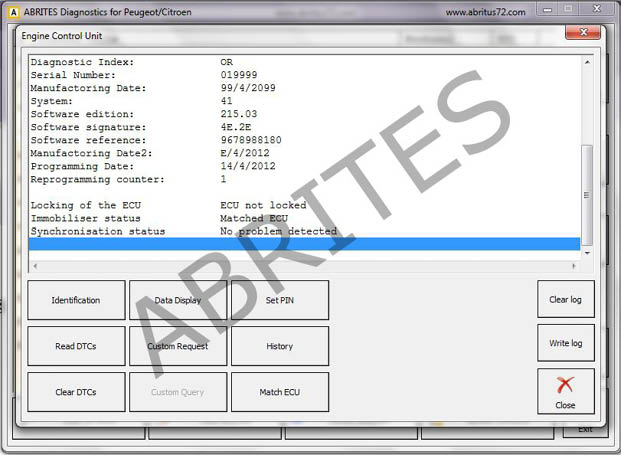
- Reading/Clearing of diagnostic trouble codes (DTC).
The option for reading and clearing of DTCs will allow you to read all the diagnostic trouble codes and help you determine the cause of them. Once the issue has been repaired the DTCs can be cleared:
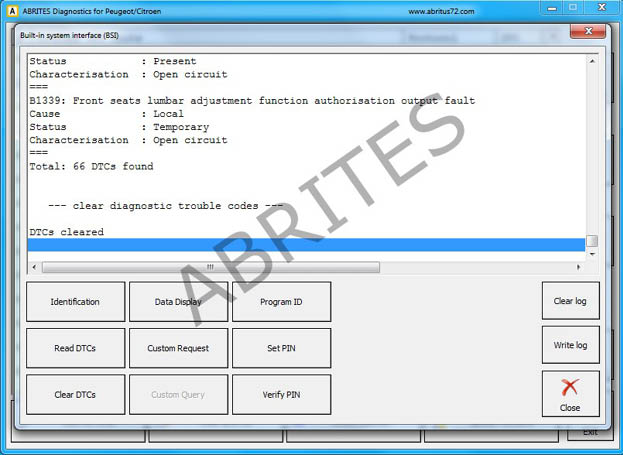
- Data display
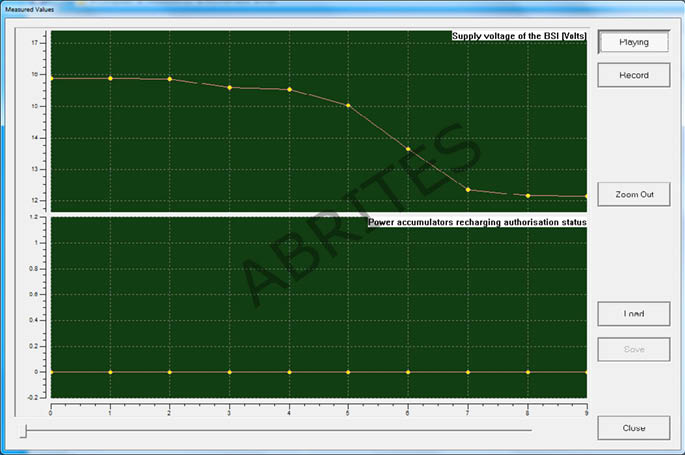
This function will allow the “on demand” viewing of live data from the electronic control modules in the vehicle, such as BSI, ECU, etc. This ability is very helpful when it comes to determing the cause of a fault within the vehicle’s operation:
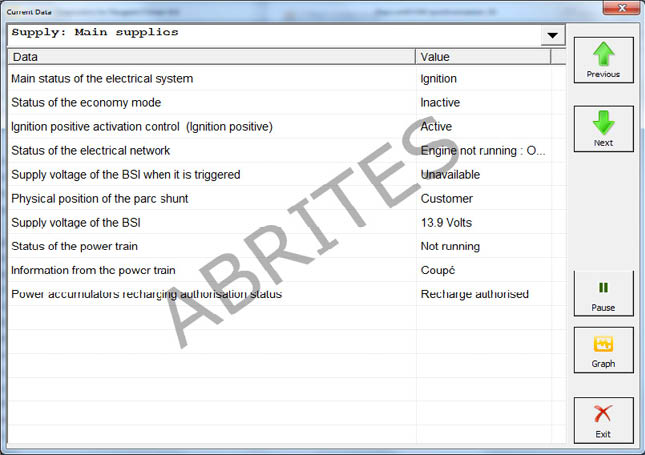
The ‘Live values” can be viewed in a list form (as a list) or in a graph view (when pressing the “Graph” button.