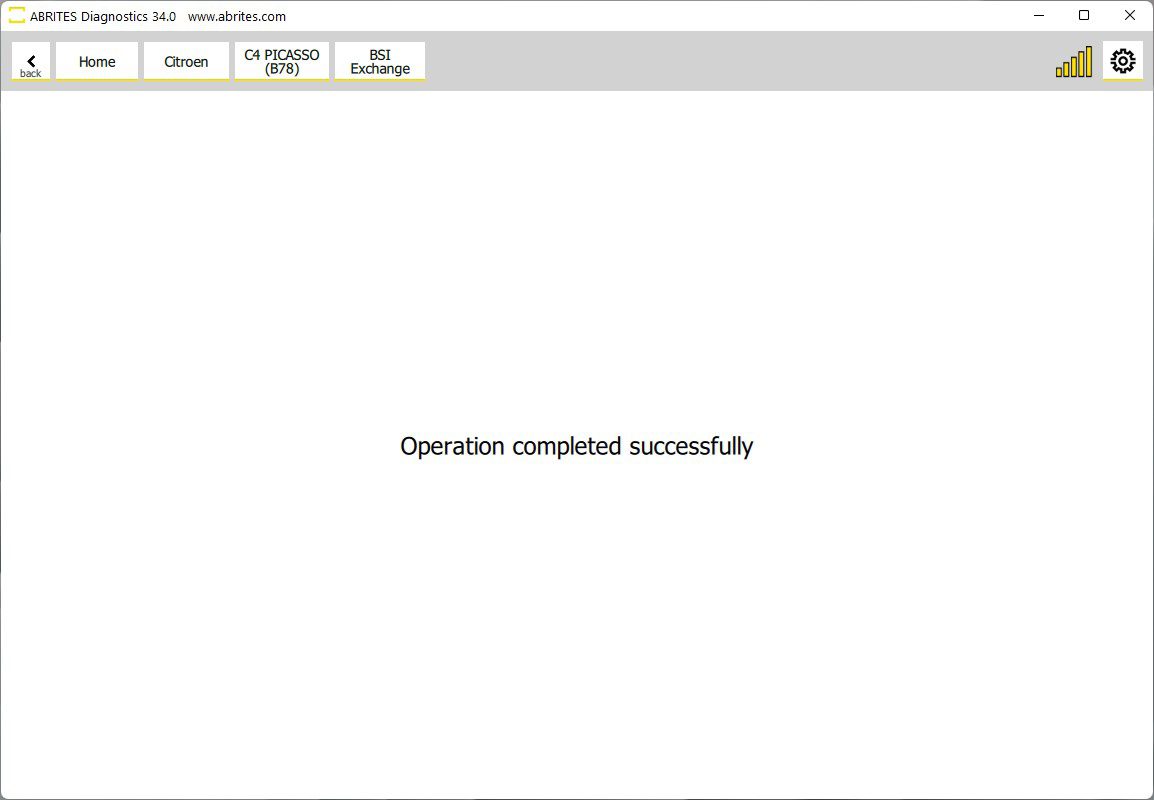
BSI Exchange is the ability to replace one of the most common failing points in modern PSA vehicles.
BSI stands for Built In Interface and the purpouse of this module is to control most secondary features of the vehicle. This means that most non- essential functions of the vehicle are controlled by the BSI.
The BSI also has responsibilities regarding the anti theft protection of the vehicle.
All this makes it one of the most important modules in modern PSA vehicles. Considering they are so common to fail, this feature is essential because it allows you to replace the prone to failiure BSI module with a used module from a donor vehicle (read the whole content of one BSI and transfer it to another one). It is very important to note that the BSI you are going to exhange must be exactly the same part number as the one currently in the car you are working on.
The function should be entered from the main diagnostics menu, there is a “BSI Exchange button “.
The following BSI modules are supported for exchange:
- Delphi BSI 2010-2016
- Delphi BSI 2016+
- JCI BSI 2008+
- JCI BSI 2004-2008
- JCI BSI 2015+
- Siemens BSI 2000-2004
- Siemens BSI 2004- 2006
- Valeo BSI 2008+
- Valeo BSI 2004- 2008
- Valeo BSI 2012+
- VDO BSI 2010-2015
- VDO BSI 2015+
The BSI Exchange procedure is easy to follow, each of the steps has a timer so that you know how long it takes. The procedure goes through in the following way:
-
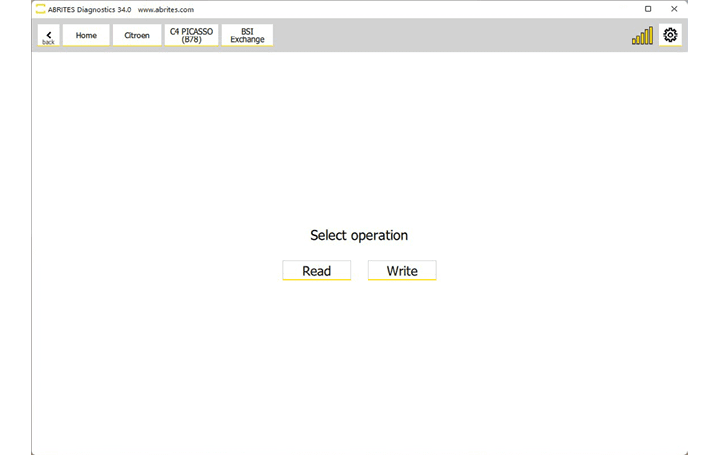
Open the BSI exchange button and you will see two options - “Read” and “Write”. While you have the old BSI in the vehicle you need to read it
-
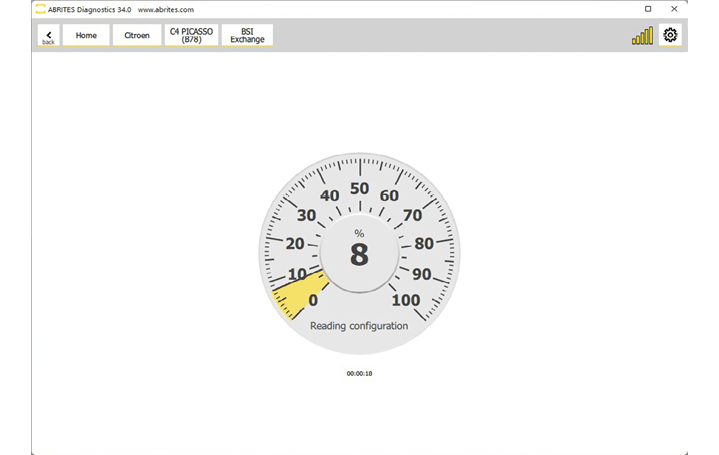
Press “Read” and you will see that the software reads the configuration of the existing BSI.
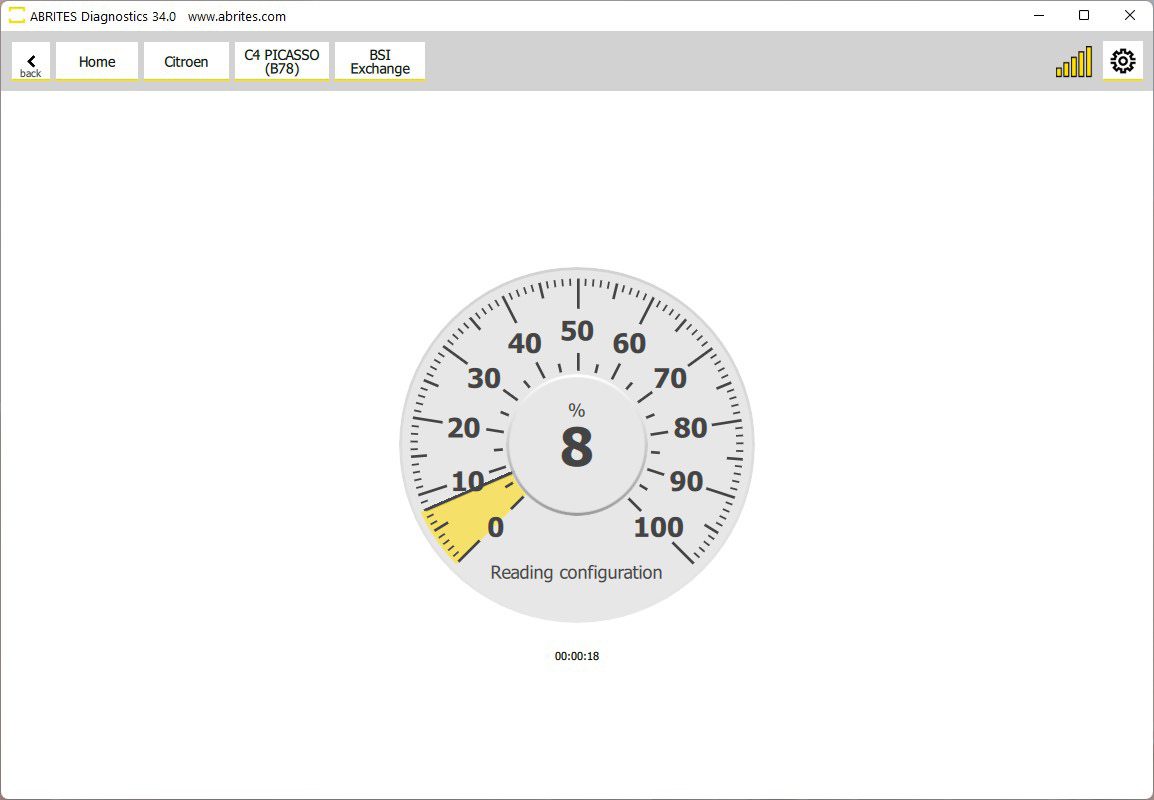
- Once the first part of the process is complete the software will generate a backup file, save this backup on your PC.
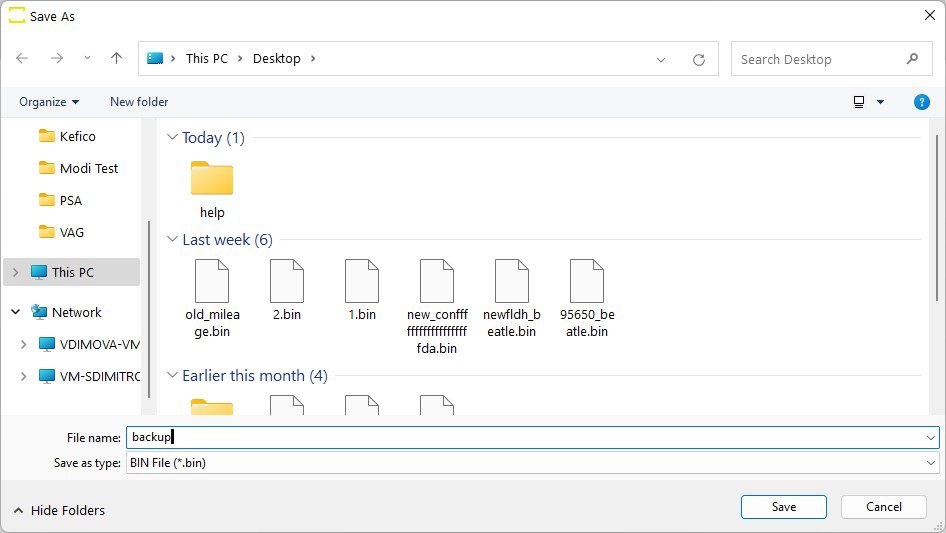
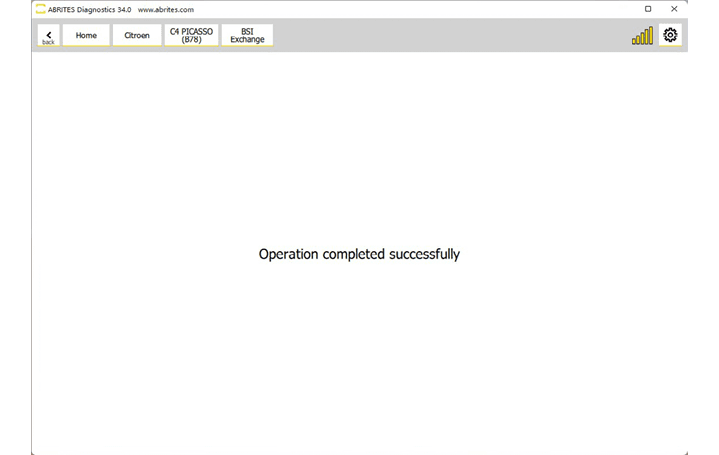
- After the file is saved you are done with the old BSI module and you can install the new one in the vehicle.
- Close the Abrites software during the installation of the other BSI
- When the other BSI is installed in the car, start the Abrites software again and go to “BSI exchange”.
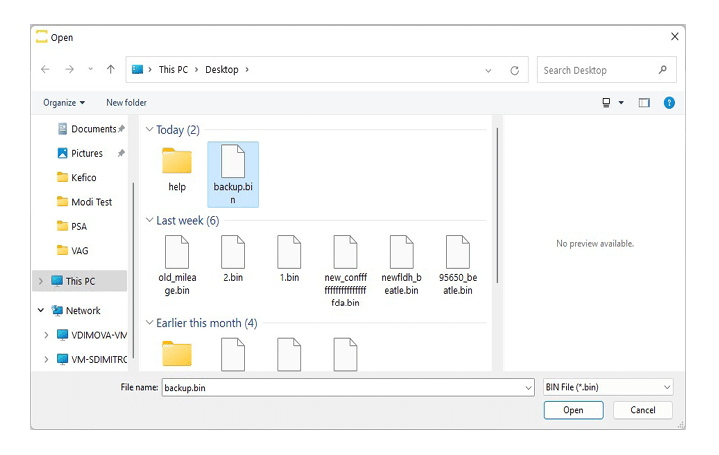
- Click “Write” after opeining the BSI Exchange function and the software will open the file selection window.
- Select the backup file you saved in the previous step and the software will write the backup you saved onto the new BSI.
Wait for the procedure to finish and you will see the message that the exchange is complete once again: