Key programming on Clio V, Captur II and New Zoe - working key required
The Abrites diagnostics for Renault/Dacia Online supports Renault Clio V, Renault Captur II and Renault New Zoe key programming (working key is required).
With no working key, see 4.2 Clio V Platform All Keys Lost.
The procedure requires a CB012 cable set (connected between the AVDI Interface and the CB101 or CB106 OBDII cable) in order to connect to the internal CAN-BUS of the car. The CB021 Renault-Nissan jumper cable can also be used for the same purpose.
There are 3 possibilities for connection:
- Connection to the UPC module
- Connection to the HFM
- Connection to the BCM (UCH)
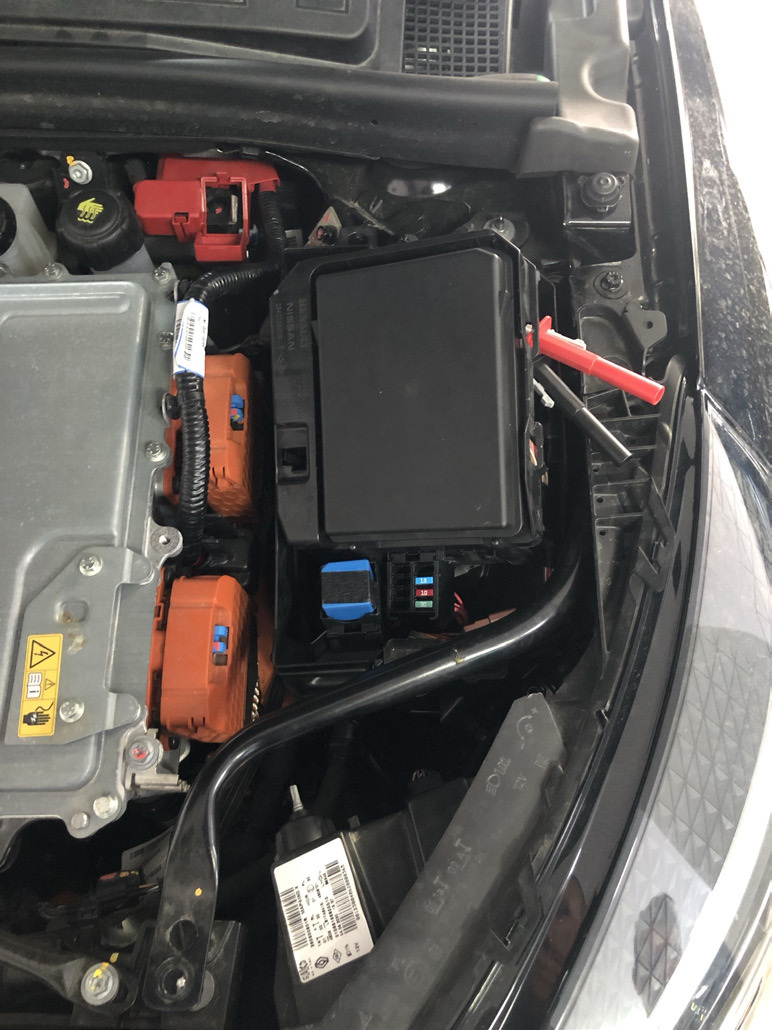
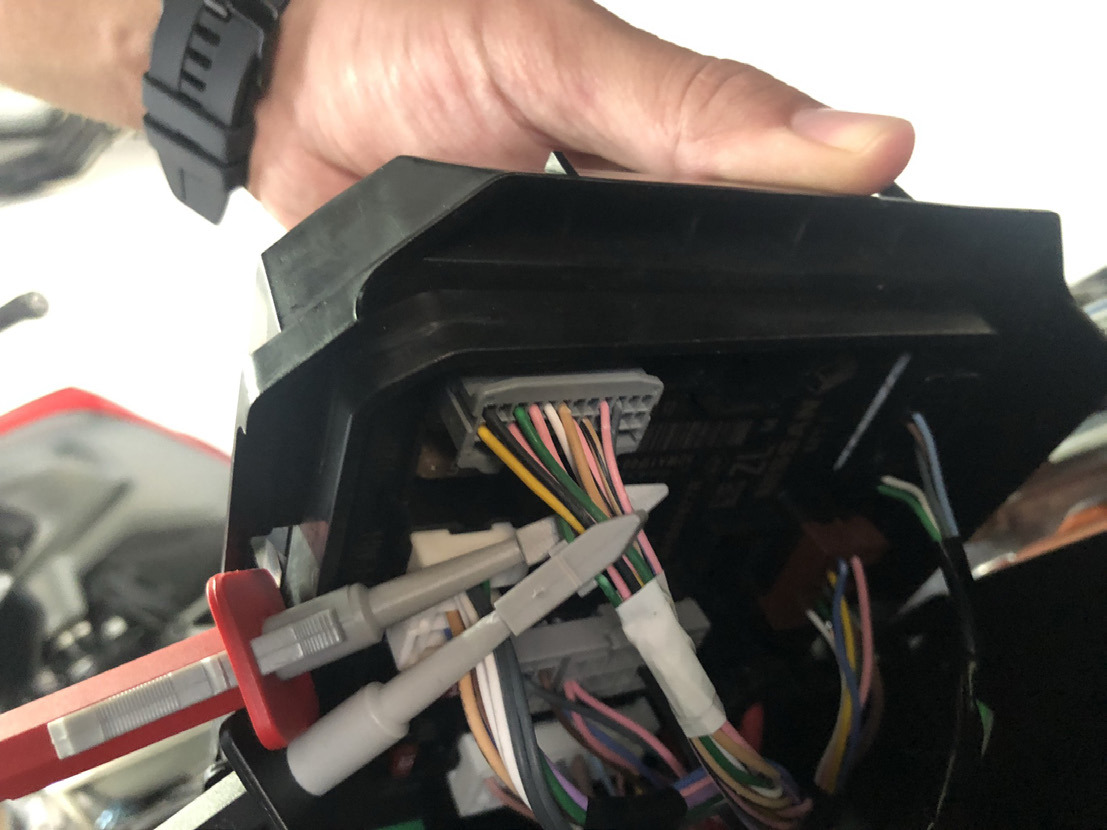
UPC Connection
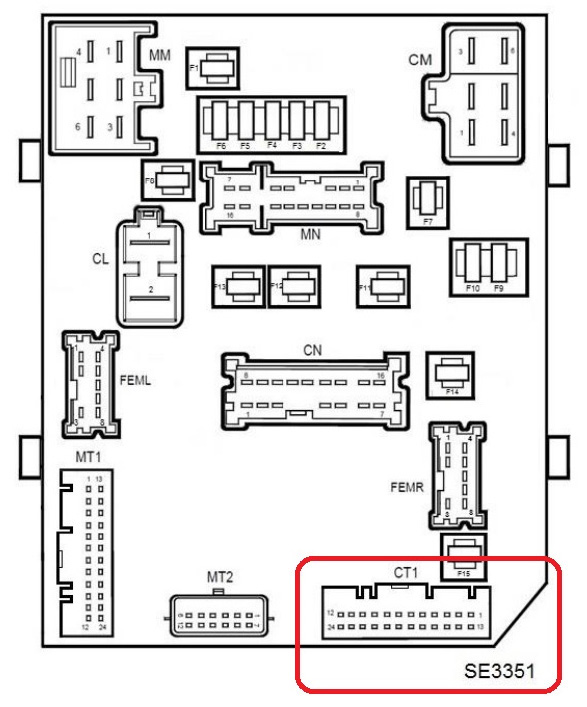
Protection and Switching unit - UPC (1337), connector CT1:
| Signal | Pin |
|---|---|
| CAN H | pin 17 (white) |
| CAN L | pin 5 (green) |
Connection to HFM
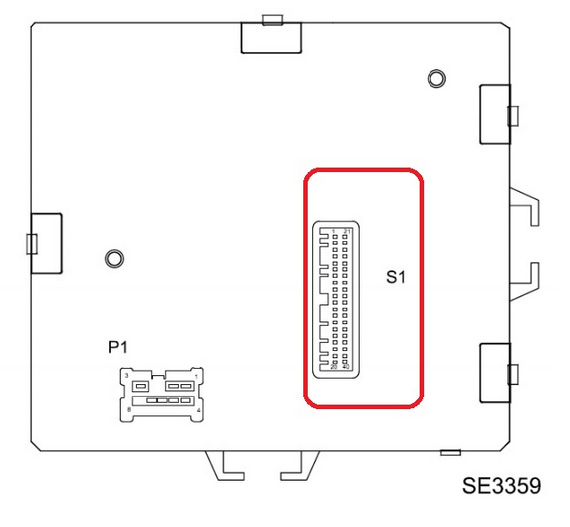
Hands-free access electric control unit (2003), on the keyless version:
| Signal | Pin |
|---|---|
| CAN H | pin 6 |
| CAN L | pin 7 |
Connection to BCM (UCH)
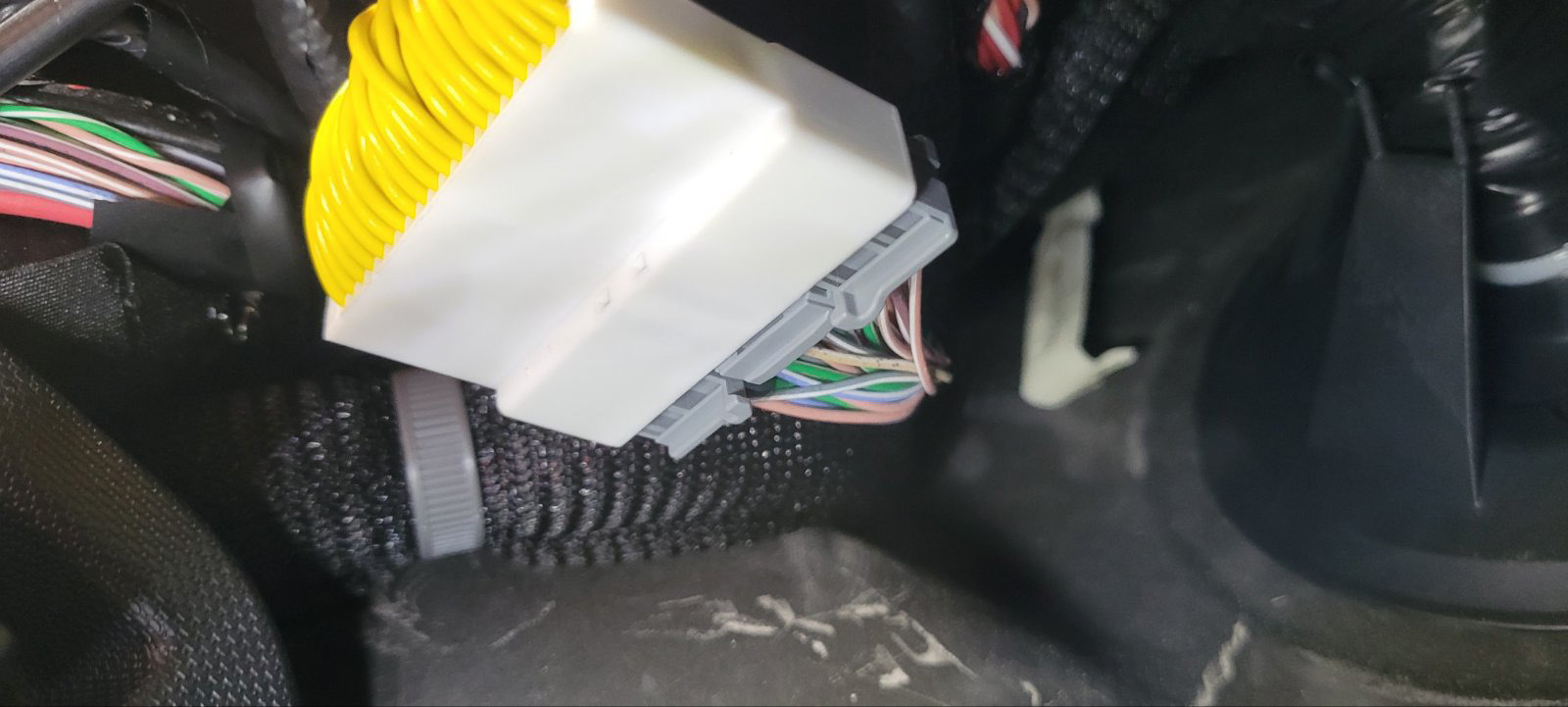
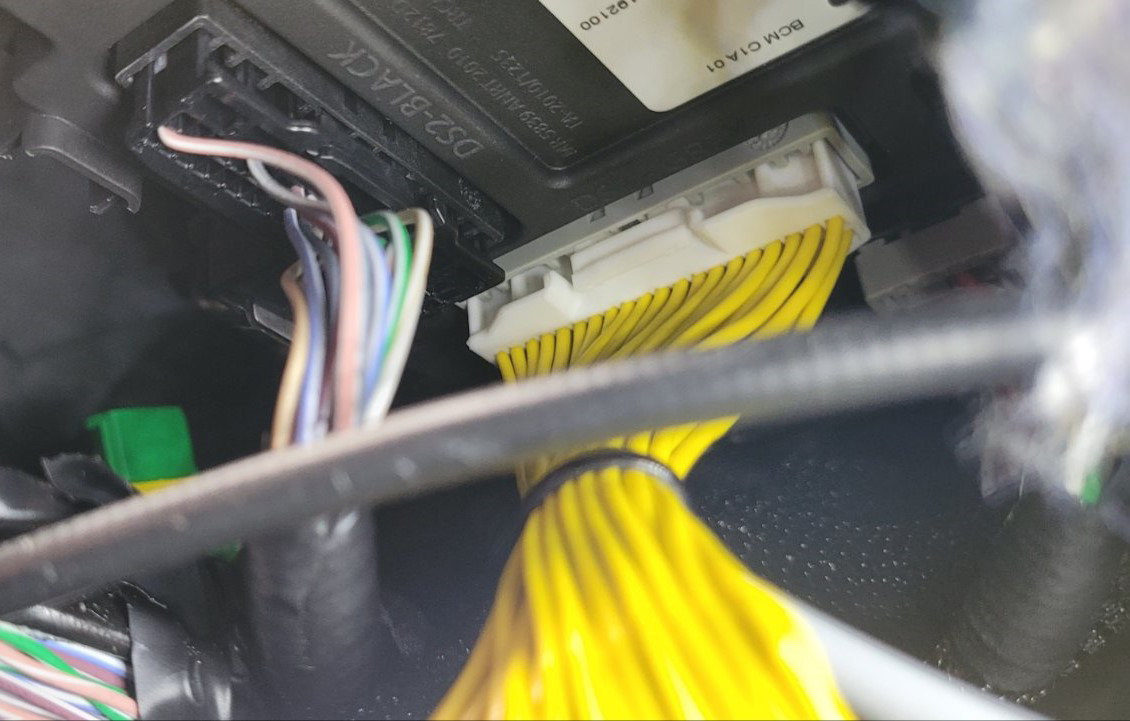
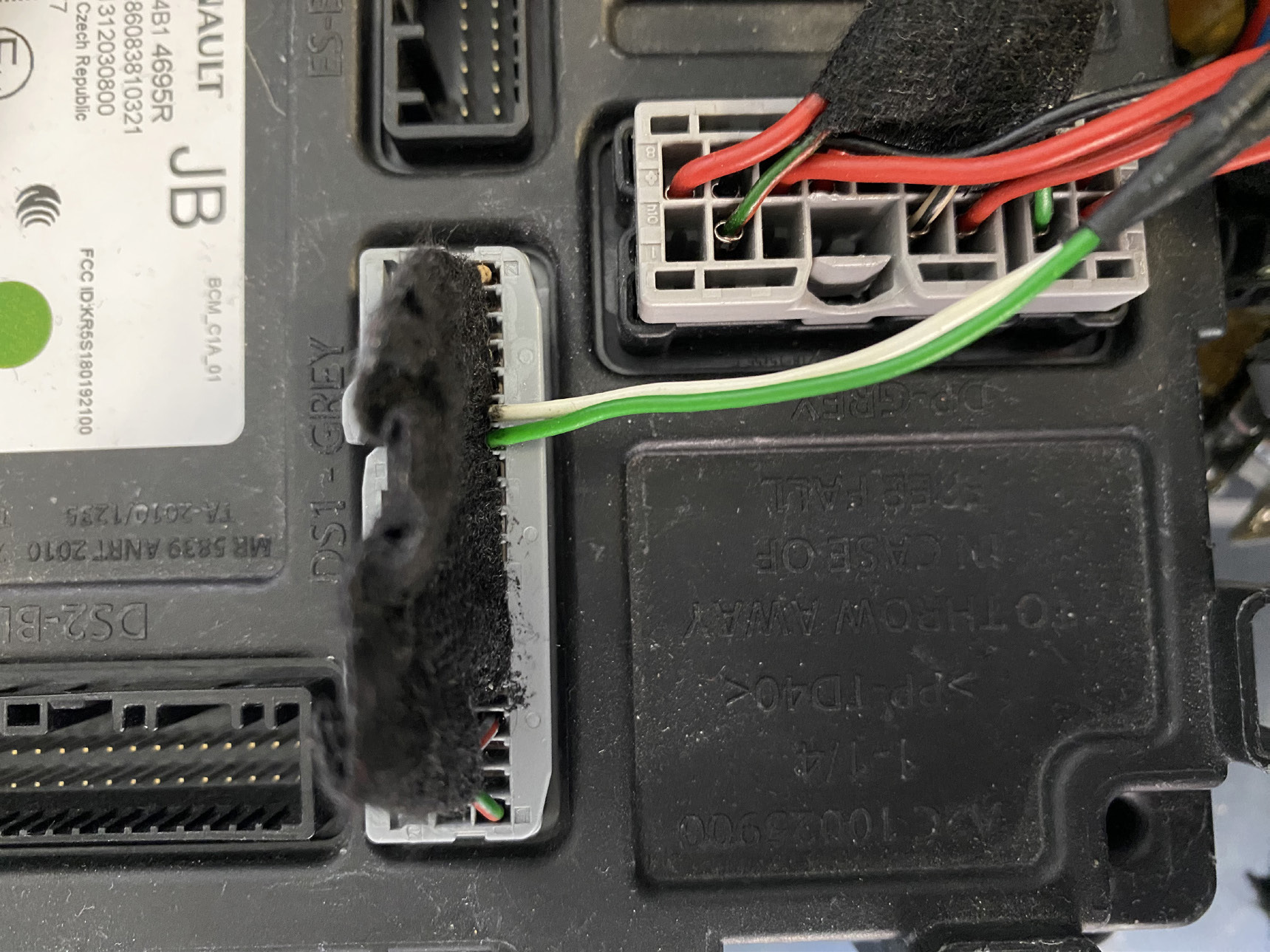
The BCM (UCH) connector has to be removed. Then connect one side of the CB021 to this connector, and the other side of the CB021 to the BCM (UCH) socket.
DS1 Grey connector:
| Signal | Pin |
|---|---|
| CAN H | pin 26 (white) |
| CAN L | pin 27 (gray) |
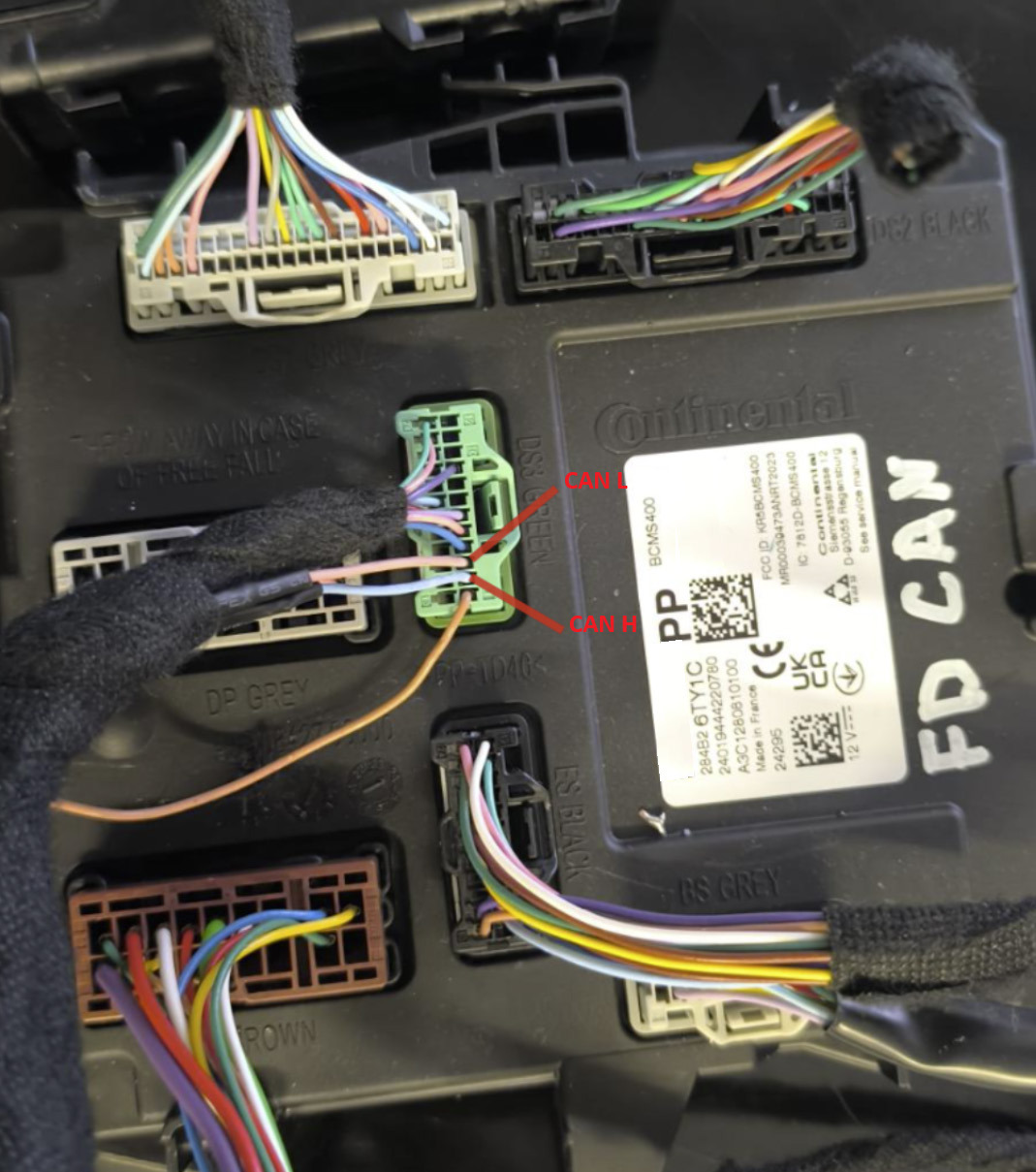
The new generation UCH (SWEET 400) requires the CB012 connection, by attaching the needles to pins 2 and 3 of the green connector.
DS3 Green connector:
| CB012 | Vehicle |
|---|---|
| Red needle - CAN H | blue cable (pin 2) |
| Black needle - CAN L | pink cable (pin 3) |
Where the BCM (UCH) is
Clio V - the BCM (UCH) is on the left hand side of the dashboard, by the steering wheel:
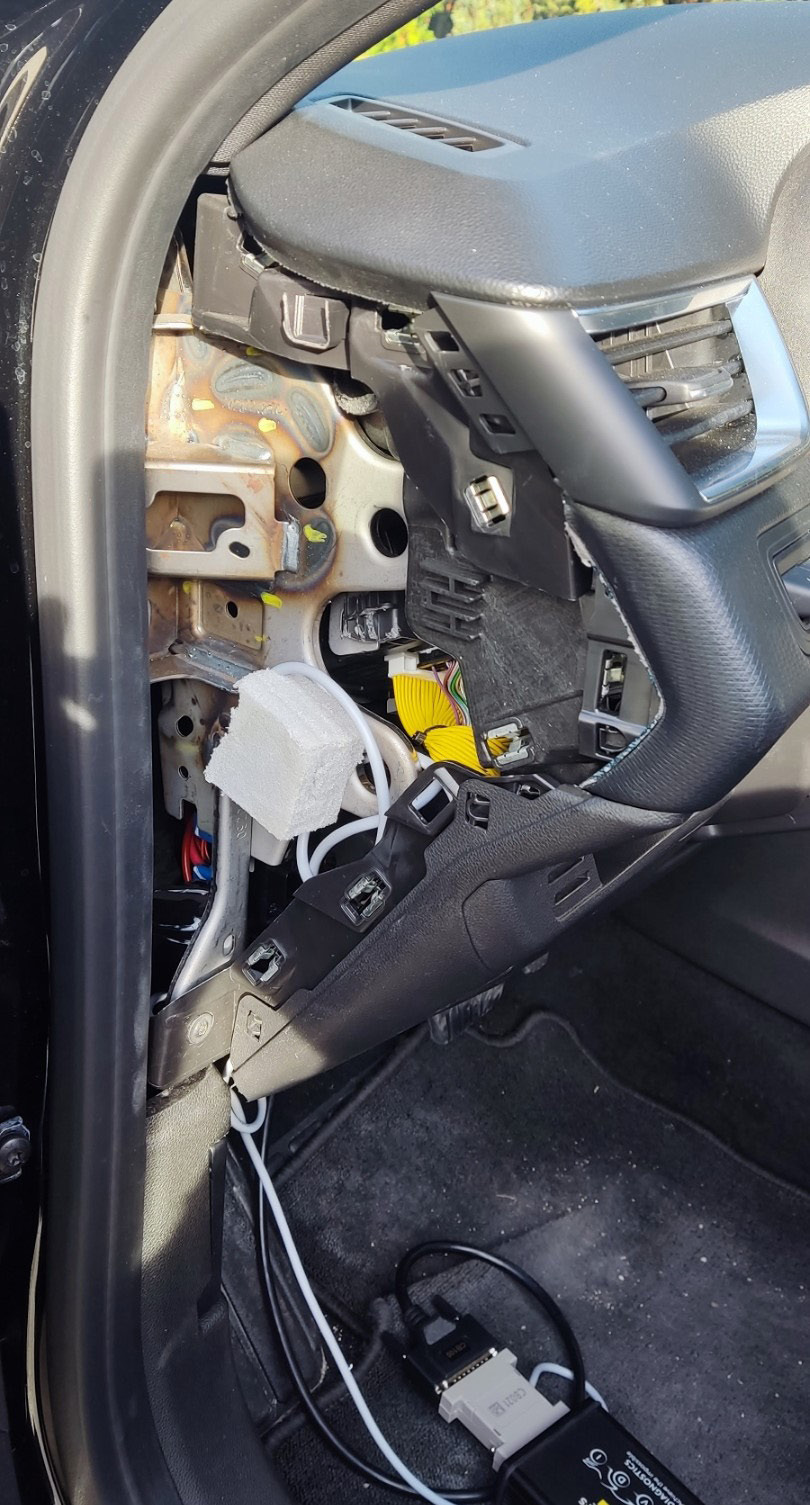
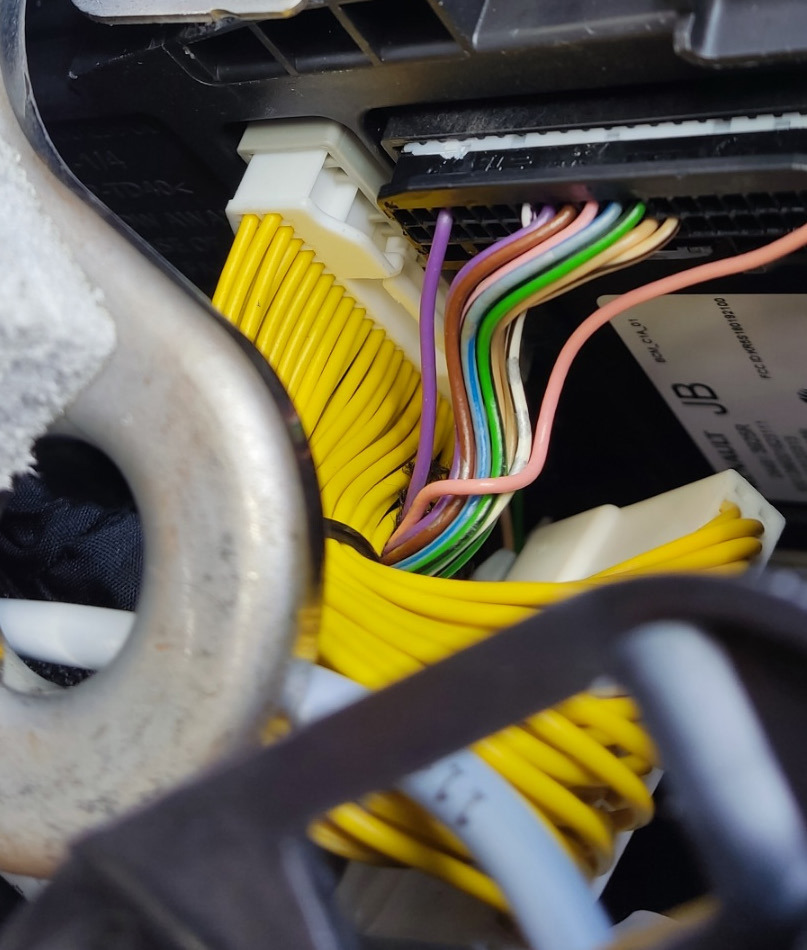
New Zoe - the BCM (UCH) is above the pedals: