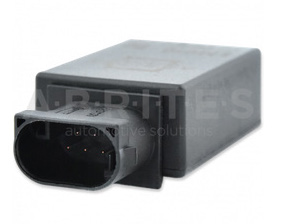
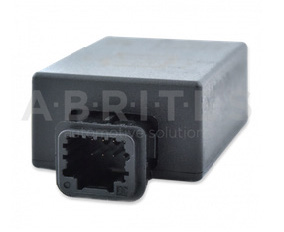
Adapting the electronic steering lock, or replacing it with an emulator
The ESL adaptation procedure is done from the "Renew" special function.
It is not possible to renew the ESL via OBDII. You have to open it and erase the 24C04 EEPROM, and then start the adaptation procedure.
The models after 2008/2009 require the PIN code for the adaptation.
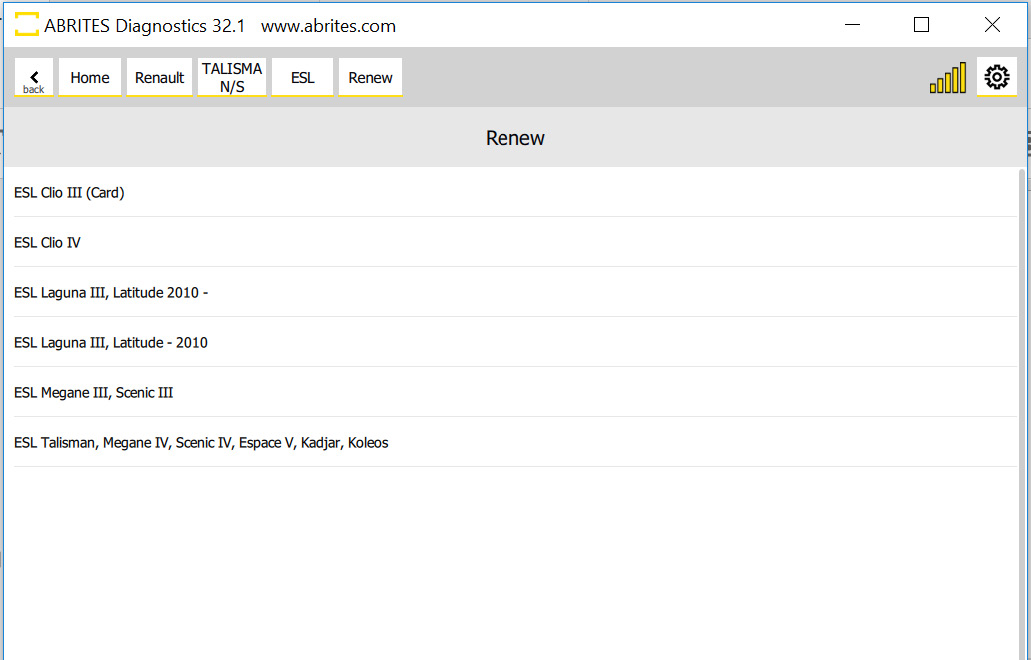
Once the ESL's EEPROM is erased, select Renew > ESL > model > click "Adapt".
The list of the supported ESLs for adaptation:
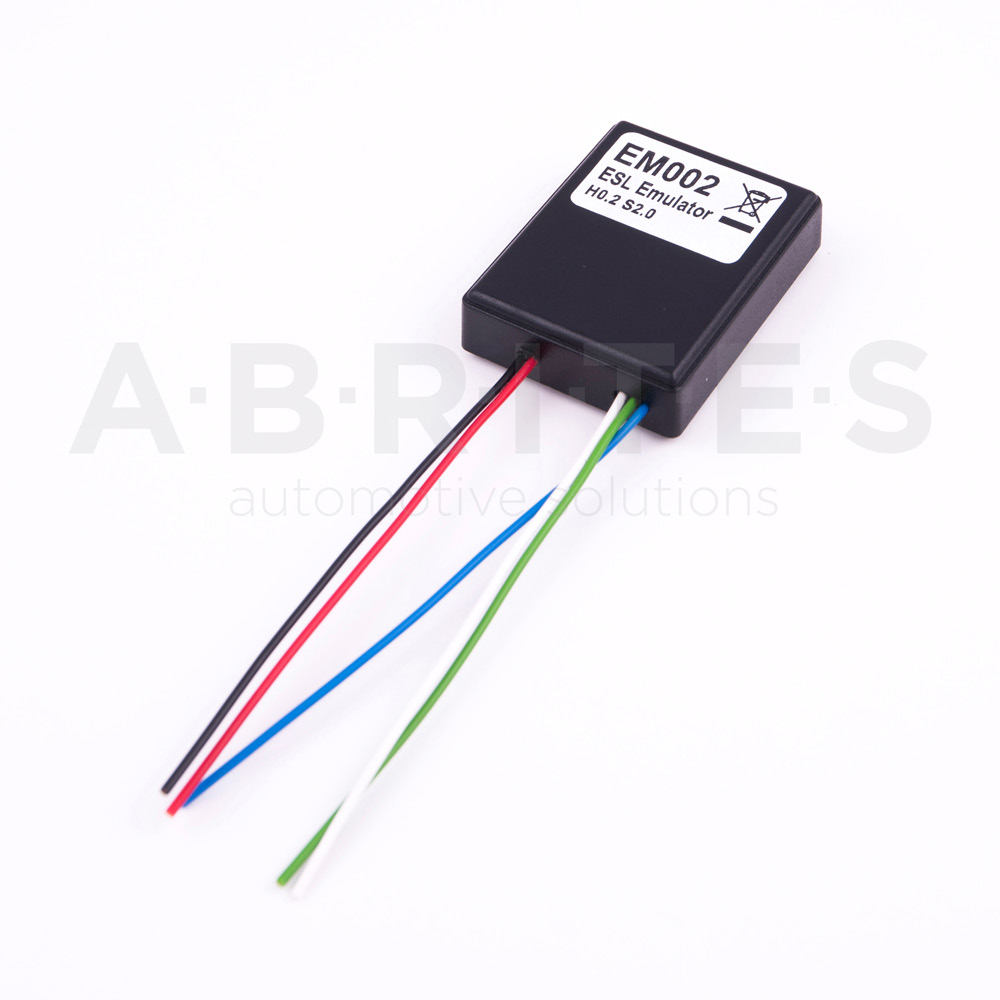
The EM002 ESL emulator
You can always use the EM002 ESL plug&play emulator for Renault/Nissan instead. It supports all ESLs for all Renault/Nissan models - old 6 pins (Renault), new 6 pins (Renault) and 8 pins (Nissan).
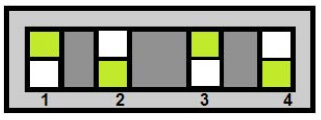
Connection to the old ESL (6 pins, Renault)
| ESL pin | EM002 |
|---|---|
| 1 | BLACK (-) |
| 2 | RED (+) |
| 3 | GREEN (CAN H) |
| 4, 5 | NOT USED |
| 6 | BLUE (CAN L) |
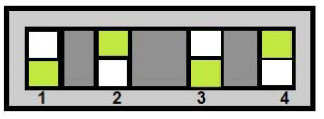
Connection to the new ESL (6 pins, Renault)
| ESL pin | EM002 |
|---|---|
| 1 | BLACK (-) |
| 2 | RED (+) |
| 3 | GREEN (CAN H) |
| 4 | Connect pin 4 of the ESL to pin 2 of the ESL through a 100 Ohm resistor |
| 5 | NOT USED |
| 6 | BLUE (CAN L) |
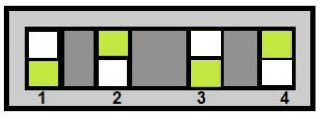
Connection to the 8 pins ESL (Nissan)
| ESL pin | EM002 |
|---|---|
| 1 | BLACK (-) |
| 2 | RED (+) |
| 3 | GREEN (CAN H) |
| 4, 5, 7 | NOT USED |
| 6 | Connect pin 6 of the ESL to pin 2 of the ESL through a 100 Ohm resistor |
| 8 | BLUE (CAN L) |
Example - new type ESL (Renault):
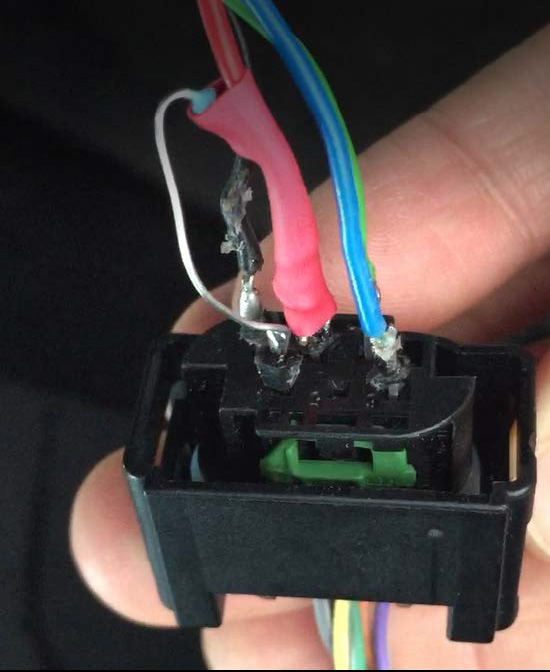

The white wire is used to update the emulator, but at the moment there are no updates available.
The EM010 and EM011 emulators
The Abrites EM010 and EM011 emulators for Renault/Nissan let you simply remove the connector from the faulty ESL and plug it into the emulator. Plug-and-play solution, no software required.