Connecting, choosing the vehicle, and the standard diagnostic functionalities
The Abrites diagnostics for Renault/Dacia Online is a Windows based Online application and it requires your computer to be connected to the Internet. We can suggest a connection to the Internet via 3G/4G from a mobile device or a Wi-Fi network.
Please ensure to have port 8443 allowed by your Internet service provider, so that your Abrites diagnostics for Renault/Dacia Online is able to operate correctly.
Using the icon in the top right of your software screen you will be able to see the Internet connectivity and signal strength.
Starting the software
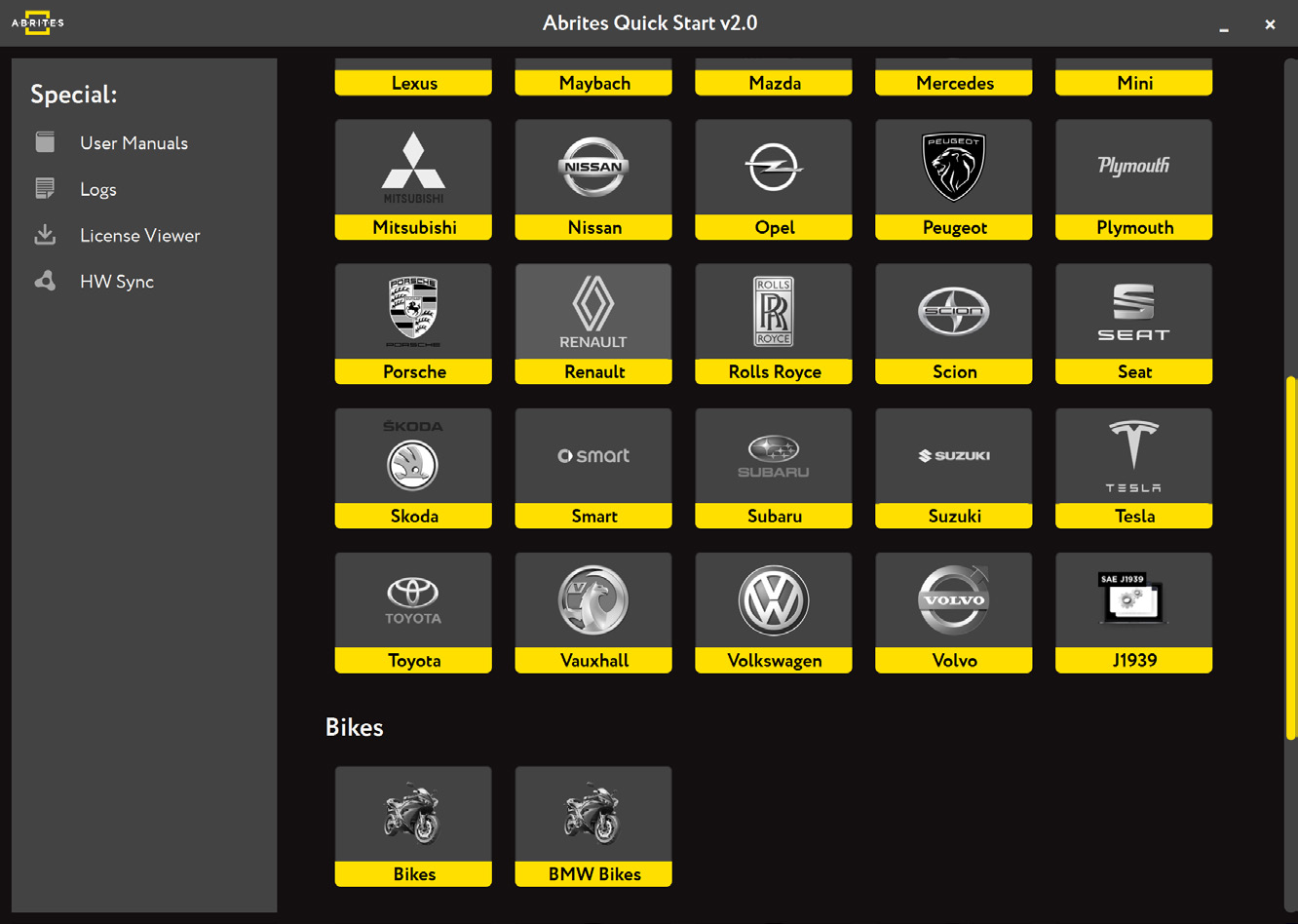
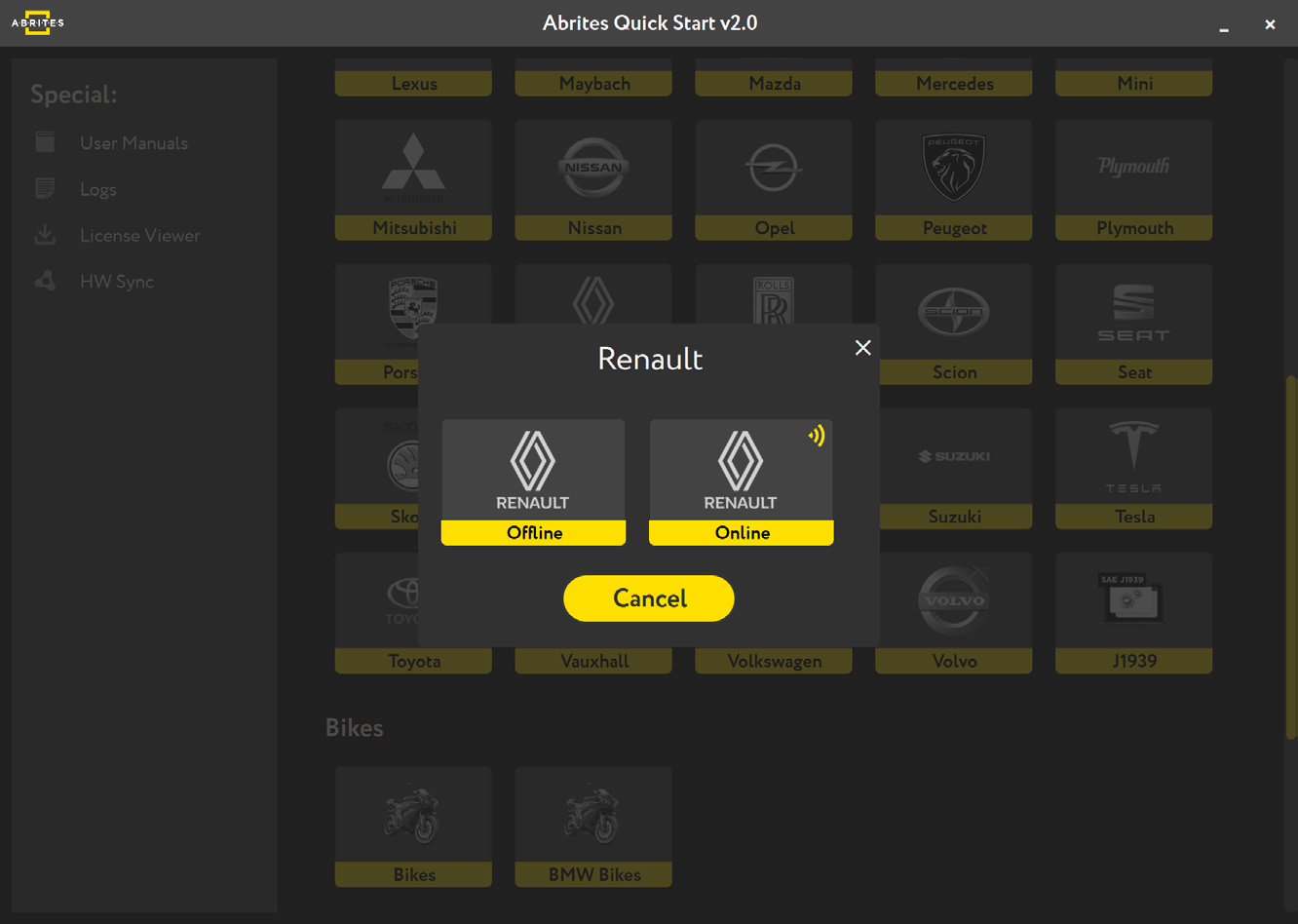
When you open the Abrites Quick Start Menu, select the Renault or Dacia icon and the Online version of the software, and choose between Renault, Dacia, or Samsung.
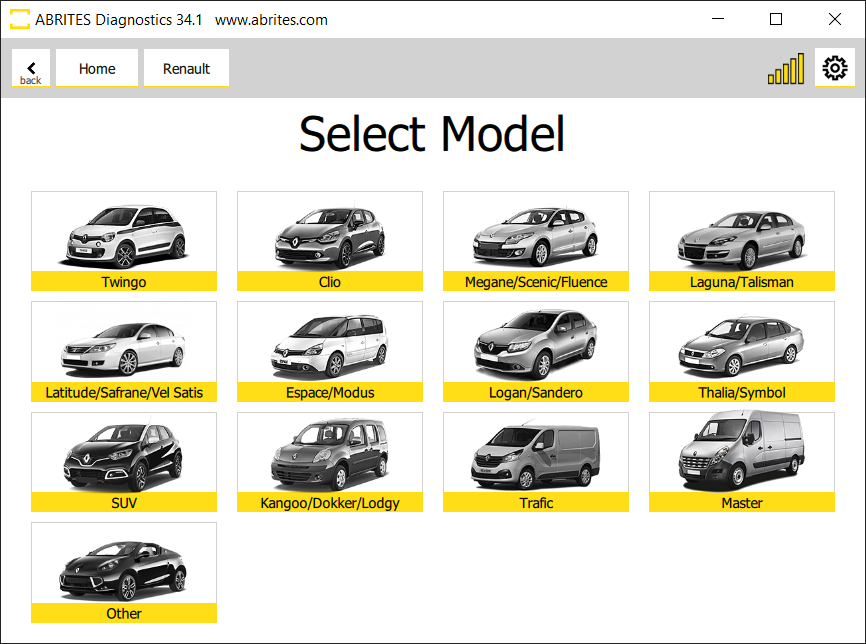
Once the brand is selected, the new screen shows the model selection page. Here you can manually choose the model and generation you are working with.
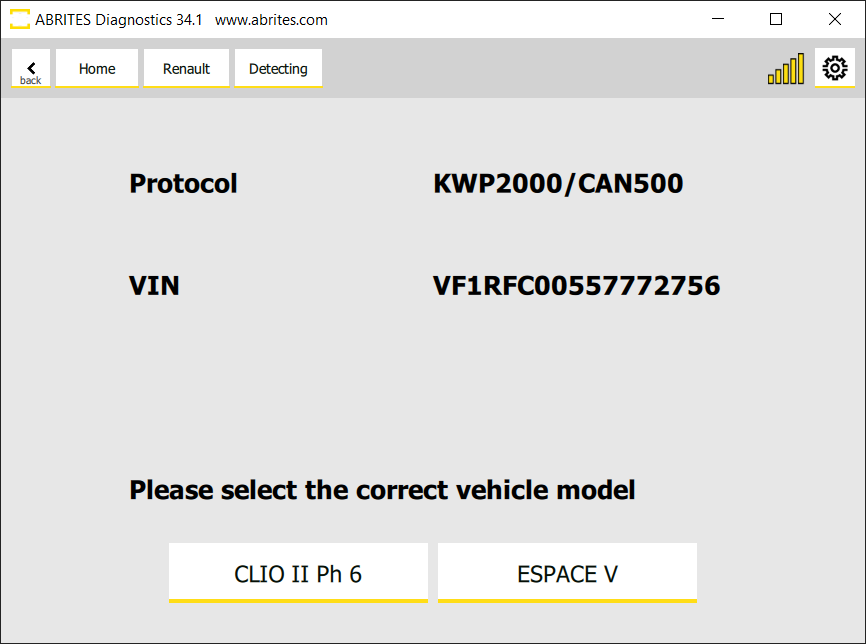
After you have selected the model, it will be checked and detected by the software. You will see the details of the car - the diagnostic protocols it uses, the VIN, the model - and then you can continue to the list of modules installed in this particular vehicle.
If you have made a mistake with the vehicle selection, the software will ask you if your selection was correct and will suggest another option based on the auto-detection.
The module list
This is what the module list looks like:
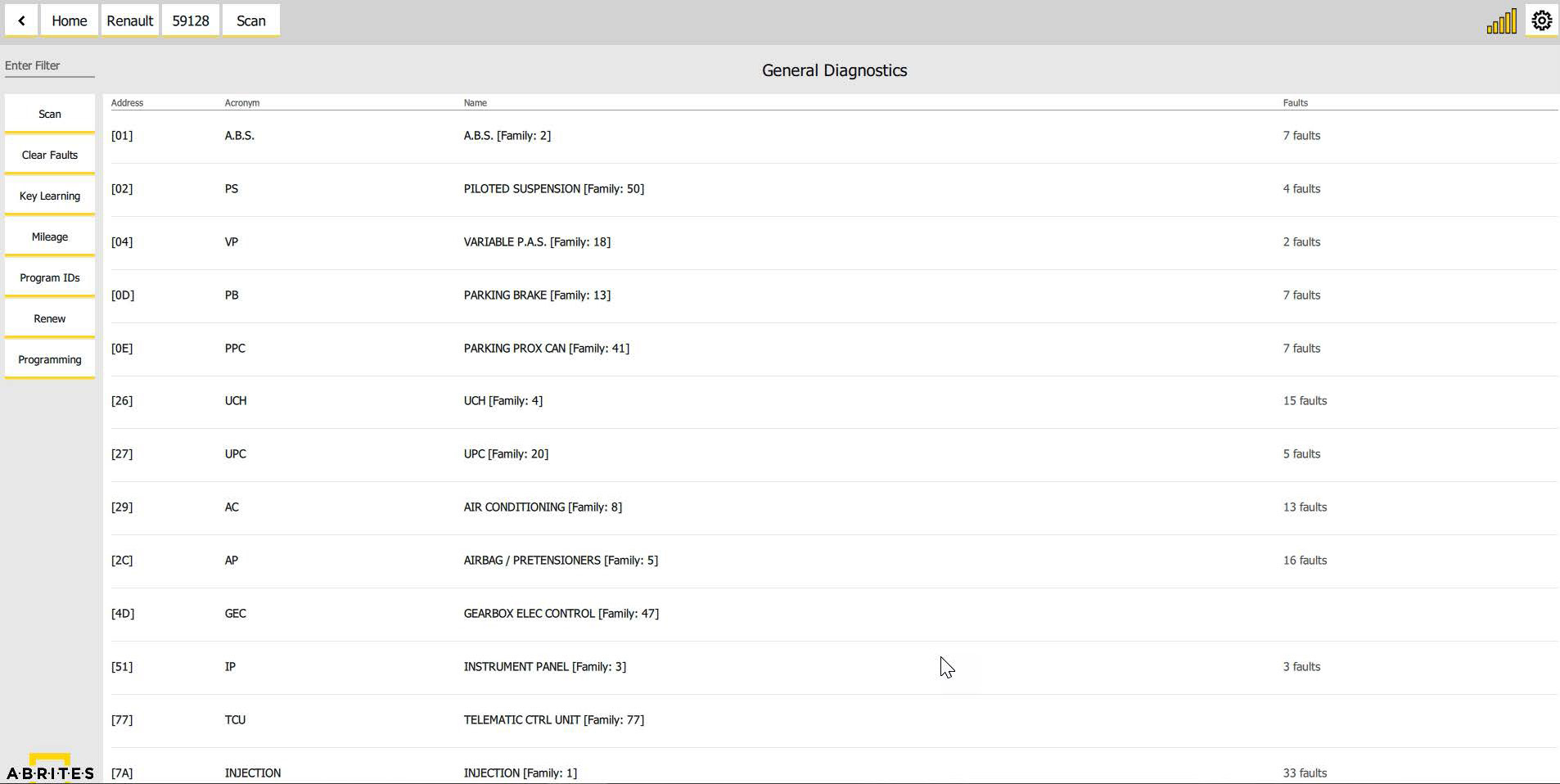
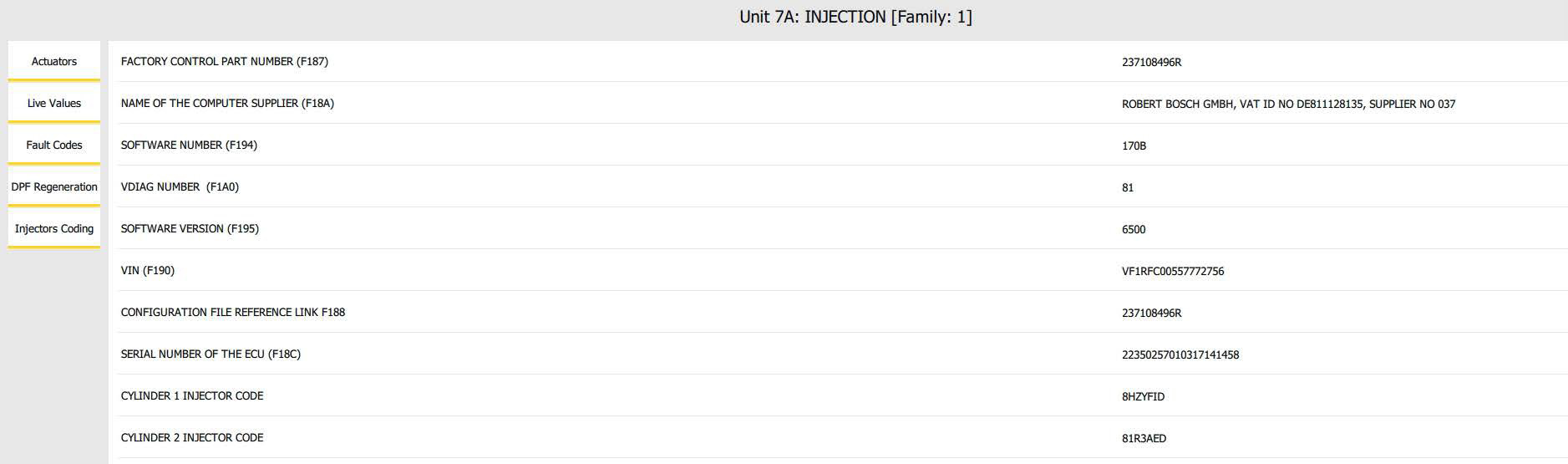
After you see the list of modules you can enter each of them in order to do diagnostics: read DTCs, view live data, perform actuator testing and so on.
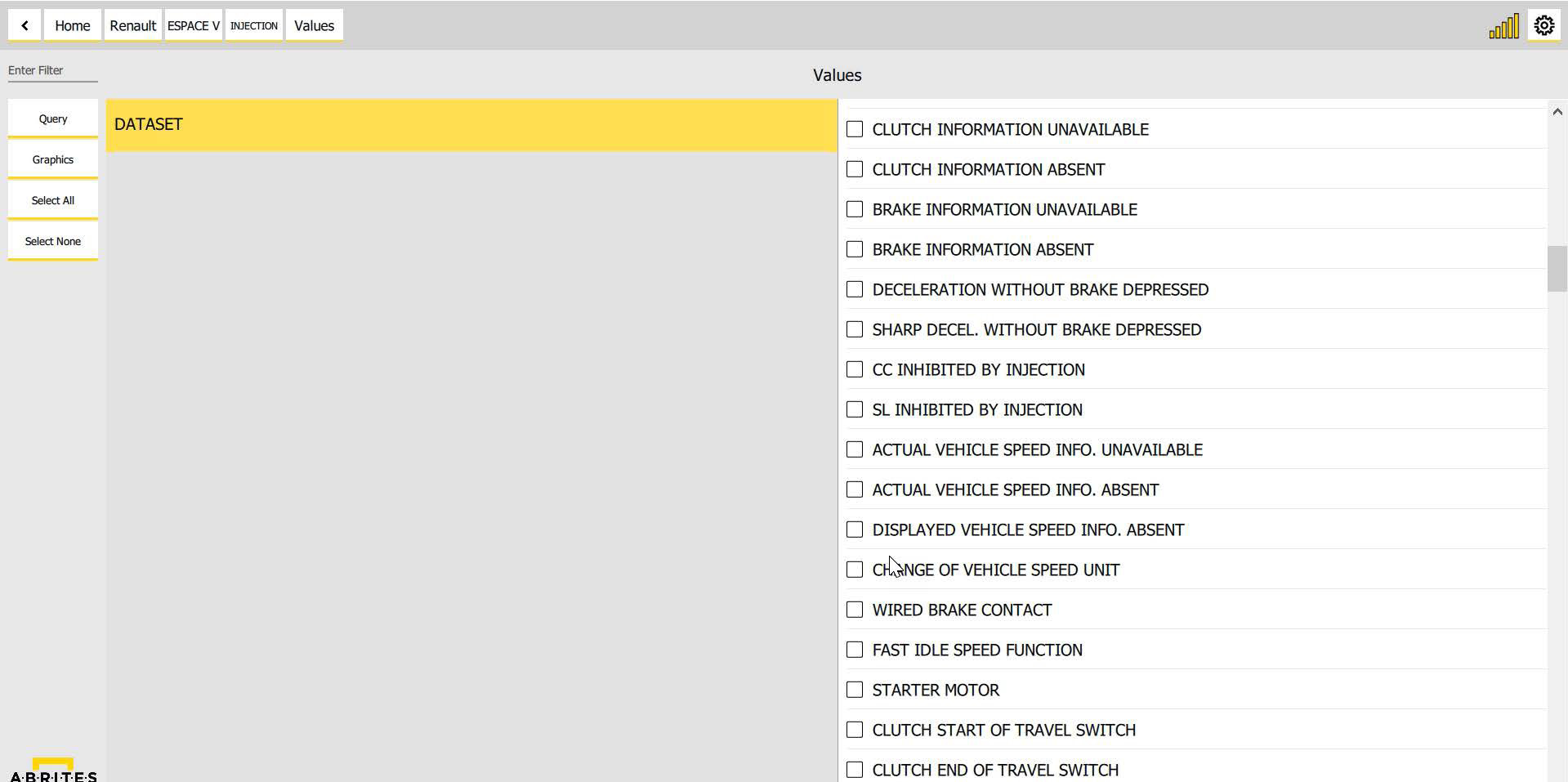
You can monitor live values in a graph form (with live graphics being displayed) or using the table view of the software, to monitor as many parameters as you wish simultaneously:
2.1 Standard diagnostic functionalities
Abrites software for Renault has the following standard diagnostic functionalities:
- Read/Clear DTCs
- Actuator Tests
- Live Values Monitoring
- Vehicle Report
and extras like:
- DPF Regeneration
- Injector Coding
- Advanced functions - dealer level coding functionalities, which come for free, included in the basic software package