With the use of the ZN085 programmer and VN023 license you can change the mileage in Visteon and JCI dashboards, equipped with RH850 processors. This functionality is suitable for VAG MQB vehicles (Volkswagen, Audi, Seat, Skoda and other VAG vehicles on the same platform).
Required equipment
- Abrites AVDI interface
- ZN085 programmer with CB501
- VN026 licence
- OBDII cable for the in-vehicle half of the procedure
Step-by-step procedure
In order to successfully perform this procedure, you need to follow the steps:
1. Read the unit
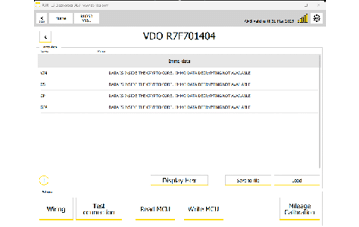
After the unit is read you will not see the immo data as in other units.
2. Save the file
3. Write the unit
4. Reassemble and install
After the writing is complete you need to take the programmer off, assemble the dashboard unit and install it in the vehicle.
5. Connect over OBDII
Once the unit is installed in the vehicle, connect AVDI through the OBDII port, open the RH850/V850 programmer software and select the dashboard type.
6. Load the saved file
Load the file you have previously saved.
7. Calibrate
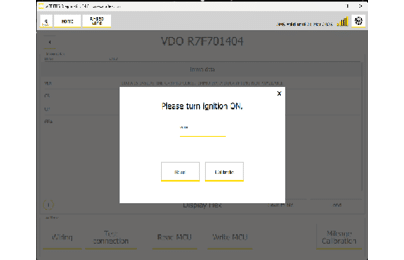
Click the "Mileage Calibration" button. A pop-up window will appear, letting you "read" and "write" the mileage.
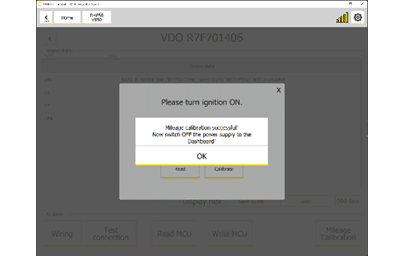
Below you may see pictures from the procedure:
Video
Important notes
- N.B. After you write the new mileage data, you will see a message suggesting you need to power off the dashboard unit - this means you will have to disconnect the connector of the dashboard unit and reconnect it again. If you do not execute the power OFF procedure, original mileage information will return on the display.