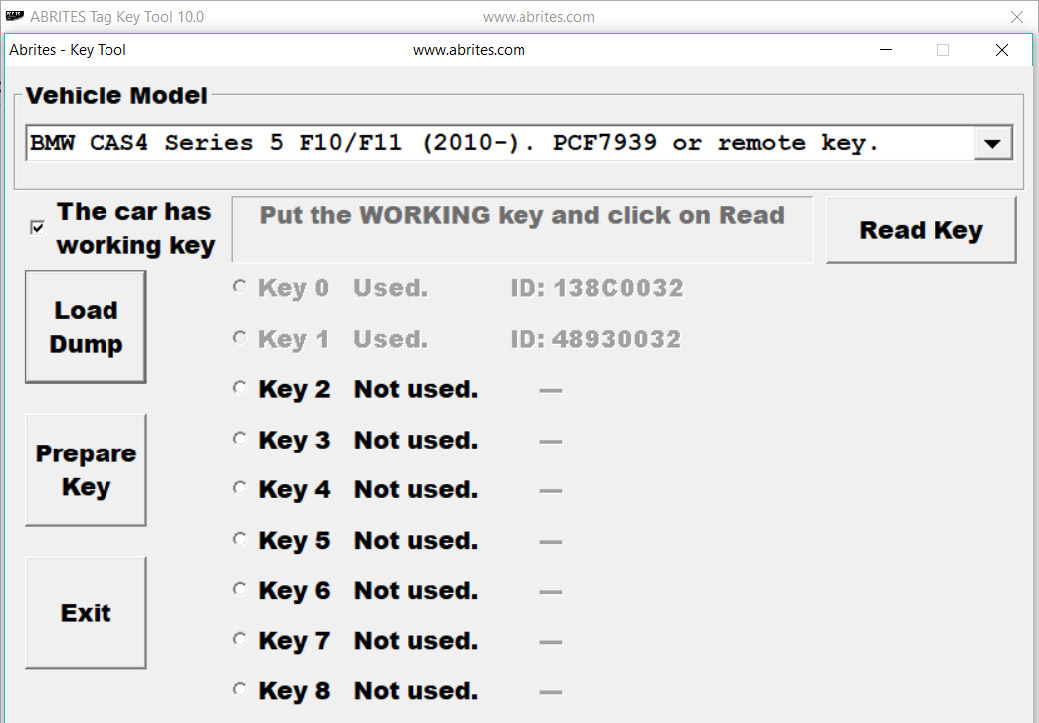
In order to prepare a CAS 4 key by dump you need to:
-
Read the XEP100 MCU’s EEPROM and save it to a file.
-
Load the file into the TAG key tool and select the correct key position.
-
Use PCF7939 transponder or a new remote key.
-
Prepare the key.
-
You will be asked to either read the working key or enter the DME/DDE ISN. Please use the checkbox option according to the situation (Working key or DME/DDE ISN). Once the option is chosen, please use the “Prepare Key” button to prepare the key for programming.