“Key tool” is a utility intended for preparation of a key when a dump from immobilizer system of the vehicle is present.
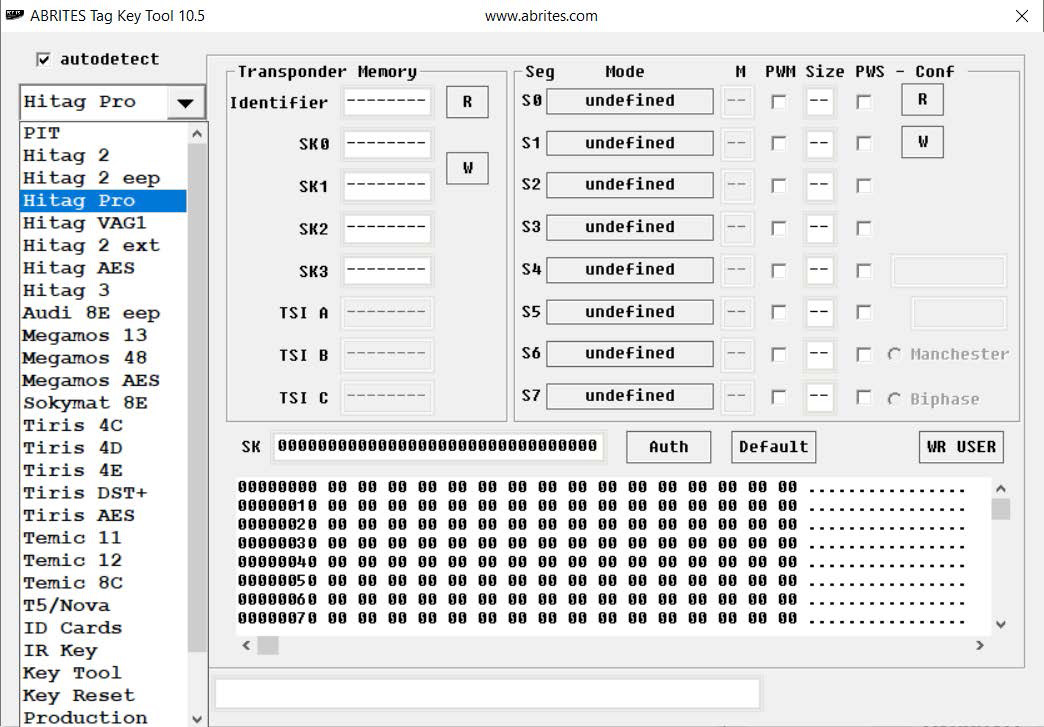
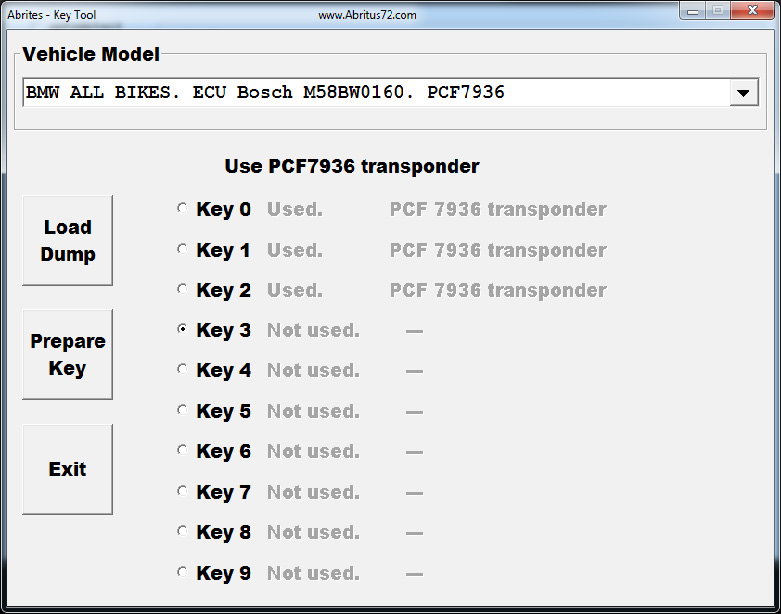
From the list of transponders and functions of the main screen you can select this utility. Once you select the “Key tool” option a screen will appear with a drop down list where you can select your model and immobilizer system.
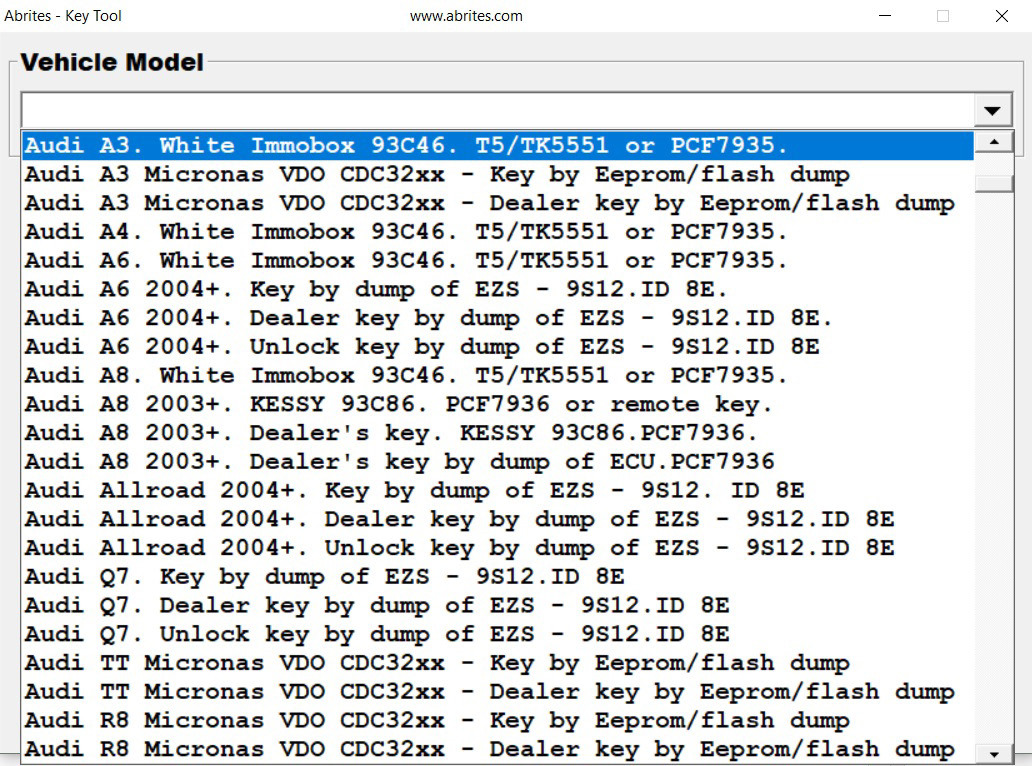
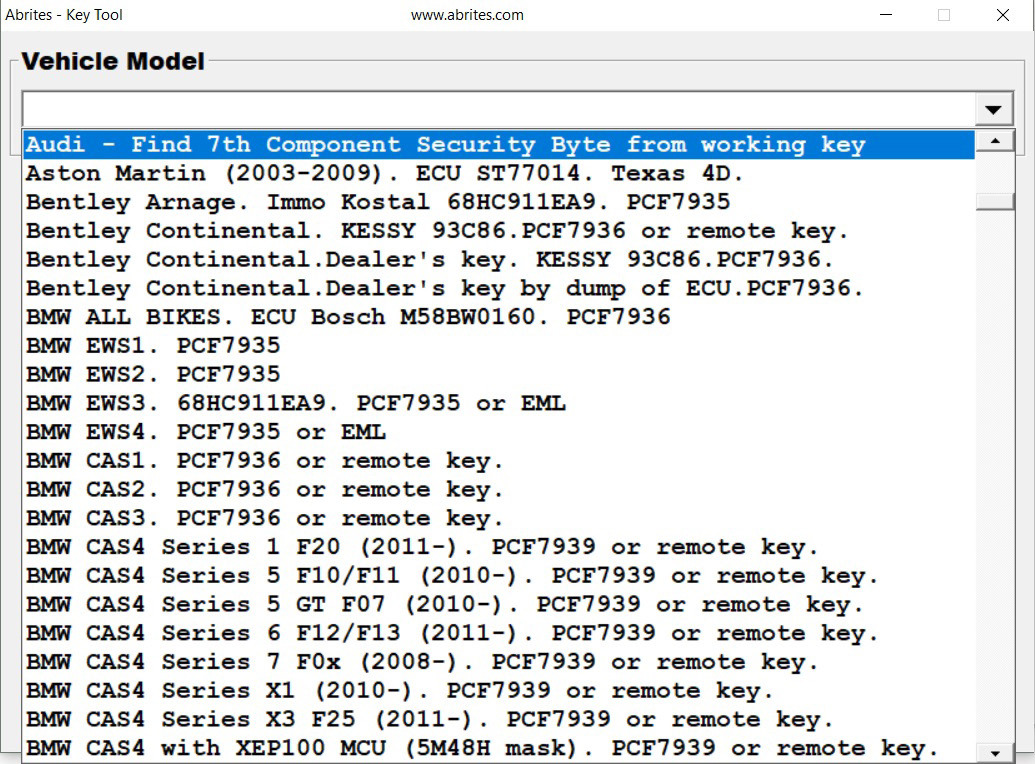
In the list you can see the model, immobilizer module, type of memory where is stored key data and needed transponder/key for programming.
When a model is select your next step should be to load the file containing the immobilizer data (dump).
You can load the dump pressing button “Load Dump”.
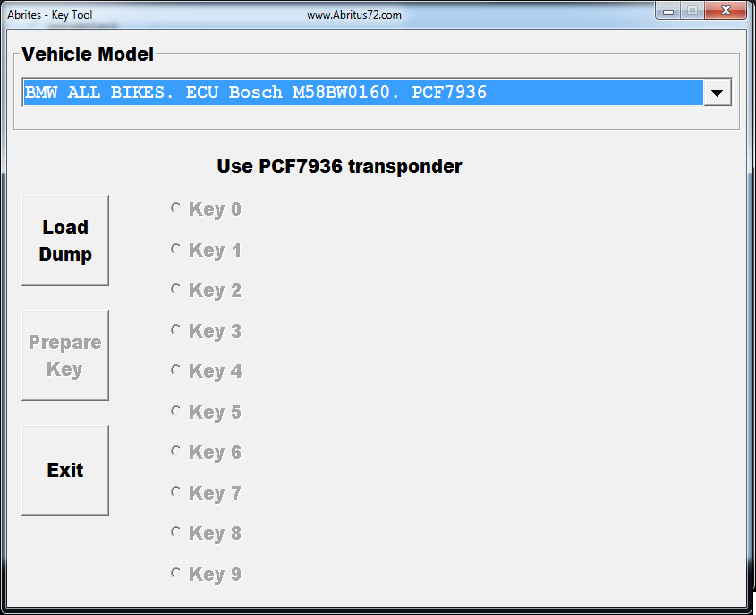
When a dump is loaded you should select the exact key position you want to program.
You will have to to place then your transponder/key in the PROTAG programmer and to press the button “Prepare Key”.
Once the programming of the transponder is finished, if it is needed, you will be asked for the file name of the modified dump.
NOTE: Because different programmers can read from the immobilizer dump differently – NORMAL or SWAPED, if after programming the transponder/key does not work, you will need to SWAP the dump and load it back into the software and program a new key or transponder.