Before starting
When starting the software it is recommended to have the vehicle connected to an external power source, so it does not lose power during the work. On startup the vehicle is detected automatically, the General Diagnostics screen appears and module scanning starts automatically.
Save a backup first. The software can save everything you are able to change to a file, which restores the module - or the whole vehicle - to the state you started in. Use the "save to file" option.
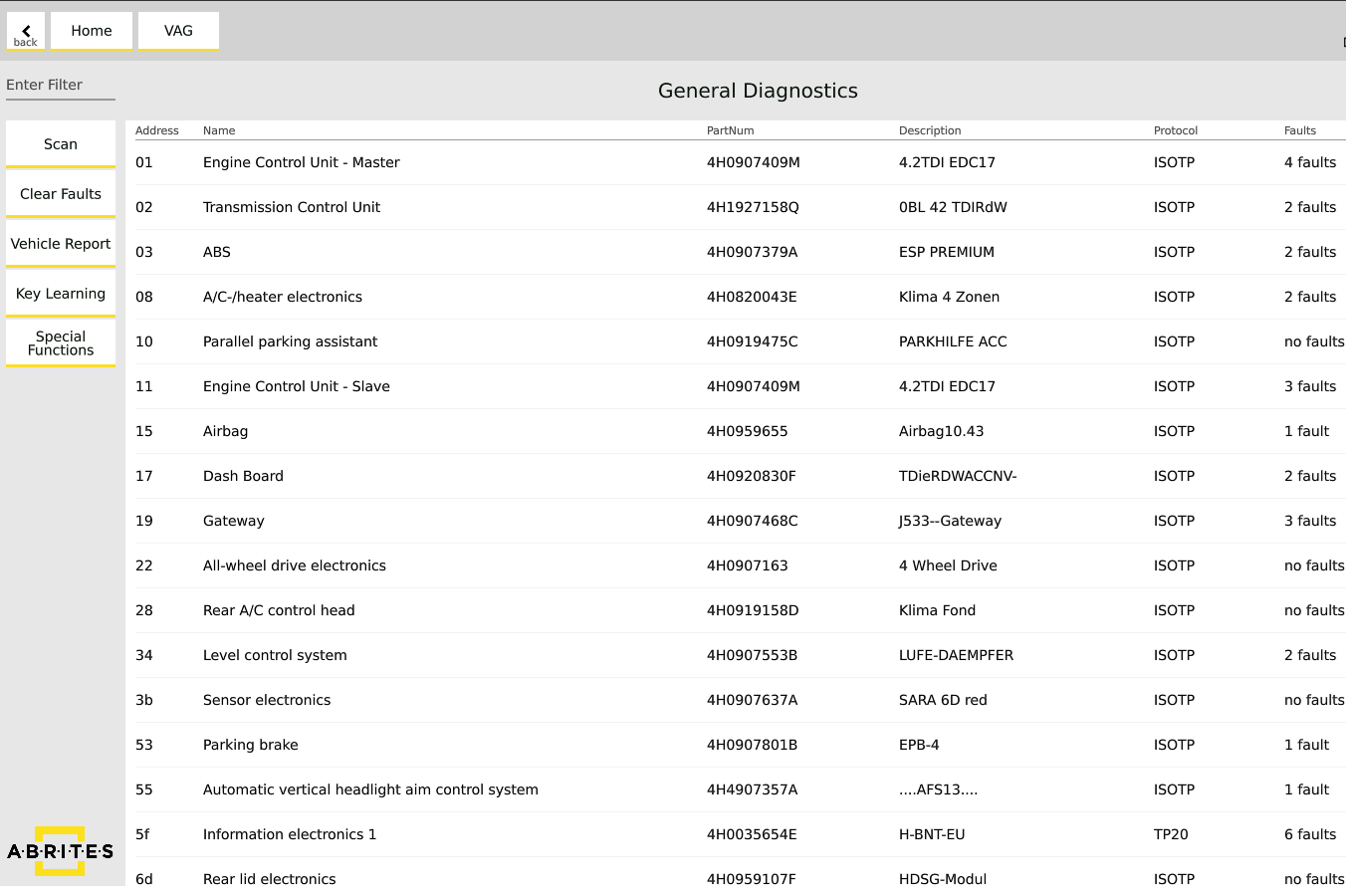
What you can do from a module
Enter a module from the main diagnostic menu to reach its identification, live/measured values, long coding, adaptations, basic settings and other options.
| Function | Purpose |
|---|---|
| Basic settings | Return a module to its factory preset values, or calibrate a component - throttle body setup after cleaning, DSG clutch calibration, steering angle sensor, infotainment HDD renewal |
| Adaptations | Changes for the customer's specific needs - for example lowering the boot door for a low garage ceiling, or service intervals. The software prompts you to save the values before modifying; press "Write" to apply |
| Long coding | Enable parameters the module holds but does not use - US↔EU configuration, lap timer, start-up animation. Shown in plain text with a drop-down; "Write" applies |