The “Custom memory access Download/Upload/ReadMemory” functionality is available from the “Special functions” list, but also it is available in the standard diagnostic dialog. The functionality is the same on both places with that difference, that in the standard diagnostic dialog the user should open the diagnostic connection, perform security access, enter into diagnostic session prior to starting the custom read/write. When this functionality is opened from the “Special functions” list, these actions are automated and performed from the “ABRITES Diagnostics for VAG”.
Using this application you can read/program memory in some electronic control unit. Requests sent from this application can be related to the currently running session of some of the electronic control units from the dialog.
You can use this application for many different purposes – investigations, read/program flash memories (for example you can program by this dialog internal flash memory of an EDC16).
In the example below we read a part of the flash of EDC16CP
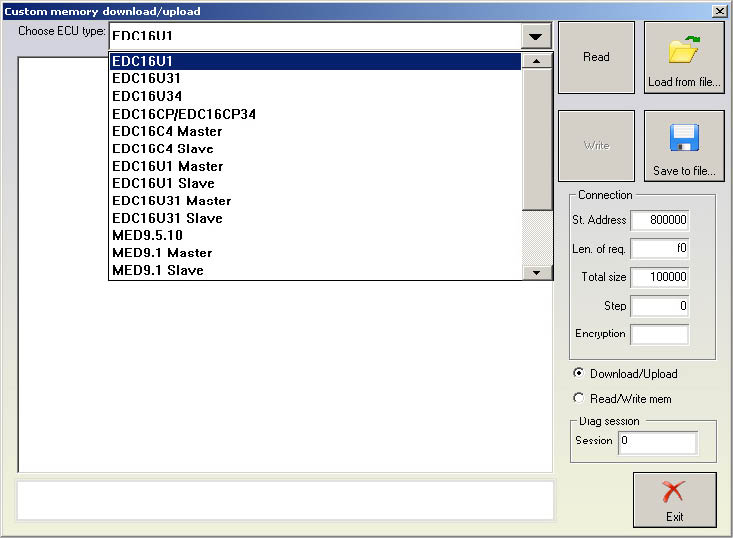
In this dialog it is needed to clarify the diagnostic session which you want to be entered before starting of the read/program memory.
In the example above we use session “86”.
If you want to save currently running diagnostic session simply enter session “0”.