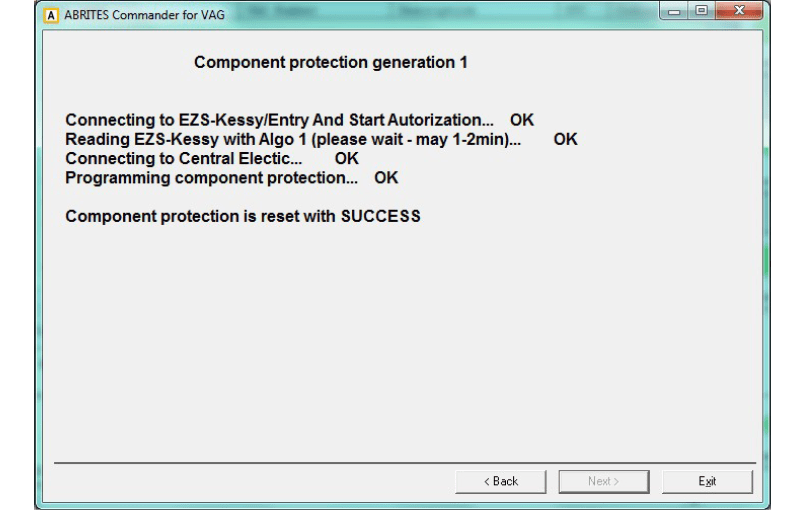
For the “Component protection - generation 1” you have to select the module which want to adapt and load the eeprom(ConfData) or flash dump:
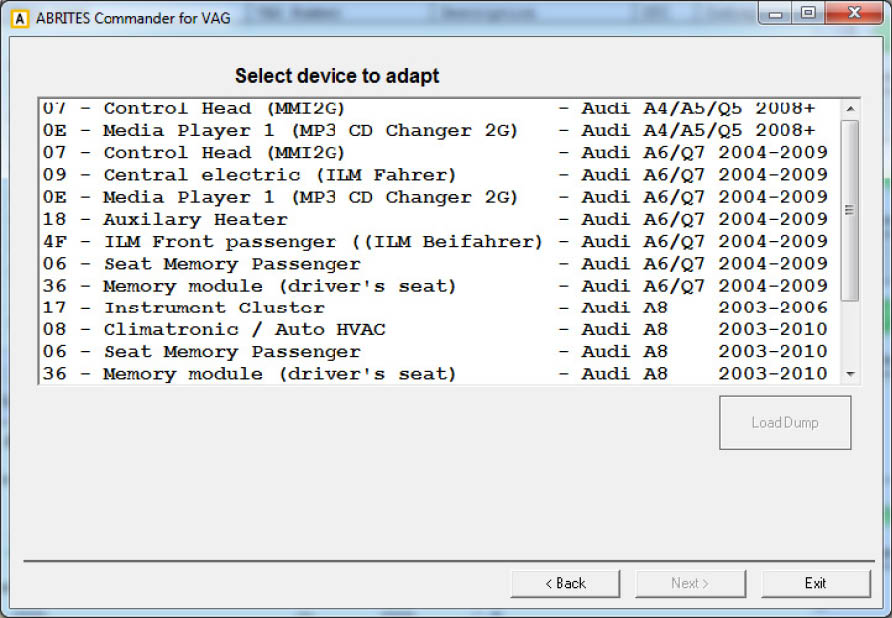
Currently for most of the modules it is needed to read the internal EEPROM (for the MP3 CD Changer the internal flash) with a programmer first. If it is not necessary to read the flash, the “Load dump” to read flash or EEPROM will not be active and the user can proceed with the next step.
A8 2003-2010 only
If a module for A8 2003-2010 vehicles is selected, there is one additional step. You have to connect 3 wires from the AVDI DB25 connector to the vehicles – CAN-H, CAN-L and Ground. There is a wiring diagram on exactly how to connect them. The user has to splice into the organge/green (CAN-H) and orange/brown (CAN-L) wires. Additionally the GND and +12V should also be connected. The easiest way is to disconnect a connector (e.g. the connector of the module under the driver’s seat) and to place the two wires from the AVDI there. The ground of the AVDI can be connected to any metal part. There is also a picture with example on how to connect to these wires. After the wires are connected you need to press “Read component protection data”.
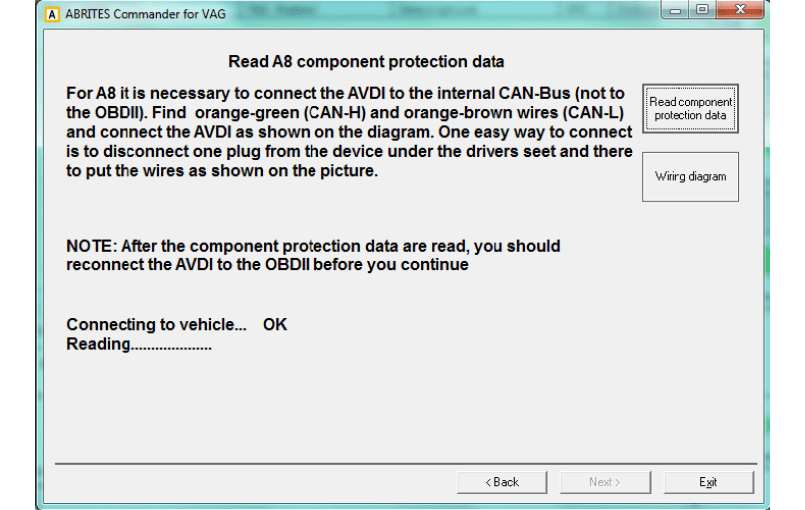
After the component protection data are read, you can continue with the adaptation.