The “VDO NEC” is dedicated to the VDO instrument clusters with a NEC micro controller.
Typically these instrument clusters are installed in VW/ Seat/ Škoda/ Audi cars produced after the year 2009.
After starting this function you will see the following dialog box
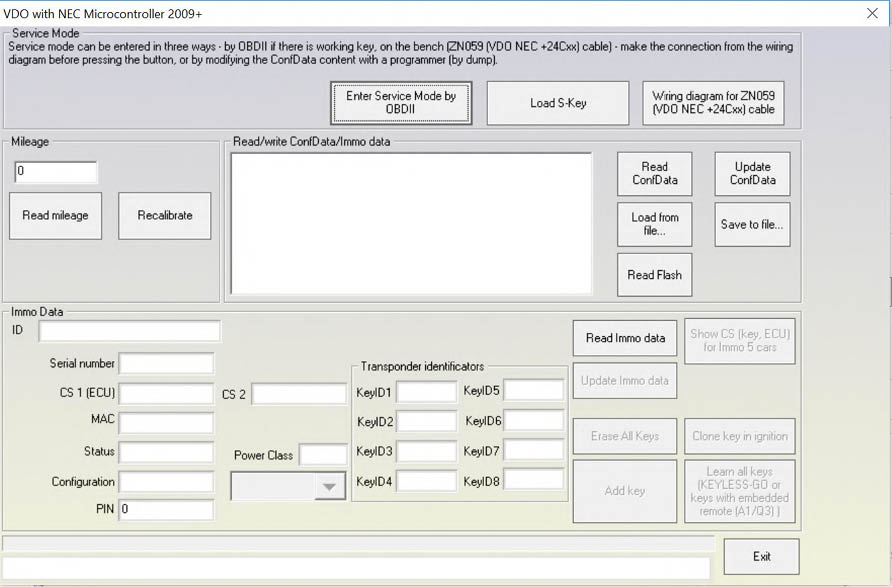
This special function can be used to read mileage and making keys. It is also possible to use it for exchanging parts and adapting the identification and configuration.
The key making function requires a ley programming license while the mileage function requires a separate license.
In order to perform any operations on these dashboards you will be required to enter the car into service mode. The dashboard cannot be worked on without entering service mode. Entering the car in service mode is performed in three ways:
-
If the car has a working key you could put it in ignition and then press “Enter service mode.”
-
Using VN006 special function and Megamost with ID48 rewritable(all by OBDII) when all keys are lost.
-
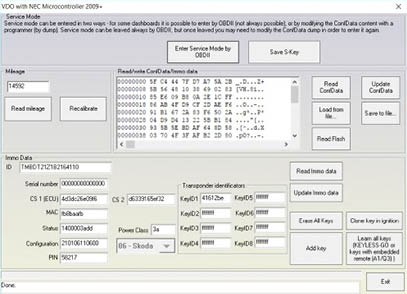
Reading the EEPROM (24C32 or 24C64) with a programmer or with ZN059 cable), then loading it once prompted by the software, then modifying it with the next step and finally writing the resulting file back to the cluster EEPROM using the programmer. Entering service mode, loading the EEPROM and reading mileage and IMMO Data looks like this:
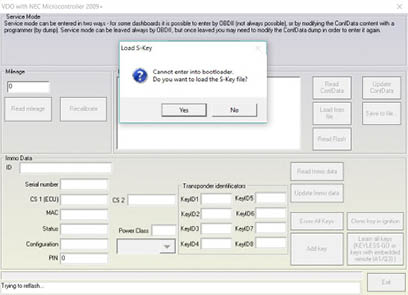
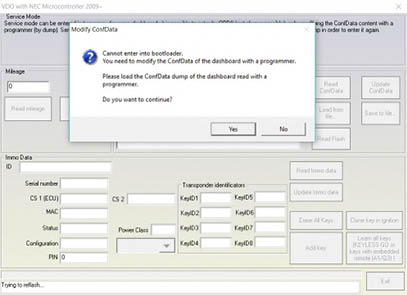
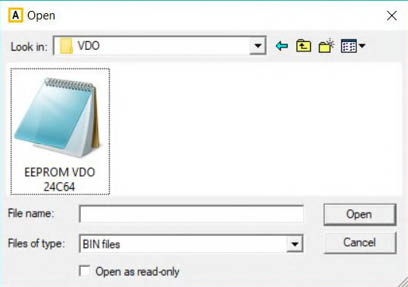
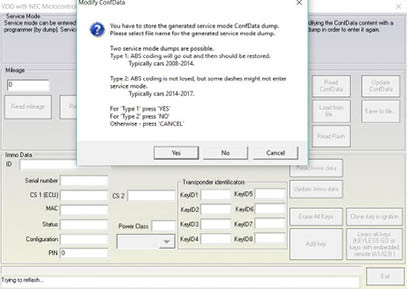
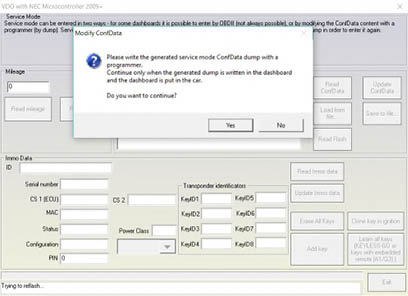
We recommend that you detach the dashboard from the car and work with it separately (not in the car). Another thing you could do is switch the ABS module OFF during your work with the dashboard(when working in the car). If you prefer to work with the dashboard in the car and the ABS coding is lost, it is possible to be calculated with the “Coding Calculator” special function (short coding only) . If the ABS has a long coding please save it before entering service mode(Diagnostics menu > ABS > Coding > save the coding string to a text file)
Once service mode is entered you can
-
Read/ Write the whole EEPROM
-
Read the whole flash
-
Read/Recalibrate the mileage
-
Read/ Write immobilizer data
-
Program a key for the car
Note: The S-Key(secret key) is generated once the already loaded cluster EEPROM is modified by the software. Once you enter service mode, the S-Key is automatically generated and you can save it. It is used to enter service mode without reading and writing the EEPROM. S-Key is a binary file and you can send it to friend so that he can read the same device easily on another PC.
Note: Sometimes writing of the data could fail. In order not to loose the information all written data is backed up in the “Dumps” sub folder.
Note: For dashboards with a colored TFT and other late model cars display with no working key you should enter the service mode and perform all changes before exiting the menu. Should you need to enter service mode once more you will need to modify the EEPROM yet again with a programmer.
Note: For the colored TFT and other later model cars display dashboards the specifics dictate that the dashboard remains sometimes dark while the service mode is active.