In the “Live data” section, the user is able to observe the measured data, to stimulate actuators and to activate the basic settings. It is possible to observe the measured data while the actuators are activated.
Measured values
- “Non UDS” modules.
“Measured values” provides you the possibility to check measured values in different groups. The group of the data you want to check, is selected in a combo-box, and normally some short description for the group is also available.
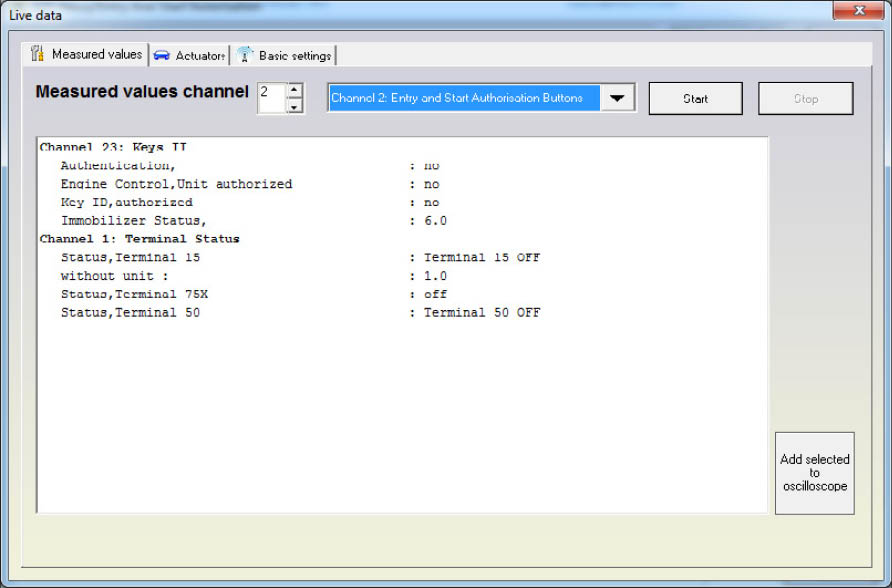
Some important measured values
The most commonly used value is the key recognition in the immobilizer. The key recognition is at channel 2 if the immobilizer is by CAN or at channel 23 if the immobilizer is by K-LINE.
The only exception is the Audi Q7/A6/ Allroad where the recognition is at channel 23.
- ”UDS” modules
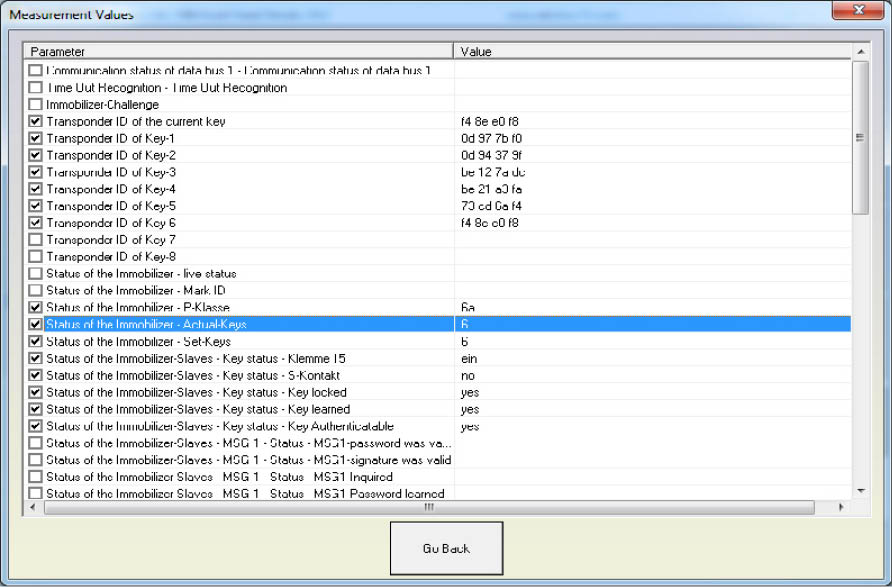
The “Measured values” provides you the opportunity to check the measured values by selecting features from a list.
Here you can see the measured values from a unit in a list view.
Actuator test
There are two types of tests available: “Selective” and “Sequential”.
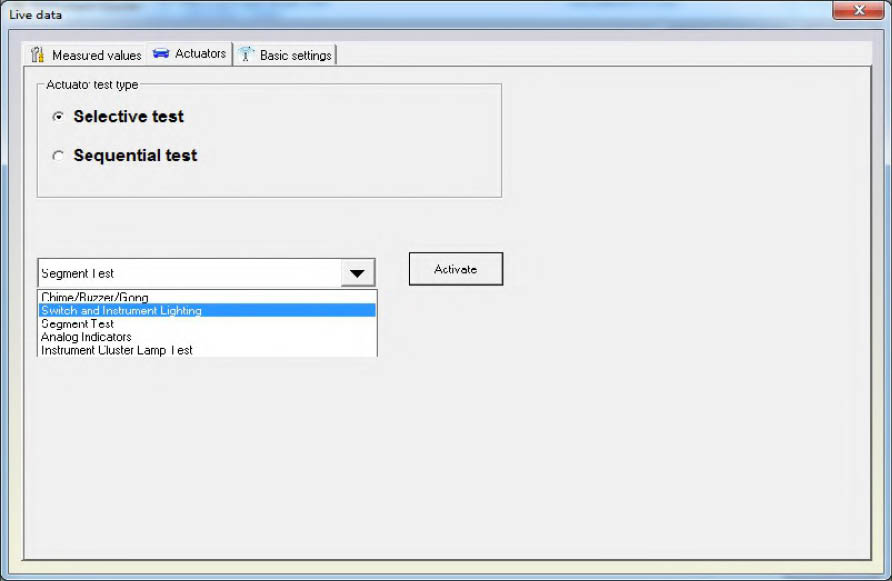
In the selective test mode you have the possibility to enter a test code manually or to select it from a list box. When a test is selected all you need to do is press the “Start” button. But not all modules are supporting the selective mode, so for them a sequential test should be used (sequential test means that each actuators are activated one after the other).
Basic settings
“Basic settings” will expect you to select a number of the group and press the “START” or “STOP” button.