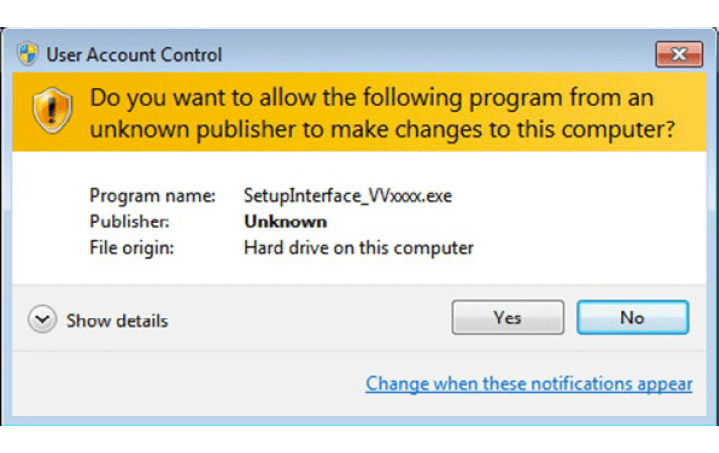
Please start the executable file above to initiate installation procedure and follow the on screen instructions.
Depending of your operation system and settings you can be asked to confirm starting of installation procedure.
Required equipment
- A Windows PC meeting the System Requirements
- The ABProg installer executable
- Administrator rights on the PC (the USB drivers need them)
Step-by-step procedure
1. Start the installer
Start the executable file to initiate the installation procedure and follow the on-screen instructions. Depending on your operating system and settings you can be asked to confirm starting of the installation procedure.
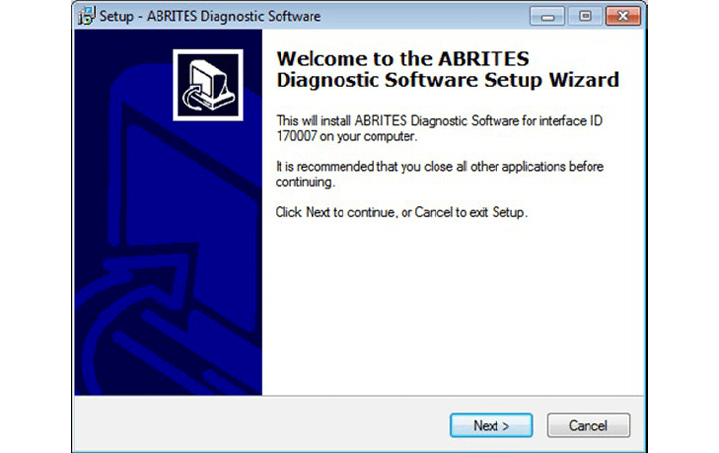
2. Accept the licence agreement
Press “Next” button to proceed with the installation.
Read carefully license agreement and select “I accept the agreement” if you accepting all. Then press “Next” button. If you not agree press cancel to interrupt installation procedure.
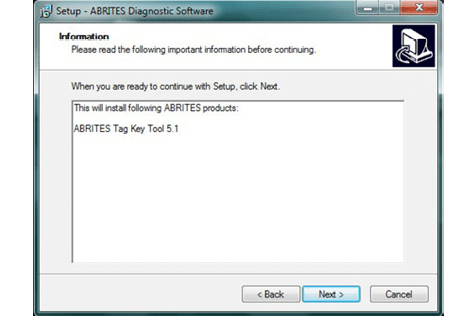
3. Choose the destination and the start menu folder
Press “Next” button to proceed with the installation.
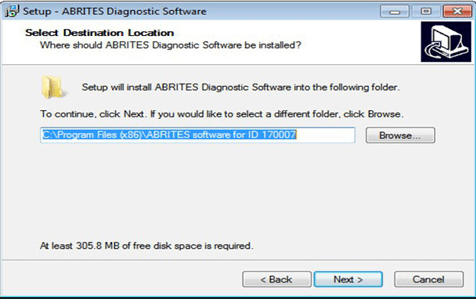
Press “Next” button to proceed with the installation.
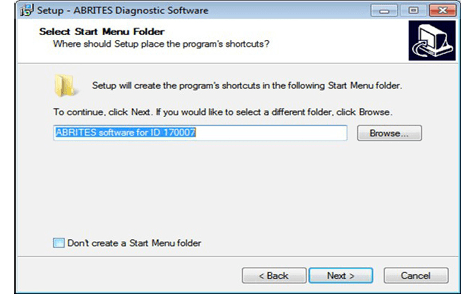
4. Choose the desktop icons
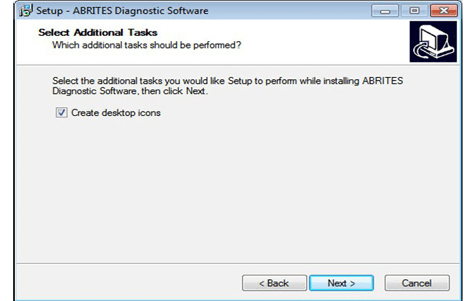
Press “Next” button to proceed. If you don't want desktop icons unchecked the check box about creation of icons. Press “Next” button to proceed.
5. Install
Press “Install” and wait until installation complete.
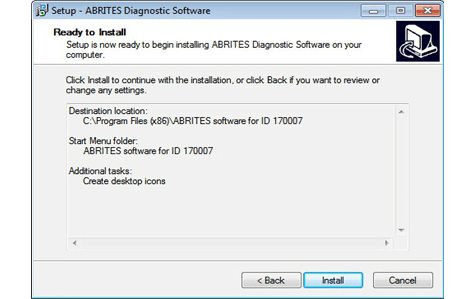
6. Install the USB drivers
Be sure that check box about installation of interface's USB drivers is set especially if you installing for first time Abrites Diagnostic Software. Press “Finish”.
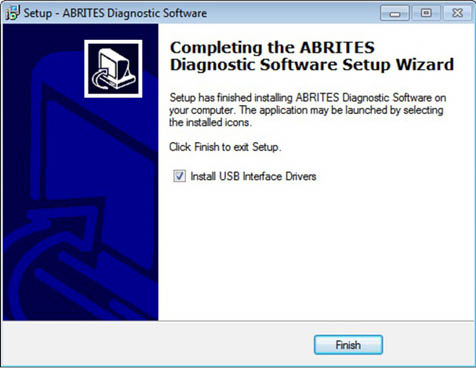
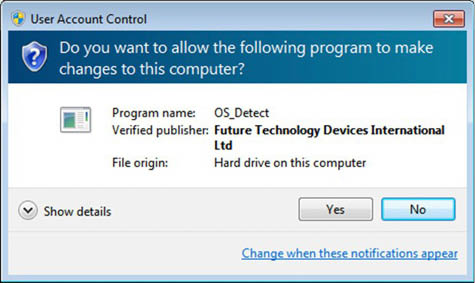
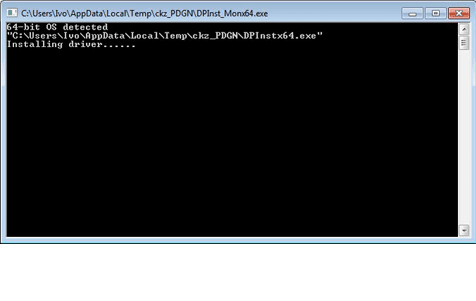
Depending setting of your operation system you can be asked to confirm installation of USB drivers. Press “Yes”. Wait until installation of USB driver finish.
Important notes
- Leave the USB driver checkbox ticked on a first installation. Without the drivers the PC will not see the AVDI, and the programmer will appear dead.
- Do not interrupt the driver installation - let it finish before unplugging anything.
Troubleshooting
| Issue | Likely cause | Solution |
|---|---|---|
| The installer does not start | The OS is blocking it | Confirm the prompt asking to start the installation procedure, and run as administrator |
| The software starts but finds no interface | USB drivers were skipped | Re-run the installer with the USB driver checkbox ticked |