Wiring the ZN130 ABPROG programmer to the AVDI
The ABPROG programmer is not connected to the vehicle. It sits between the AVDI and whatever you are reading on the bench.
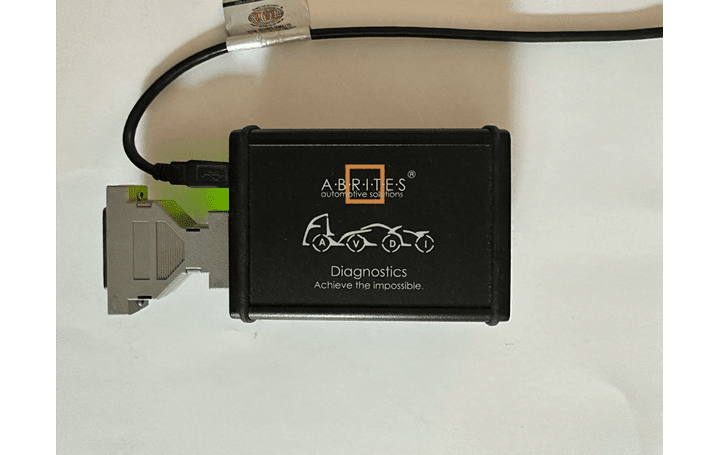
Required equipment
- Abrites AVDI interface
- ZN130 ABPROG programmer
- CB101 extension cable, if the AVDI cannot sit next to the bench
- The adapter for the target device (ZN031, ZN032, ZN033, ZN035, ZN046, ZN055, ZN057, ZN078, ZN086)
Step-by-step procedure
1. Connect the programmer to the AVDI
The male DB-15 part of the ZN130 goes into the female DB-15 connector on the AVDI. Use the CB101 extension cable if you need the length.
2. Connect the adapter to the programmer
The adapter's DB-25 male side connects to the DB-25 female connector of the ABPROG ZN130.
3. Connect the AVDI to the PC
Connect the AVDI to the laptop over USB, then start the software - see Starting of the software.
Important notes
- Make every connection before powering up. Hot-plugging an adapter onto a live programmer risks the target chip.
- The power from “ZN130-ABPROG” is 5V DC - never feed the target from a separate supply at a different voltage at the same time.