When programmer is ready and connected to the interface you can start the software.
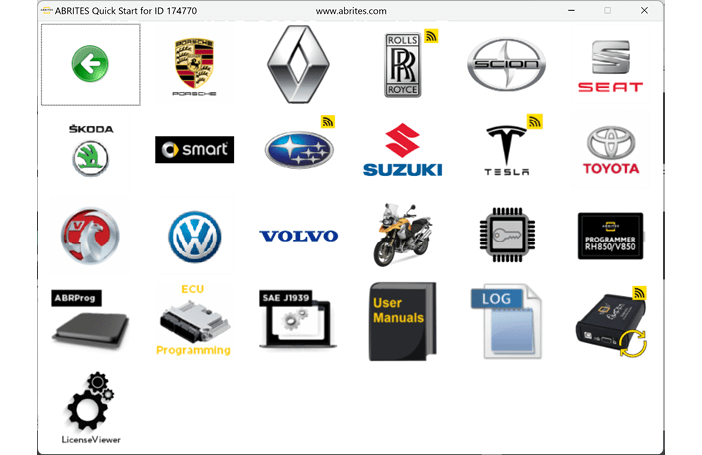
Step-by-step procedure
1. Check the connection
Make sure the programmer (ZN045) is connected to the AVDI and the AVDI to the PC - see Connection of the programmer to the interface.
2. Start the application
When the programmer (ZN045) is connected to the AVDI you can start the software by selecting ABProg > Classic:
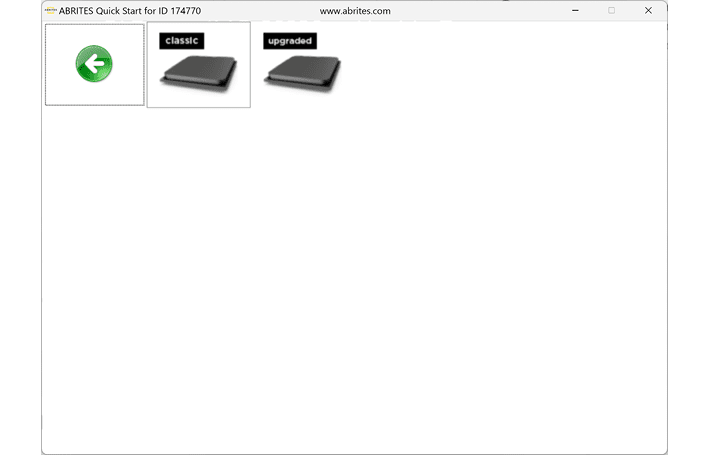
3. Select the device family
From the main screen choose the family that matches your target - EEPROM, MCU, PCF, MB NEC KEY or EWS - then the specific device.
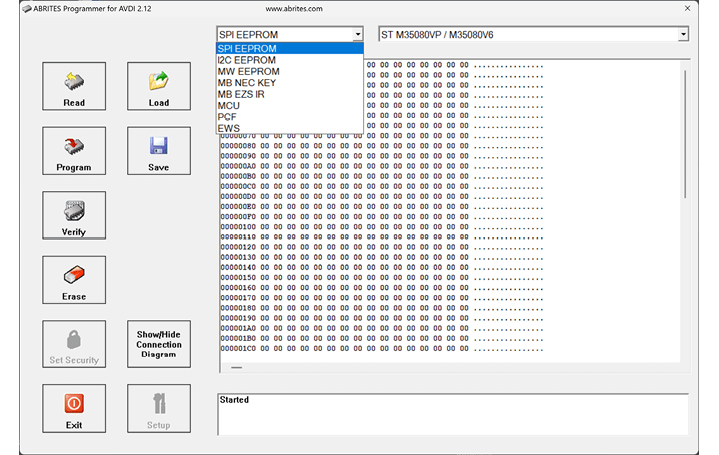
Important notes
- ABProg > Classic and ABProg > Upgraded are two entries in the same menu. Starting the wrong one is the usual reason a documented function appears to be missing.
- If the software opens but reports no programmer, the ZN130 is not seen by the AVDI - re-check the DB-15 connection.