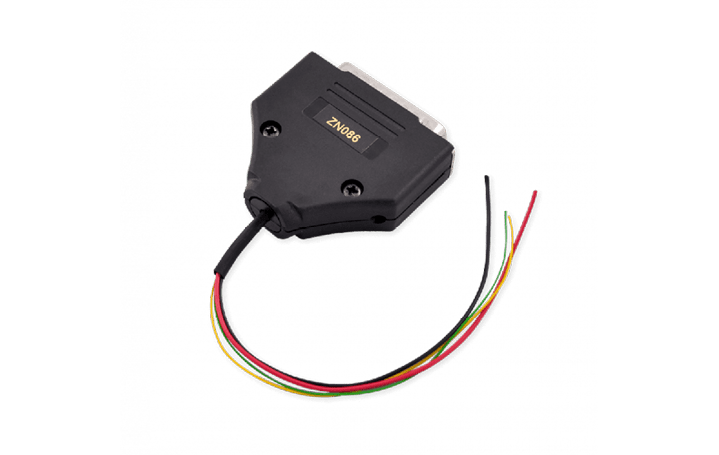
Using the ZN086 you can read unlocked MC9S12’s from the xExxx series - PFlash, DFlash and EEPROM data, save them, and later write to another module. The whole procedure takes minutes and allows you to adapt these modules in the vehicle (clone the donor module onto the new/used one).
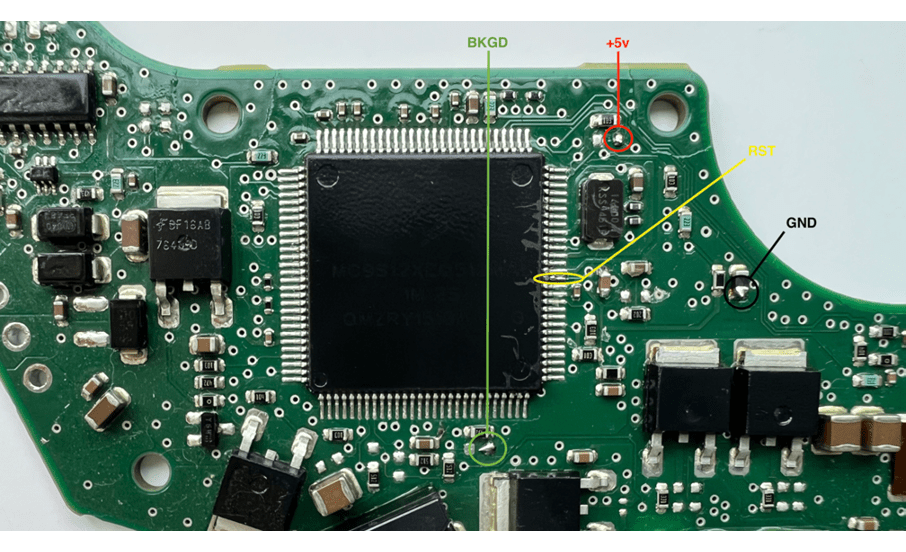
Important: The PIN that needs lifting, is specific for each processor, and you need to find that information first. Since there are many variations, you will need to do your own research and get to the processor’s data sheet. The PIN that needs lifting is the “RST” or reset PIN.
The ZN086 adapter is soldered onto four points on the PCB (one of which is the lifted pin) and then connected to the ABPROG > the ABPROG is connected to AVDI, and AVDI to your laptop.
You can either use the Upgraded or Classic version of the software.
First, you need to read PFlash and EEPROM, save them, and then program them on the replacement module’s PCB.
MC9S12 processor is used in a variety of modules, such as DSM and ISM in FBS4 Mercedes-Benz vehicles, etc.
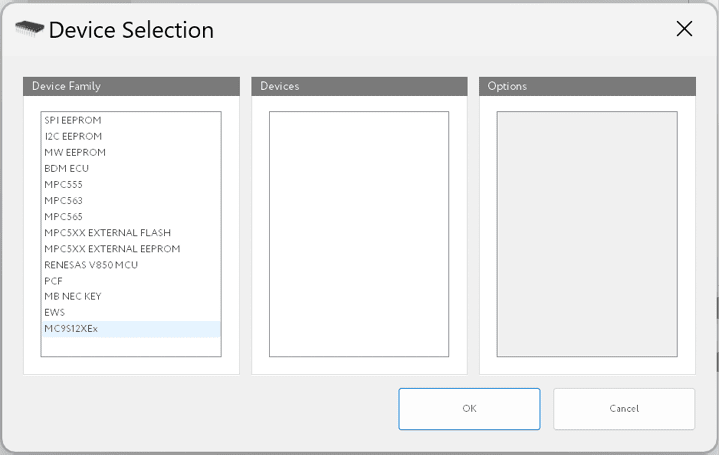
Below you may find a picture of the adapter, and where the option in the software is located - from the main screen you need to click “select” and find the options.
ZN086 MC9S12 ADAPTER for ABPROG
PIN 14 - GND - Black
PIN 21 - +5v - Red
PIN 11 - RST - Yellow
PIN 19 - BKGD - Green
For more details on how the ZN086 is used, please check the following video