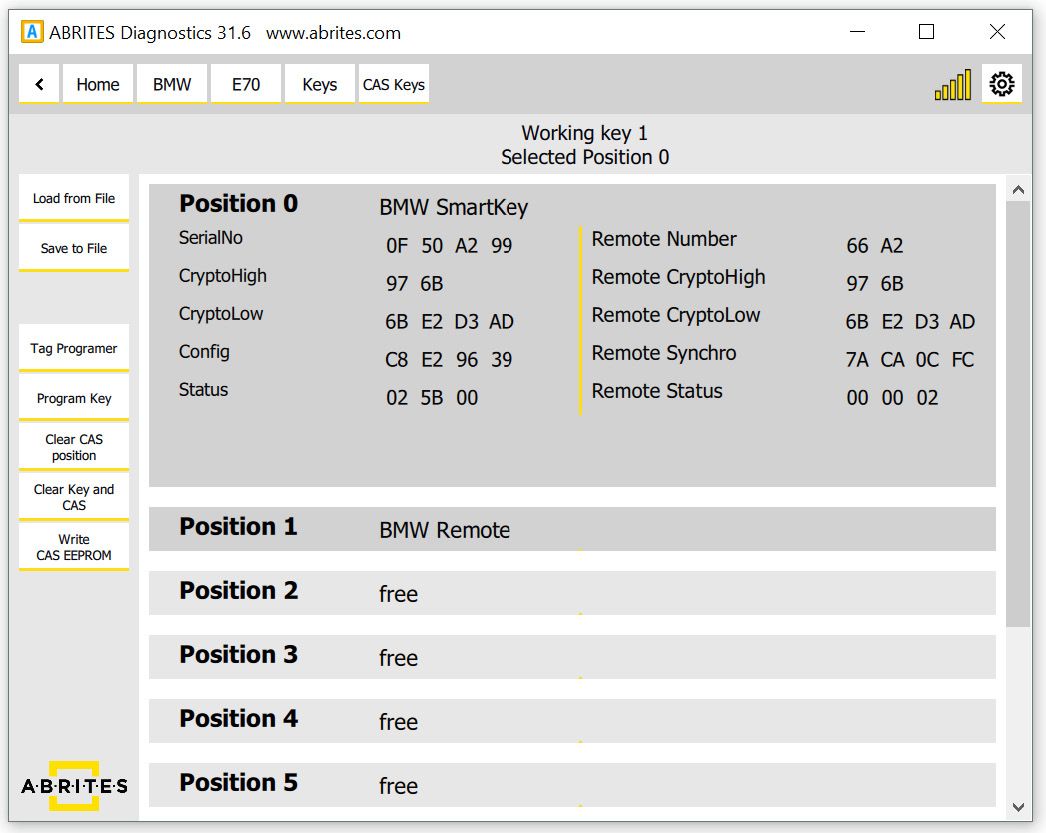
To begin with the user has the ability to observe and modify the key data in the CAS module.
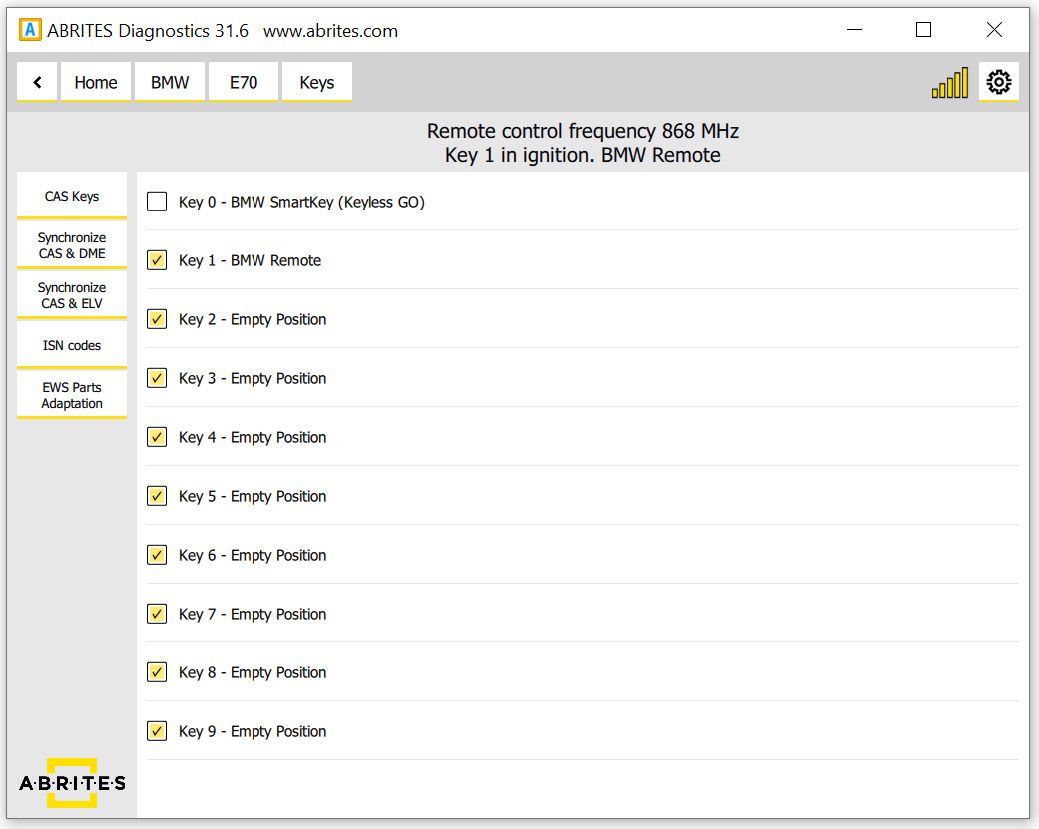
When adding keys to a vehicle the user will need to use the TAG or the PROTAG programmer. It will need to be connected to the user’s AVDI if it’s Tag Prog and to the PC via USB connection if it is a PROTAG.
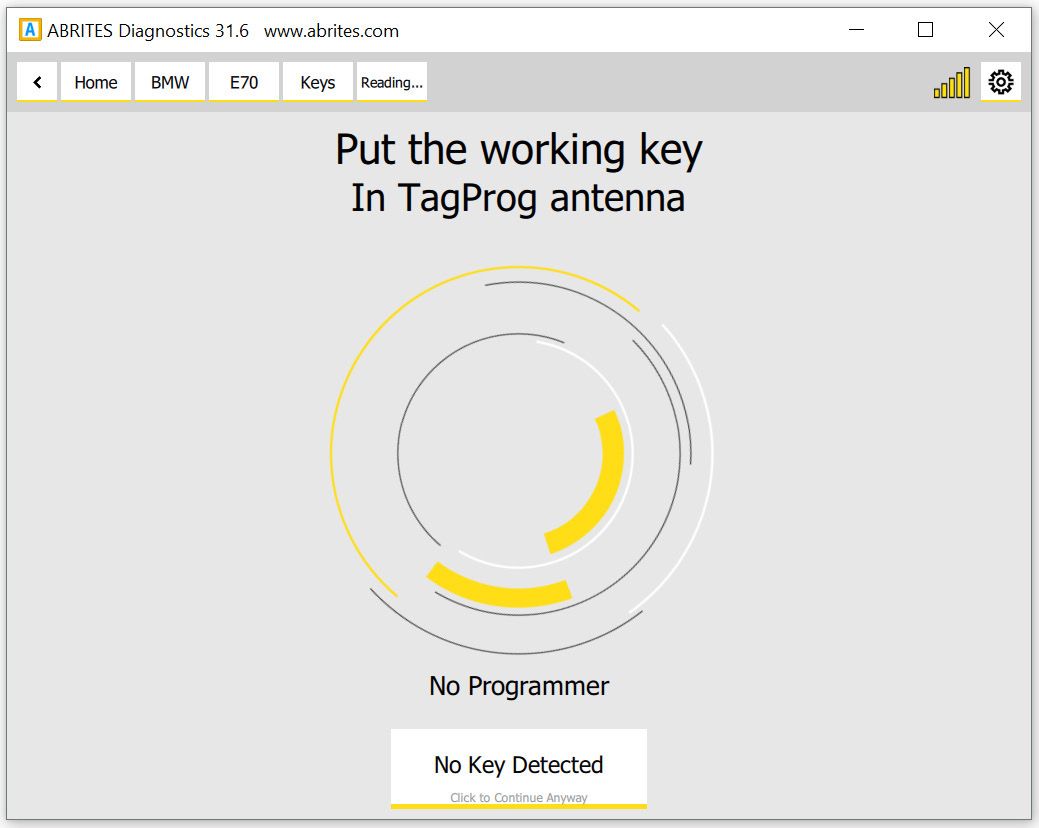
In the cases when a key is added to the existing set the working key needs to be placed in the TAG programmer. Tag Programmer. Allows the user to observe, check and modify HiTag2 key data. The user is given hints for the key contents whether the data is consistent and options to correct it(very useful tool when the key is not an original BMW key).
From the “CAS keys” menu the user can choose to Save the data to a file on their computer and use it as a backup file, Load previously saved data, program a key, clear the current positions, clear the CAS and keys and write the CAS EEPROM/CONF DATA.
IMPORTANT: It is strongly recommended to Save the current key data to a file before applying any changes.
In the cases where there are no keys available in order for one to be added and the car is in an all keys lost situation the Individual Serial Number (ISN) from the DME must be read. This situation will need you to keep the car awake and the best practice is to either shorten pins 1 and 16 on the OBD or to make e temporary transponder.
Important notes
IMPORTANT: save the current key data to a file before applying any changes. The Save button is the whole of your undo.