Re-flashing of the firmware of the modules with newer (or older if required) software versions. The user is presented with the firmware versions of each module and is given suggestions of what is the most proper version of each module. What distinguishes that function from what the original software tool provides is the ability to choose arbitrary flash version. The user can either accept or ignore the flash version suggestions and apply whatever operation they think is necessary to the module. This gives great flexibility and can solve problems that even the dealer tool could not tackle. For example finding the best data flash of motor computers – Abrites programming function allows experimenting to flash every data flash that the user chooses to try, instead of firmly limiting the user to one specific option.
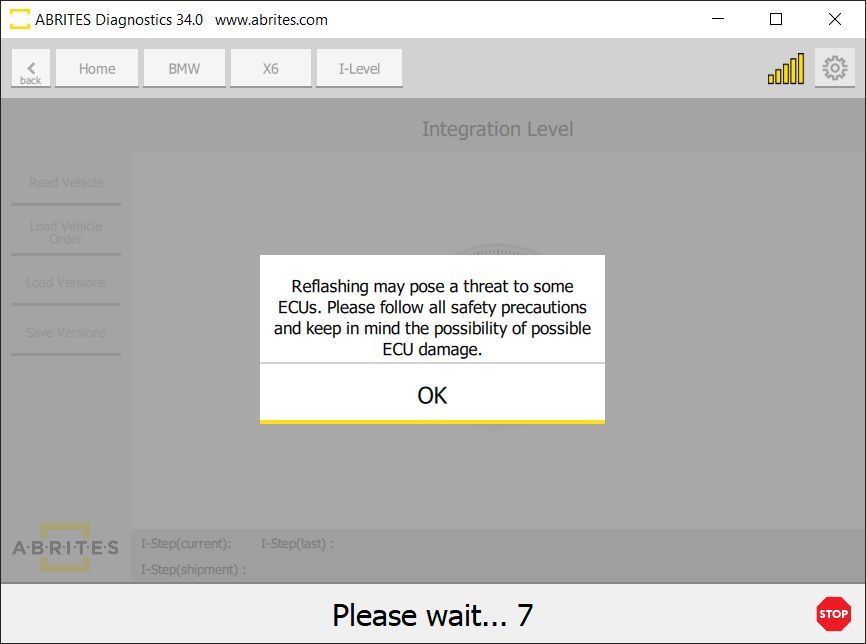
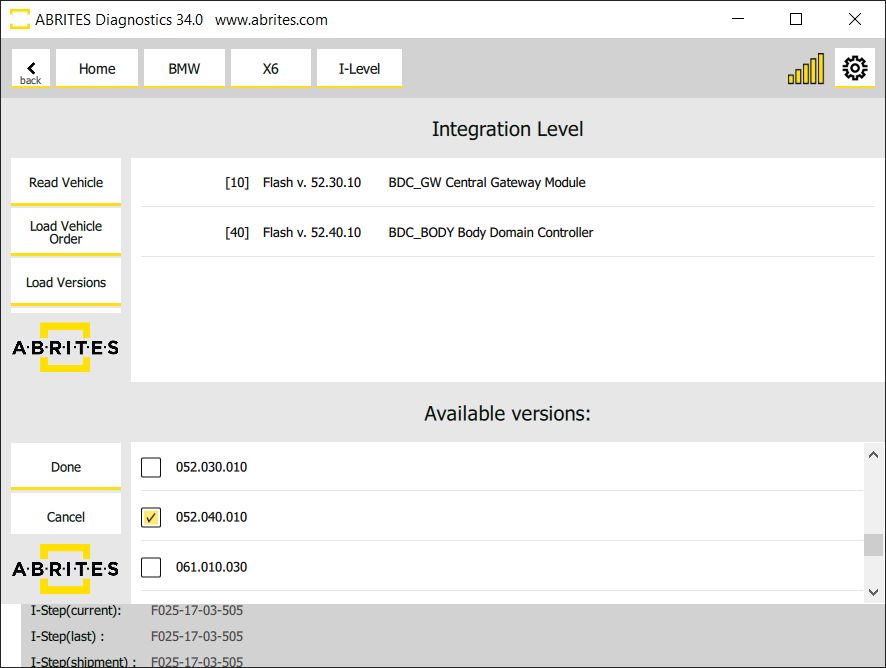
Once the desired flash version is selected you will see the following window appear.
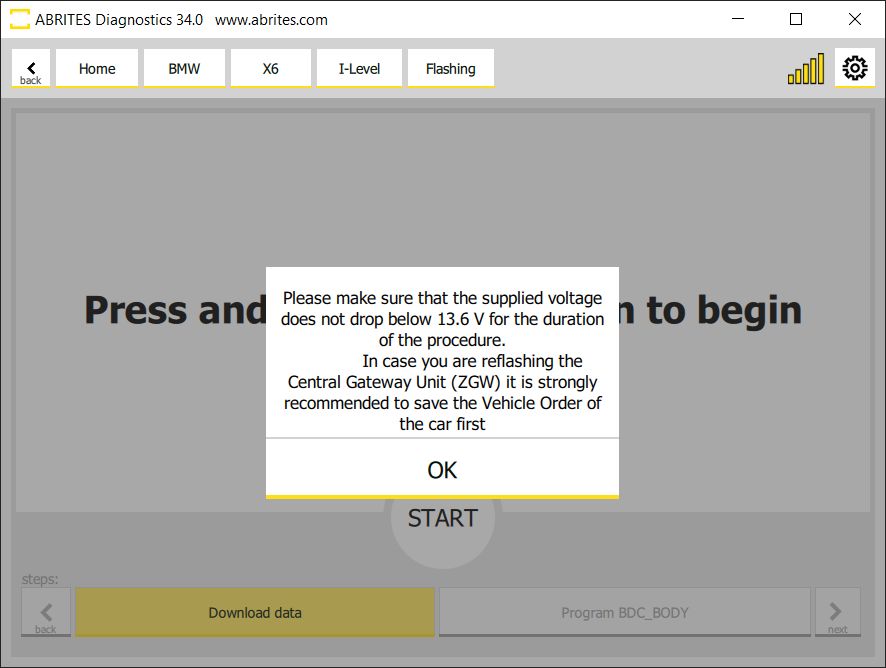
All you need to do is to make sure that the supplied voltage does not drop below 13.6V and press and hold the “START” button to begin.
One of the unique features is the predictive selection of the most compatible flash file as a suggestion in the second field. It is absolutely obligatory to have the vehicle connected to an external power source for programming. Alternatively the consequences may be irreversible.
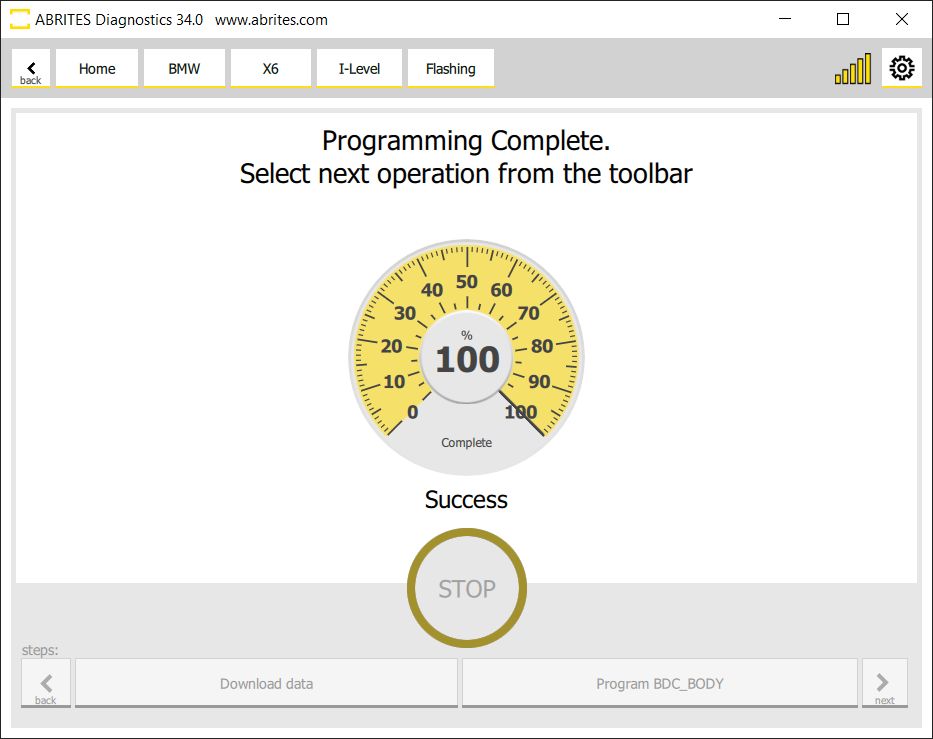
Important notes
-
Reflashing may pose a threat to some ECUs. Follow all safety precautions and keep the possibility of ECU damage in mind.
-
The freedom to pick an arbitrary flash version is the point of this function and also its risk. A version that does not belong to the unit is exactly as writable as one that does.