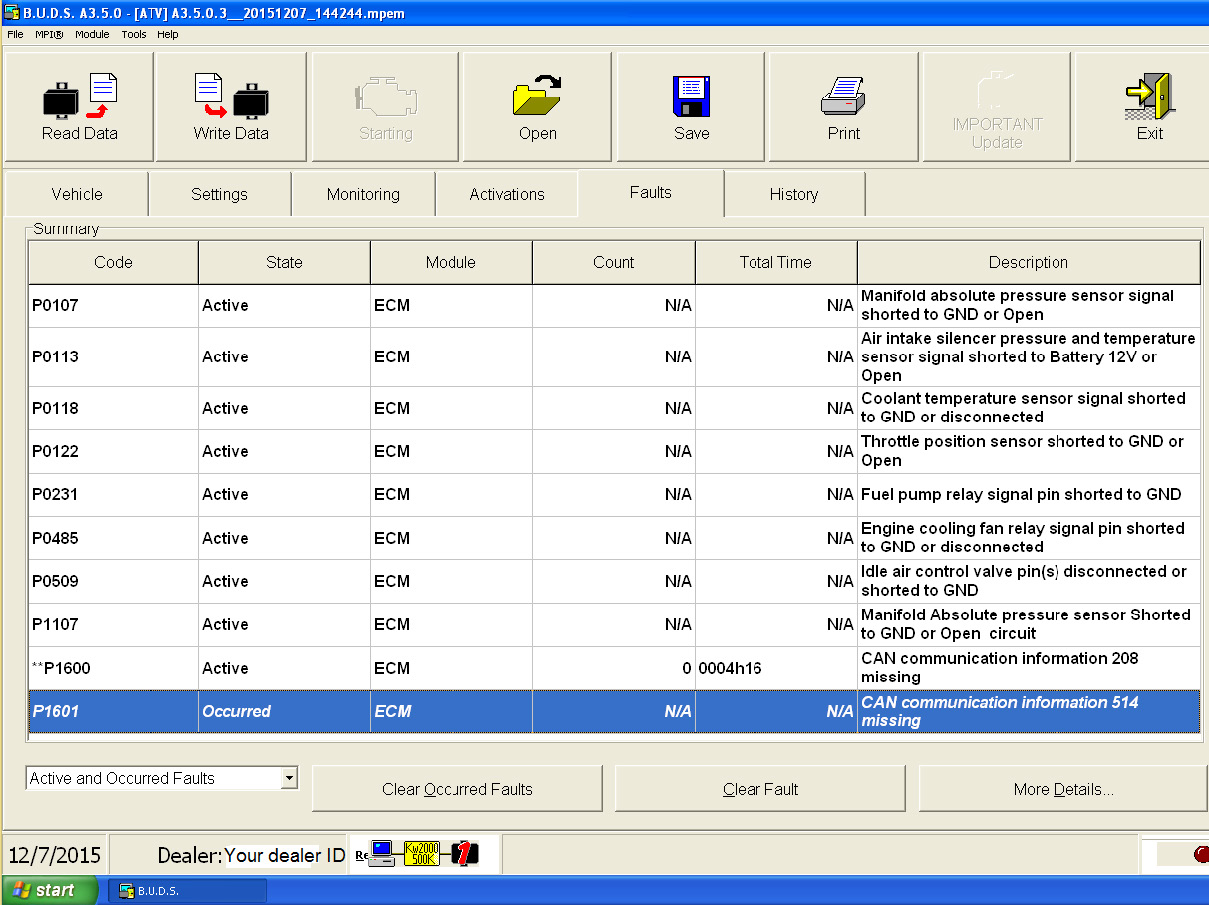
In order to use your AVDI as a communication interface between BUDS and Bombardier vehicles you will need to have a computer system with the BUDS software installed.
After that you will need to install “SetupInterface_xxxxxx_PASSTHRU.exe” received for your interface on this system (xxxxx is your interface number).
From the start menu open “START -> Programs -> Abrites Software for IDxxxxx -> ABRITES PassThru Driver” run SetPassThruBUDS.exe. In the cases when using the BUDS in a virtual machine please make sure that the AVDI is connected to the virtual machine.
Make sure the latency timer of the COM port where AVDI interface is recognized is set to 1
You can start the BUDS application.
In case you have an MPI system number you can input that number during the passthru driver’s installation as shown below:
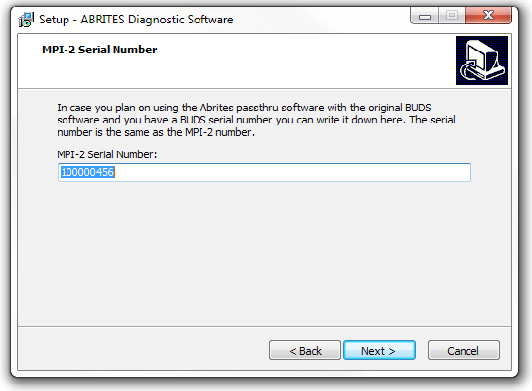
When you have installed the passthru driver in the same computer or virtual machine as the BUDS software you can perform the installation of the SetPassThruBUDS.exe file:
The installation will then ask you which interface ID you would like to install the software for:
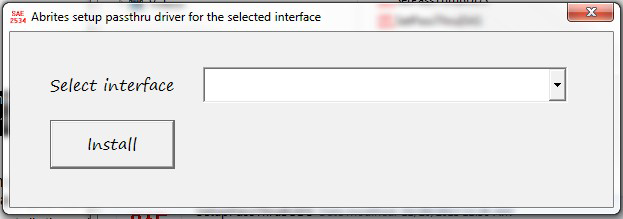
From this drop down menu please select your interface ID number and press “Install”. The following message will be displayed:
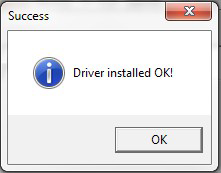
This message means that the passthru driver for your interface is installed and is working properly. You can then proceed to using the BUDS software.
The BUDS software is now ready to use. It is very important to check that the there is actual communication between the software and the vehicle. The BUDS software has an indicator for the communication:
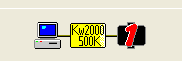
BUDS communicates with the vehicle and diagnostics can be performed