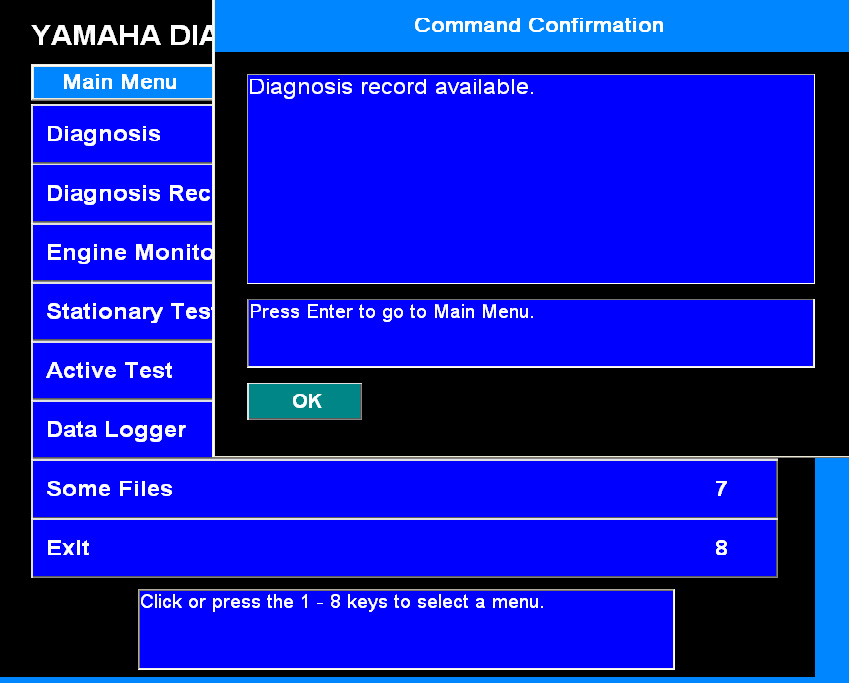
We assume that you have a system with the Suzuki Outboards Motors Diagnostic System.
To use Suzuki Outboards Motors Diagnostic System you should start VCI emulator software and select K-line emulation mode of the first type. You then start the Suzuki Outboards Motors Diagnostic System and it will be available for operation.
Go to the folder where your Abrites diagnostic software is installed and select VCI emulator.
Once you do that the interface will connect to the software. After that you select the VCI emulator type 1 from the drop down menu
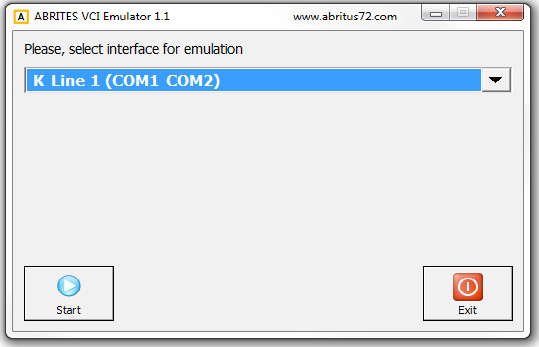
Once that is done the Suzuki Outboards Motors Diagnostic System will be ready for usage
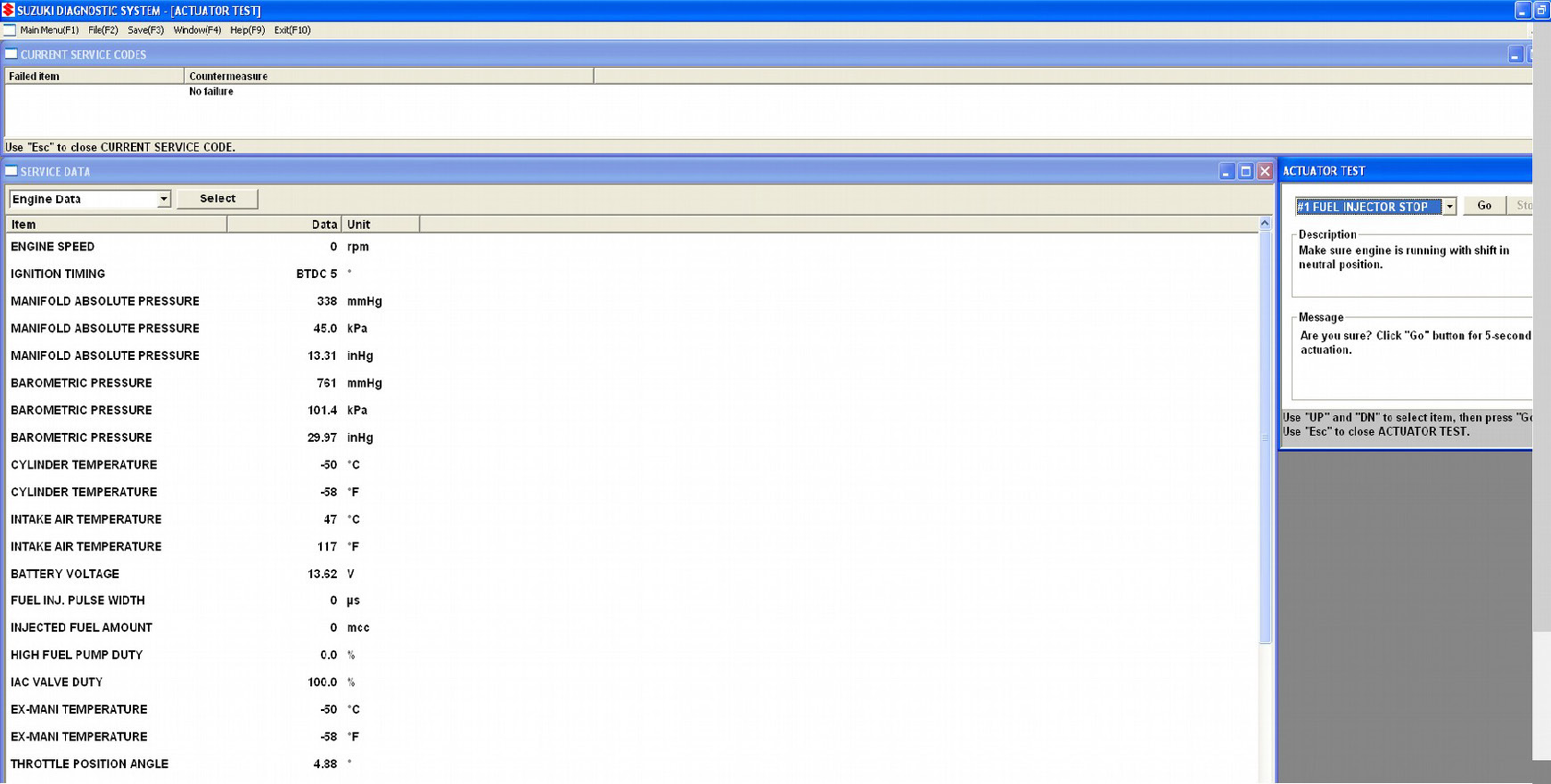
IMPORTANT: It is mandatory to run the third party applications as Administrator using the right click button on the .exe file and selecting “Run as administrator”.
3.11 Using AVDI with Yamaha Outboards Motors Diagnostic System
To use Yamaha Outboards Motors Diagnostic System you should start VCI emulator software and select K-line emulation mode of the First type.
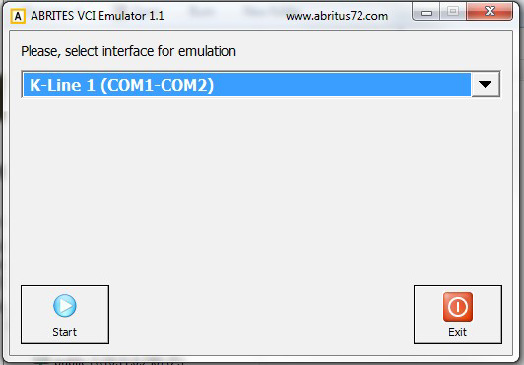
You can then start the Yamaha Outboards Motors Diagnostic and it will be ready to work
IMPORTANT: It is mandatory to run the third party applications as Administrator using the right click button on the .exe file and selecting “Run as administrator”.