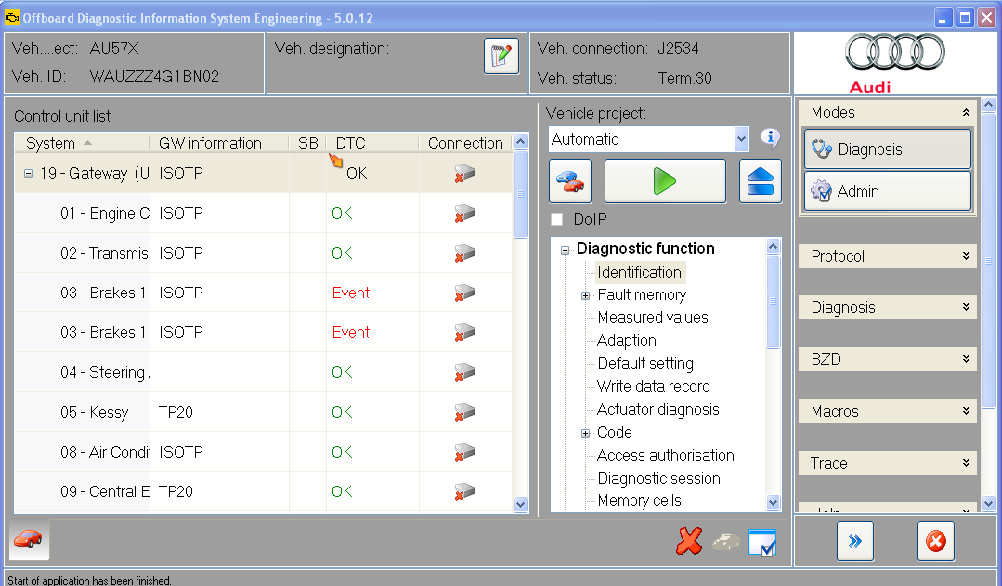
In order to use your AVDI interface with the Volkswagen AG Off-board Diagnostic Information System you need to make sure that the Abrites passthru driver is installed in the same computer or virtual machine as the ODIS.
When you are using your AVDI with the engineering information ODIS software the J2534 connection will automatically be connected.
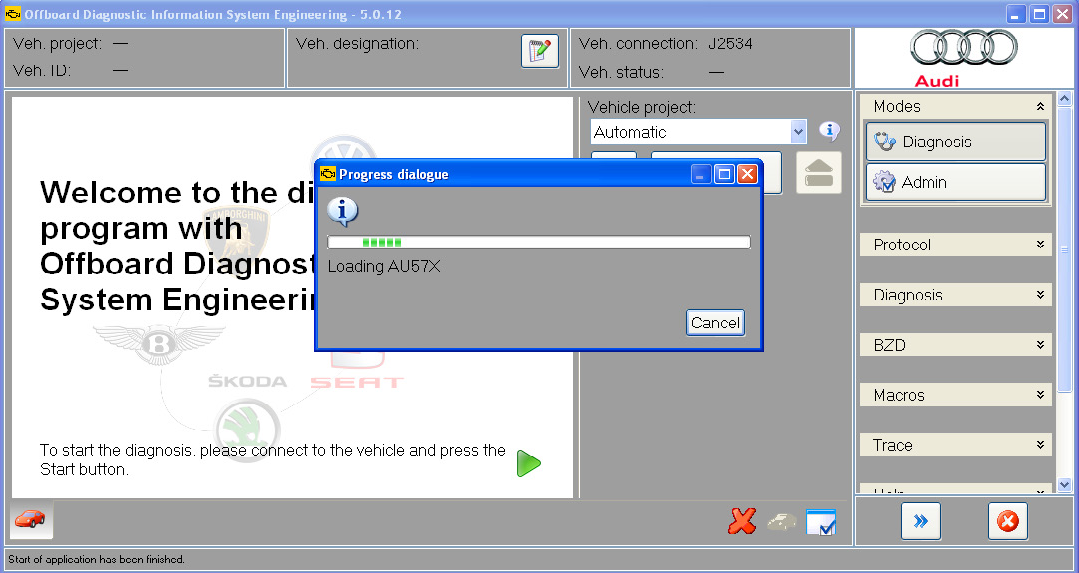
IMPORTANT: It is mandatory to run the third party applications as Administrator using the right click button on the .exe file and selecting “Run as administrator”.
In the cases when you use the diagnostic ODIS software the procedure requires the following steps. You have to make sure that the Abrites passthru software and the ODIS software are installed in the same computer. Then start the ODIS software and:
Go to the “EXTRAS” menu and select “Diagnostic interface”:
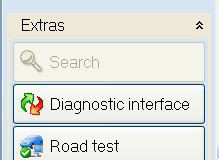
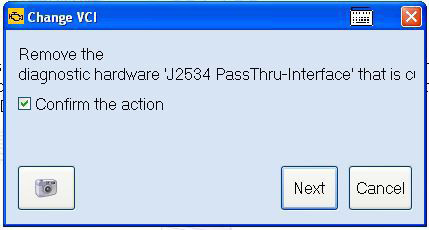
SELECT “CHANGE VCI” SELECT “CONFIRM THE ACTION” AND
PRESS “NEXT”
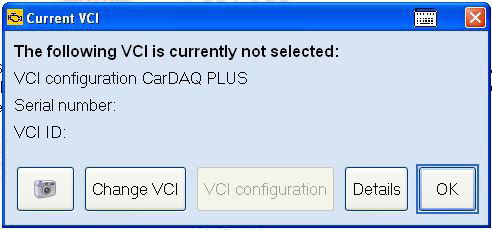
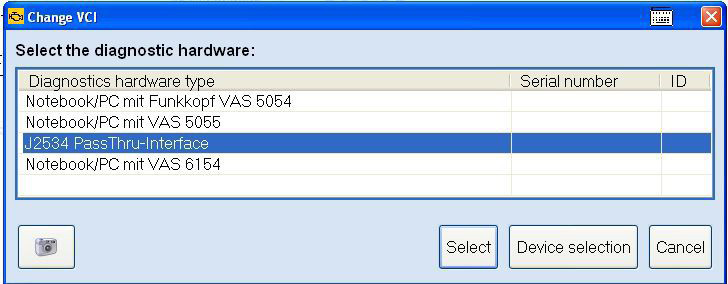
Choose the J2534 Passthru and click select. Click next and return to the ODIS main screen
to perform diagnostics.
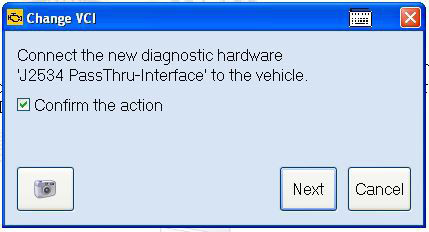
The ODIS is ready to work: