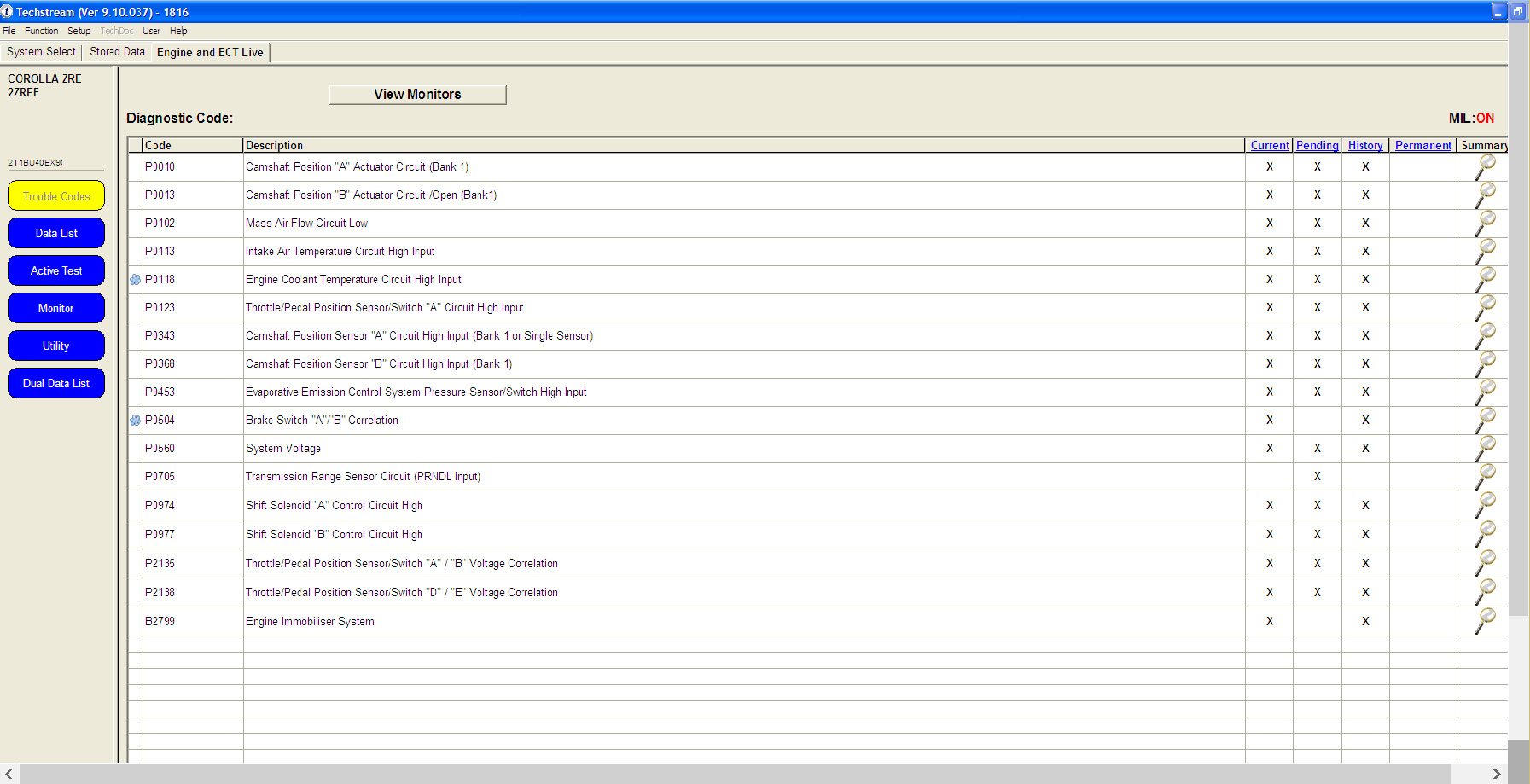
In order to use the AVDI interface with the Toyota Techstream software you need to install the Abrites passthru software in the computer where you have the Techstream software installed and make sure that your AVDI is connected to the same computer.
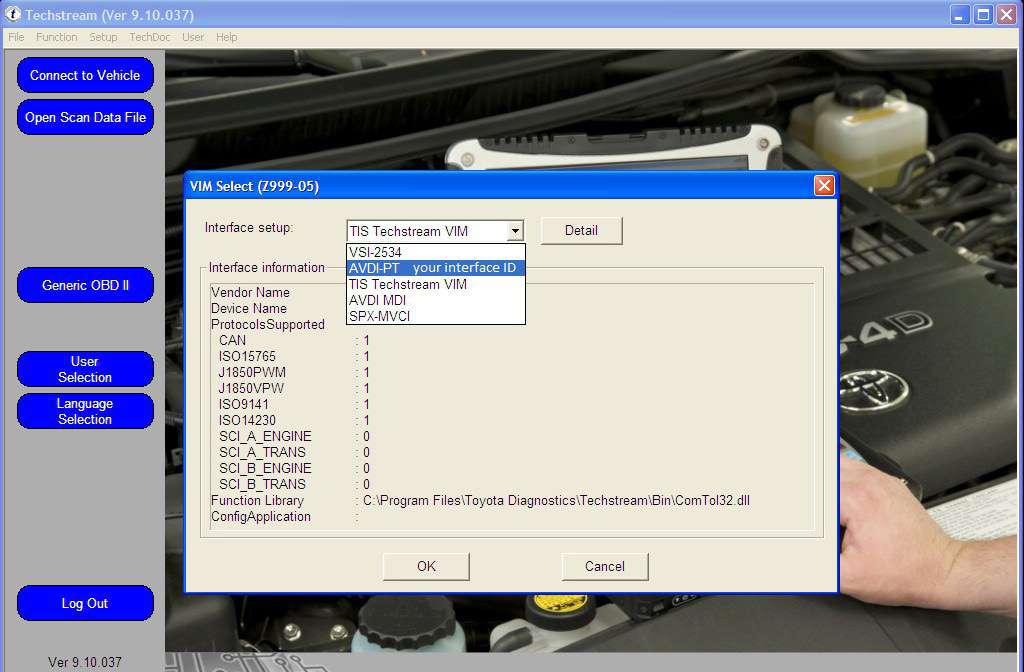
Next you need to start the Techstream software and go into the “VIM Select” menu. From the drop down menu please select AVDI – PT XXXXXX where “XXXXXX” is the number of your interface:
IMPORTANT: It is mandatory to run the third party applications as Administrator using the right click button on the .exe file and selecting “Run as administrator”.
Once that is done Techstream is ready to work